Appendix B: Printer Controls and System Menus
MP65492–1 175 Linx 4900 Operating Manual
B.1 General Control Keys and
Indicators
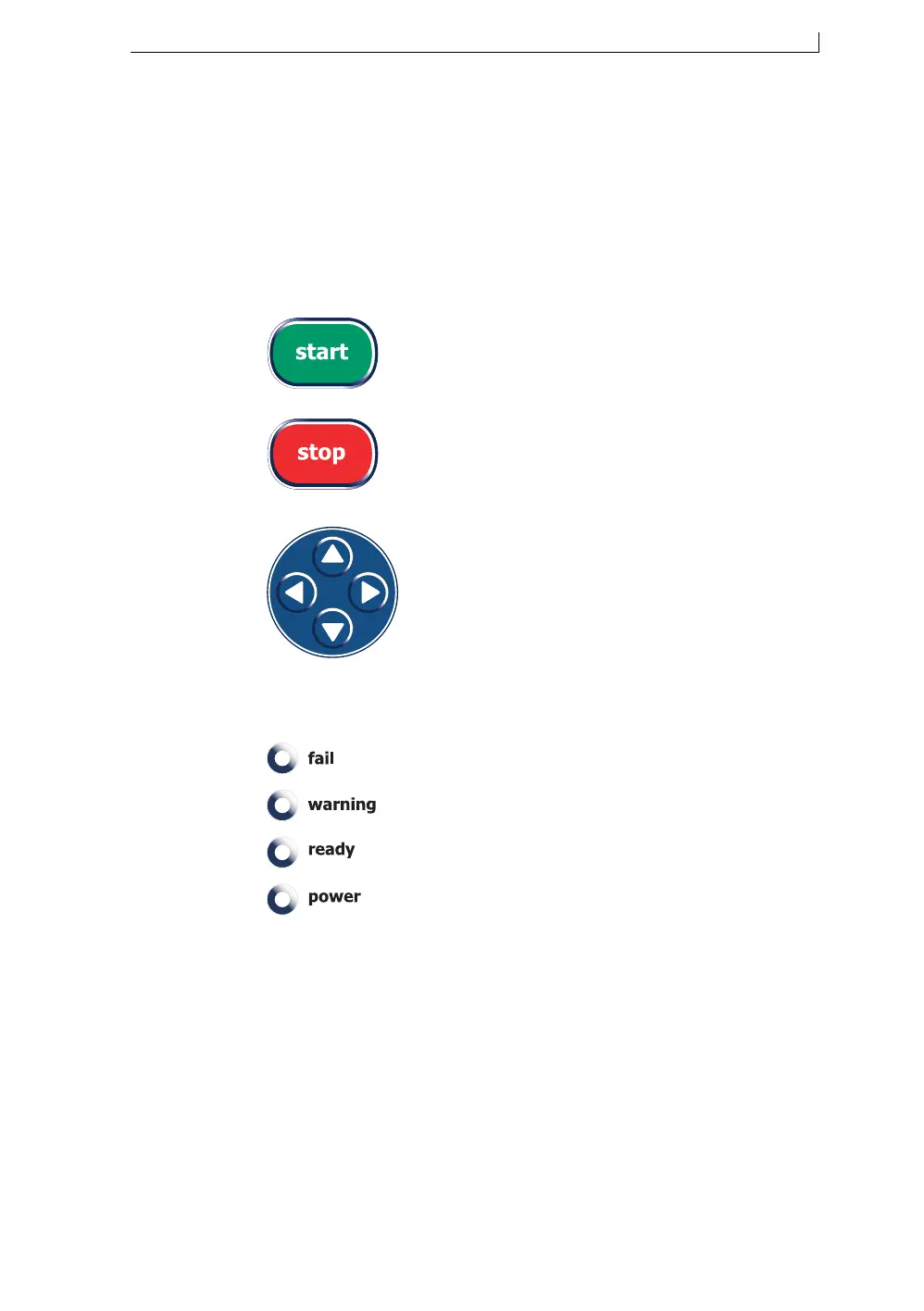
B.1.1 General Control Keys
B.1.2 LED Status Indicators
Press this key… To do this…
Initiate a jet startup procedure to start
printing.
1. Stop printing and initiate a jet shutdown
procedure.
2. Initiate printer power down (when
printer is in “Jet Off” state).
Navigate the following:
• Menu options
• Option values
• Text fields
This indicator … Indicates...
fail A printer failure event.
warning A printer warning event.
ready That the jet is running and the printer is ready to
print.
power That the printer has power applied to it and is
switched on.
4900 Op Manual.book Page 175 Tuesday, September 9, 2003 12:32 PM



 To Next Page