Chapter 5: Changing the System Setup
Linx 4900 Operating Manual 94 MP65492–1
5.3 Adjusting the Message
Parameters
This section describes how to adjust the message height and width, reverse
the printed message, set the print delay, and define the bold ratio.
5.3.1 To Adjust the Message Height
You can adjust the height of the current message by changing the Print
Height setting.
1. At the CURRENT MESSAGE screen, press the [F4] function key.
NOTE: If the Password system is switched On, the PASSWORD screen
is displayed at this point and you must enter a password to
continue.
The SETUP menu is displayed.
2. Scroll through the menu options until the cursor rests at the Print
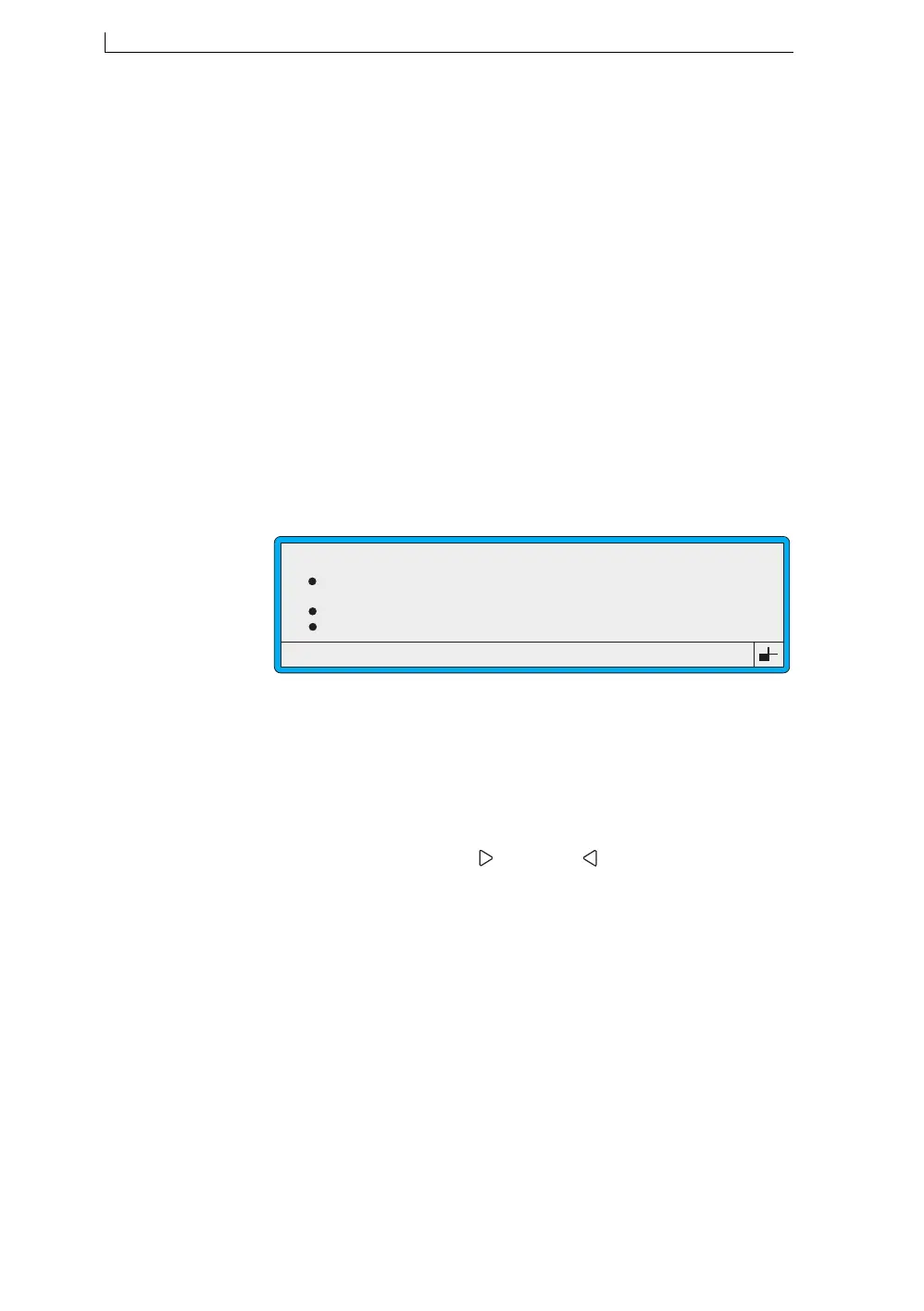
Height option, as shown below:
Figure 5-3 Setup Menu: Print Height Option
3. Press the [enter] key.
4. At the Print Height setting you can specify a percentage increase or
decrease, within the adjustment range of the current message type (see
Figure 5-4 below). For example, the adjustment range of the 7 Quality
message type is +10% to –5%.
To do this, press the Right [ ] and Left [ ] arrow keys to step
through the available settings, then press the [enter] key.
Password
Print Height
Print Width
Print Delay
49062
SETUP
: Off
: Normal
: 0
: 16
>
4900 Op Manual.book Page 94 Tuesday, September 9, 2003 12:32 PM



 To Next Page