Chapter 5: Changing the System Setup
MP65492–1 95 Linx 4900 Operating Manual
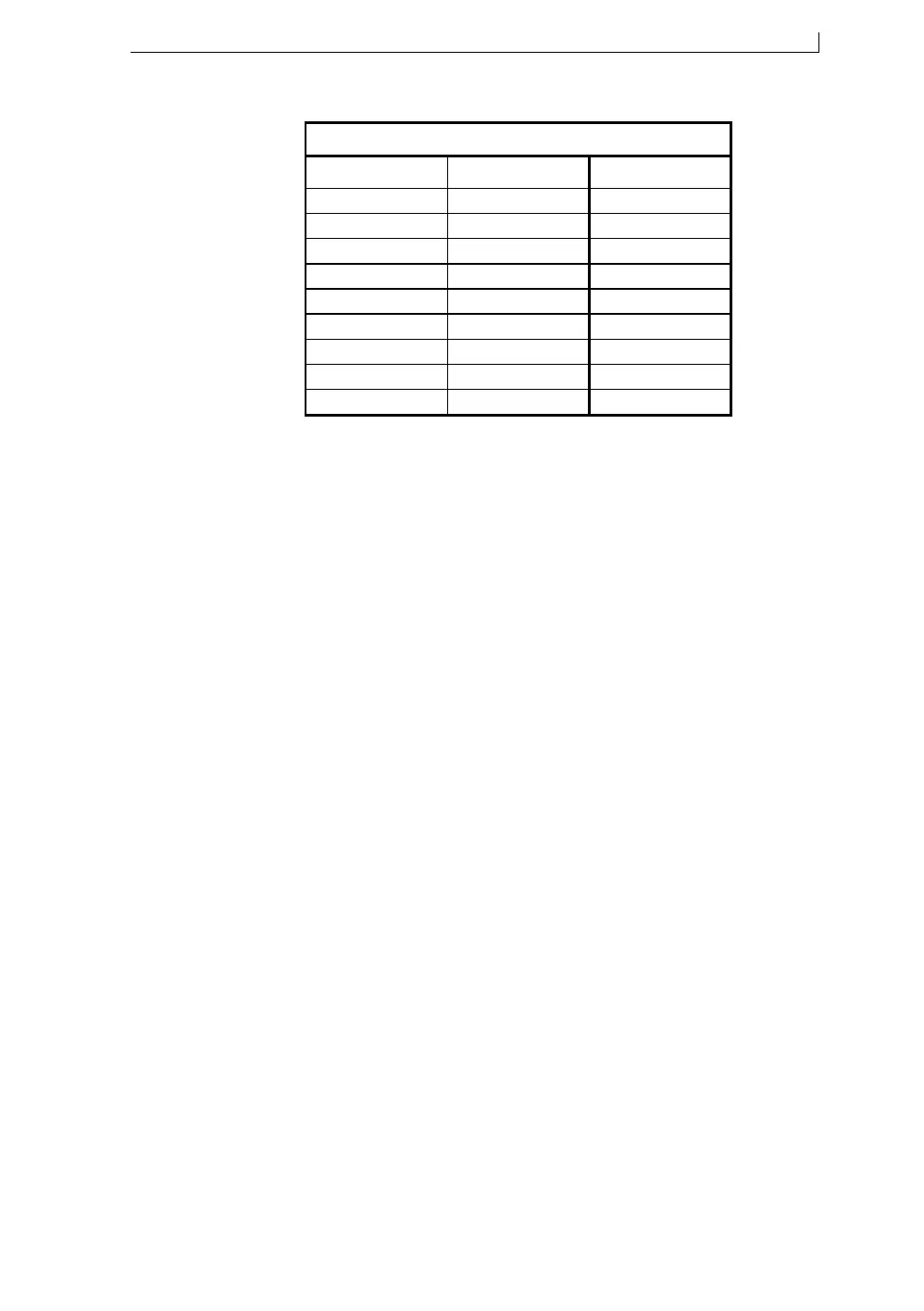
Figure 5-4 Print Height Ranges
Note that the Normal setting is 0%.
5. Press the [esc] key to exit.
49222
MESSAGE TYPE PRINT HEIGHT RANGES
Message type Ultima Ultima
plus
5 Wide 0% to –5% 0% to –5%
7 Flexible +50% to –20% N/A
7 Quality +10% to –5% +10% to –5%
7 Speed 0% to –5% 0% to –5%
7 Wide 0% to –5% 0% to –5%
16 Flexible +10% to 0% N/A
16 Quality +10% to –5% +10% to –5%
16 Speed 0 0% to –5%
16 Wide 0% to –5% 0% to –5%
4900 Op Manual.book Page 95 Tuesday, September 9, 2003 12:32 PM



 To Next Page