Appendix B: Printer Controls and System Menus
MP65492–1 187 Linx 4900 Operating Manual
B.2.8 Diagnostics Menu
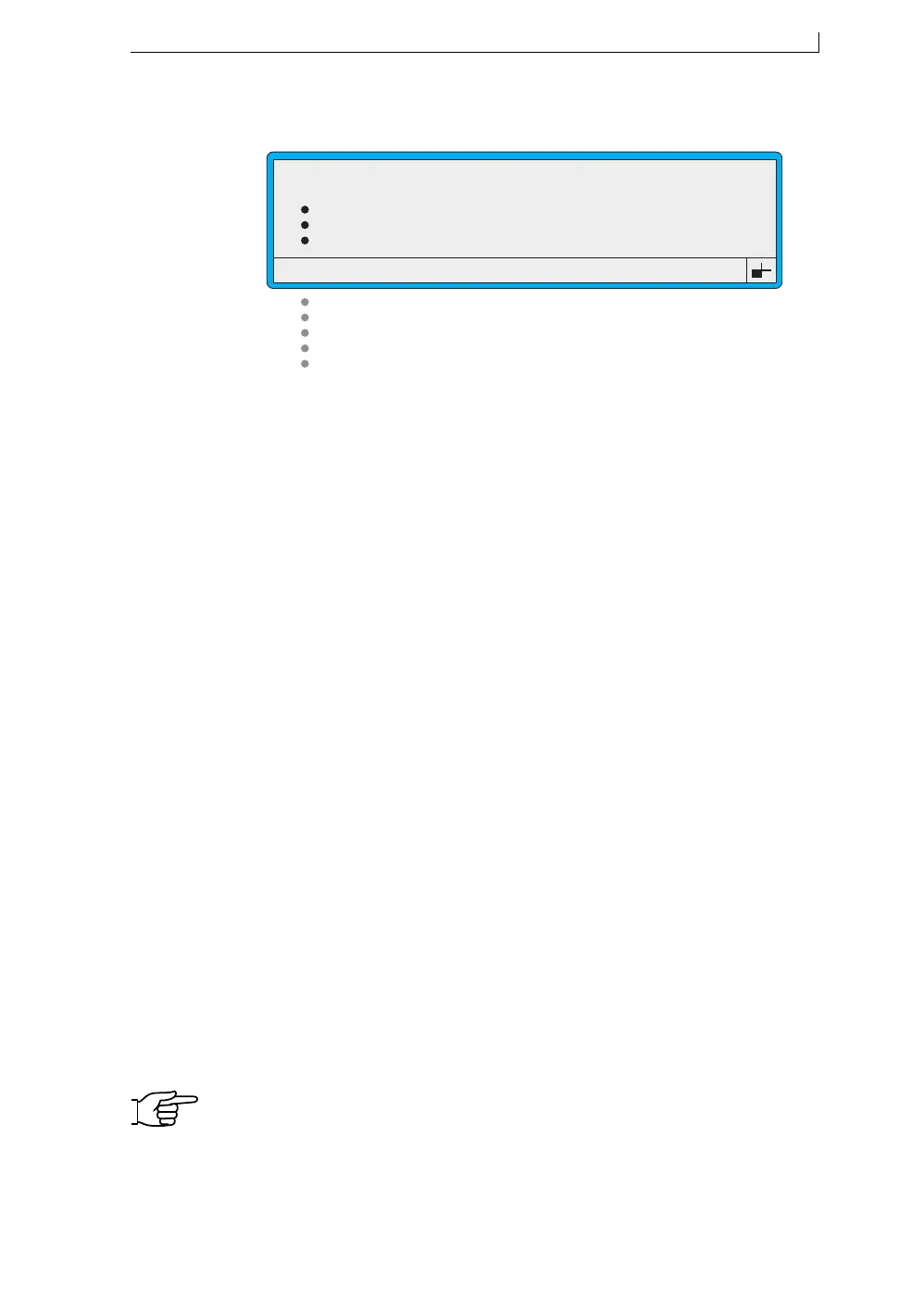
Figure B-11 Diagnostics Menu
NOTE: Note that the options you see when you access the
DIAGNOSTICS menu differ according to the current printer
status and the user level password. Chapter 7, ‘Diagnostics and
Maintenance’ includes a table detailing the validity of the
DIAGNOSTICS menu options.
Select this option… To do this…
Clear Nozzle Perform a Clear Nozzle sequence, which
applies vacuum to the nozzle.
Nozzle Flush Perform a Nozzle Flush sequence, which
forces a stream of solvent out of the nozzle and
returns it through the gutter.
Monitor Jet Display the MONITOR JET screen where
you can view the current operating values of
the jet.
System Times Display the SYSTEM TIMES screen where
you can view printer and jet operating times,
and the time remaining to the next scheduled
maintenance.
System Configuration Display the SYSTEM CONFIGURATION
screen where you can view printer
configuration information.
Ref Pressures Display the PRESSURE REFS screen where
you can view the printer’s key pressure values.
Set Pressure View the currently set pressure value.
Note that this value is also shown in the
MONITOR JET screen.
Set Modulation View the current modulation voltage value
being used by the printer.
Generate Test Pattern Create test messages for each message type.
>
Clear Nozzle
Nozzle Flush
Monitor Jet
System Times
System Configuration
Ref Pressures
Set Pressure
Set Modulation
Generate Test Pattern
: 1
:
:
:
:
:
: 0
: 0
:
49029
DIAGNOSTICS
4900 Op Manual.book Page 187 Tuesday, September 9, 2003 12:32 PM



 To Next Page