Appendix B: Printer Controls and System Menus
Linx 4900 Operating Manual 184 MP65492–1
B.2.6 Setup Menu
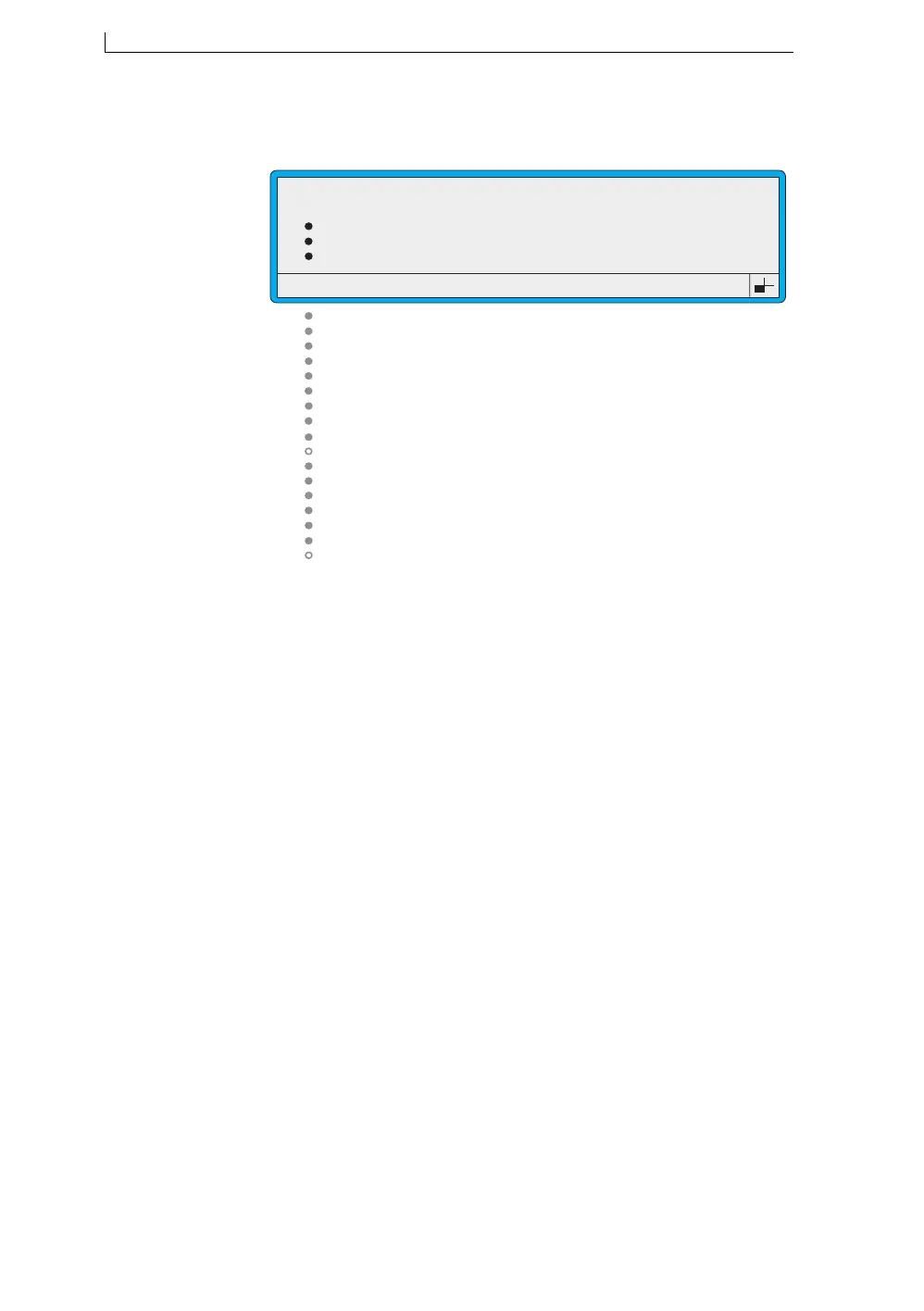
Figure B-9 Setup Menu
Select this option… To do this…
Password Switch the password system on or off.
Print Height Adjust the height of the current message.
Print Width Adjust the width of the current message.
Print Delay Change the print delay value.
Print Count View and change/reset the number of prints to-
date.
Reverse Message Reverse the printed message.
Bold Ratio Define the ratio of bold for use with any
message.
Set Time Change the printer system time.
Set Date Change the printer system date.
Julian Date Format Set the Julian date format.
Primary Trigger Define the print trigger.
Shaft Encoder Set up a shaft encoder.
Auto Power Down Display the AUTO POWER DOWN menu
where you can specify the auto power down
settings.
Password
Print Height
Print Width
Print Delay
Print Count
Reverse Messsage
Bold Ratio
Set Time
Set Date
Julian Date Format
Primary Trigger
Shaft Encoder
Auto Power Down
Ink Type Selection
Head Height
Alarm
Change Password
Change Language
Remote Setup Menu
Diagnostic Menu
Solv Add Time
49061
SETUP
: Off
: Normal
: 0
: 16
: 9
: Off
: 1
: 10:16
: 15:08:03
: European
: Leading Edge
: On
: A
: 0.5m
: 30
>
4900 Op Manual.book Page 184 Tuesday, September 9, 2003 12:32 PM



 To Next Page