Appendix A: Installation and Setup
MP65492–1 161 Linx 4900 Operating Manual
The shaft encoder cable has a braided screen. You must connect the screen
to the shell of the connector, which is in turn connected to the printer
chassis. You must not connect the screen to 0 volts.
CAUTION: EMC performance may be compromised by the use of
unsuitable shaft encoders and cables. Use only Linx approved
accessories.
Width Adjuster Unit
A Width Adjuster Unit (WAU) is available, which can be connected
between the shaft encoder and the printer to intercept the shaft encoder
signal. The WAU enables the printed length of a message to be more finely
adjusted to suit the application than would be possible with the printer’s
Print Width setting alone. Alternative values for print width are generated
by the WAU to provide precise positioning of the code within a restricted
space on a product.
Refer to the Width Adjuster Unit User Guide (MP65362, order using
FA65362) for details of how to set up and use the unit.
A.5.2 To Enable a Shaft Encoder
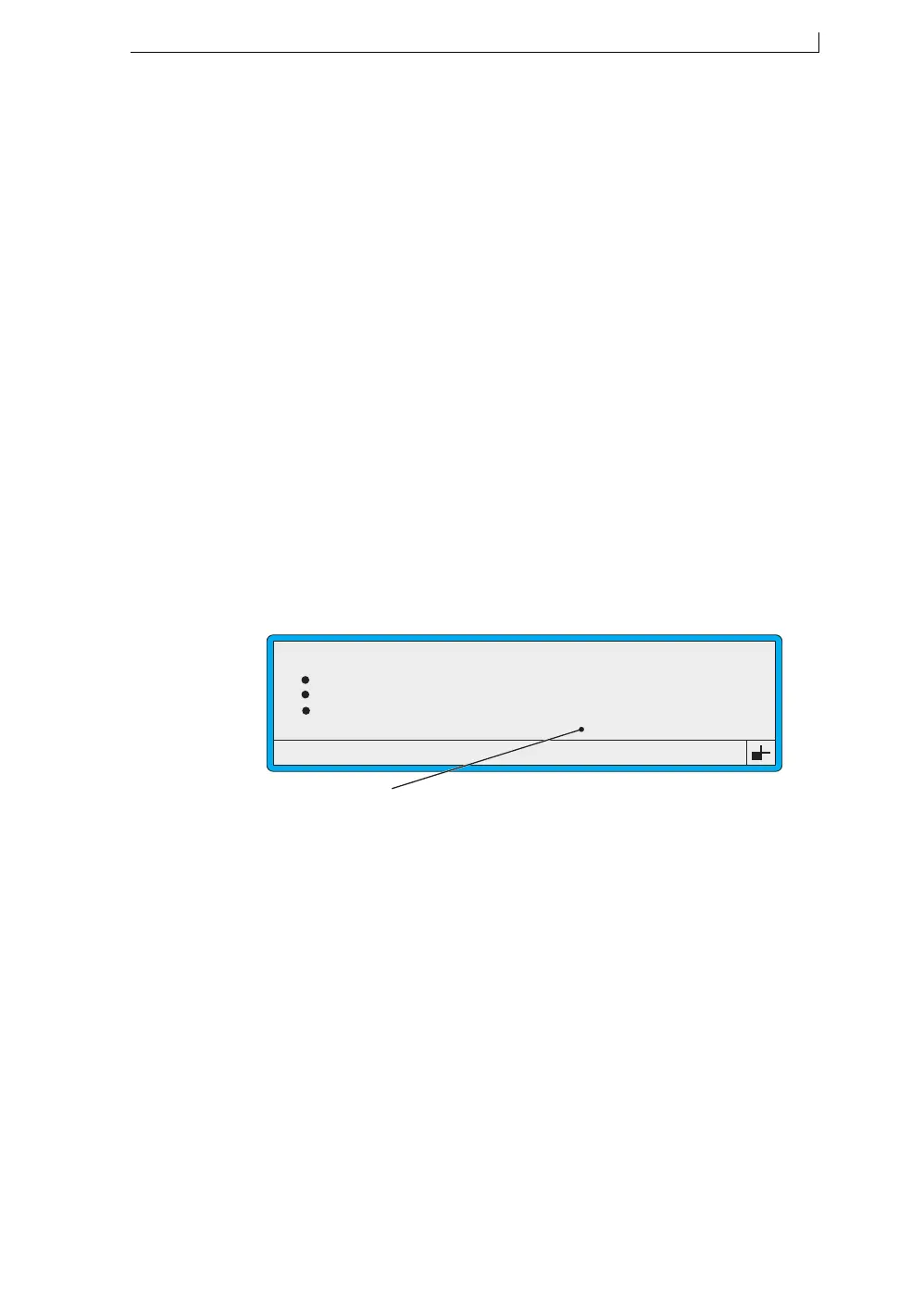
You must enable the shaft encoder via the user interface by setting the
Shaft Encoder option in the SETUP menu to On.
Figure A-6 Setting the Shaft Encoder Option
Julian Date Format
Photocell
Aux Photocell
Shaft Encoder
49078
SETUP
: European
: Leading Edge
: Off
: On
>
Set this option to On.
4900 Op Manual.book Page 161 Tuesday, September 9, 2003 12:32 PM



 To Next Page