Chapter 5: Changing the System Setup
MP65492–1 97 Linx 4900 Operating Manual
5.3.3 To Set the Print Width Value: Shaft Encoder
If you are using a shaft encoder on your production line (Shaft Encoder
option set to On), the Print Width setting allows you to set the print width
value for your particular shaft encoder and encoder wheel combination.
This value is equivalent to the shaft encoder pulses between rasters, and
must be computed using calculations provided in Appendix A, ‘Installation
and Setup’.
When operating without a shaft encoder, the Print Width value is
proportional to the time delay between the printed characters and can be
increased or decreased to adjust the width of the current message. See ‘To
Adjust the Message Width’ on page 96 for details.
To set the print width value:
1. At the CURRENT MESSAGE screen, press the [F4] function key.
The SETUP menu is displayed.
2. Scroll through the menu options until the cursor rests at the Print
Width option.
3. Press the [enter] key.
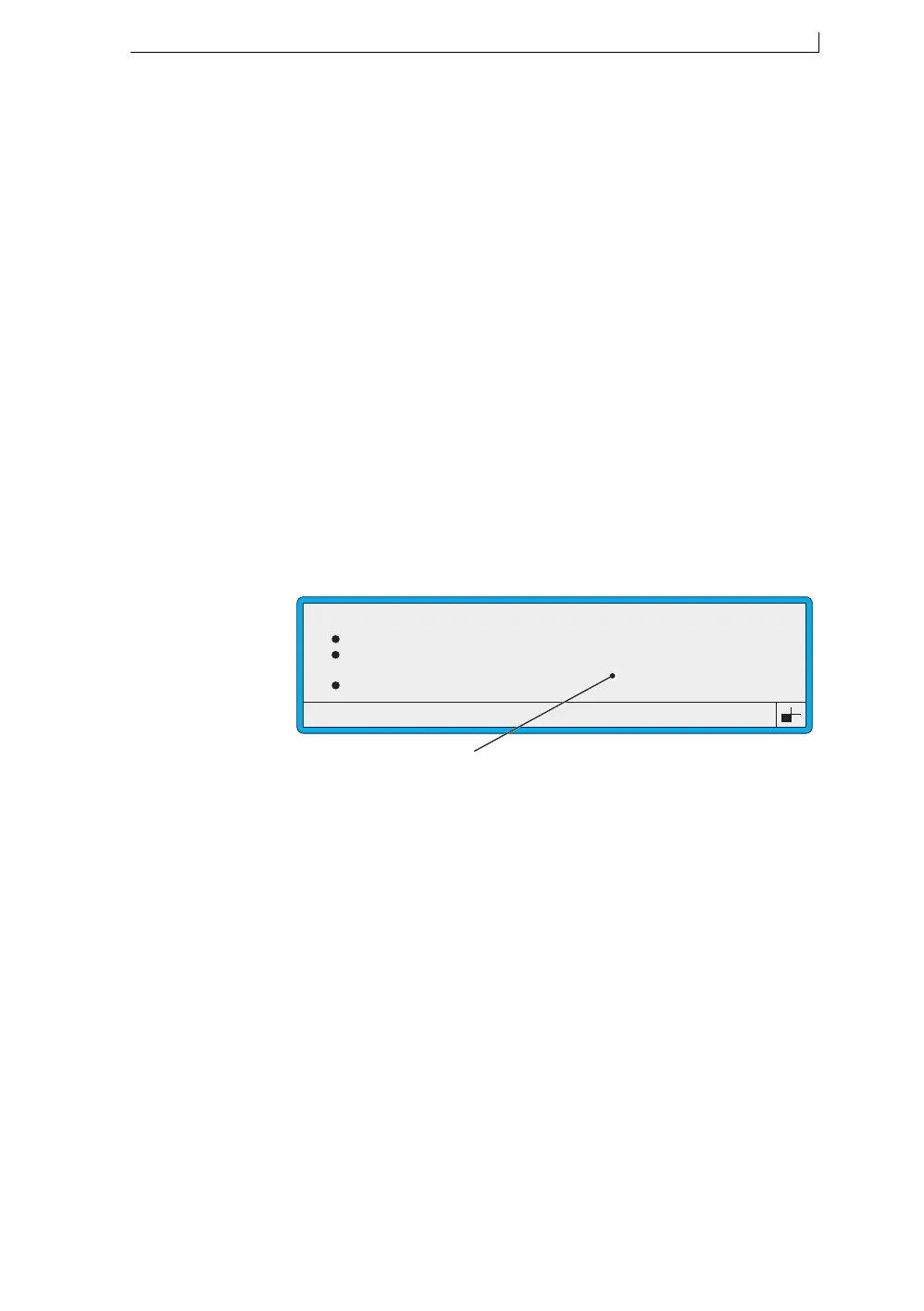
4. At the Print Width setting, type in the value, as shown below:
Figure 5-6 Setting the Print Width
5. Press the [enter] key to confirm your entry.
6. Press the [esc] key to exit.
Password
Print Height
Print Width
Print Delay
49063
SETUP
: Off
: Normal
: 8
: 16
>
Enter the calculated pulses per mm value at this setting.
4900 Op Manual.book Page 97 Tuesday, September 9, 2003 12:32 PM



 To Next Page