Chapter 7: Diagnostics and Maintenance
Linx 4900 Operating Manual 138 MP65492–1
7.2.5 To Generate and Print Test Patterns
A standard test pattern is available for each message type. These test
patterns enable you to verify the print quality of the printed message.
Because a test pattern comprises several fields—for example, logos,
sequential numbers—the printer is tested to a high standard of print quality.
The Generate Test Pattern option allows you to create the test pattern
messages. Once the patterns are generated, you can select, edit and print a
test pattern and check the print quality. This is an effective method for
diagnosing print-related faults.
Generating Test Patterns
1. At the CURRENT MESSAGE screen, press the [F4] function key to
display the SETUP menu.
2. Select the Diagnostics option, then scroll through the menu until the
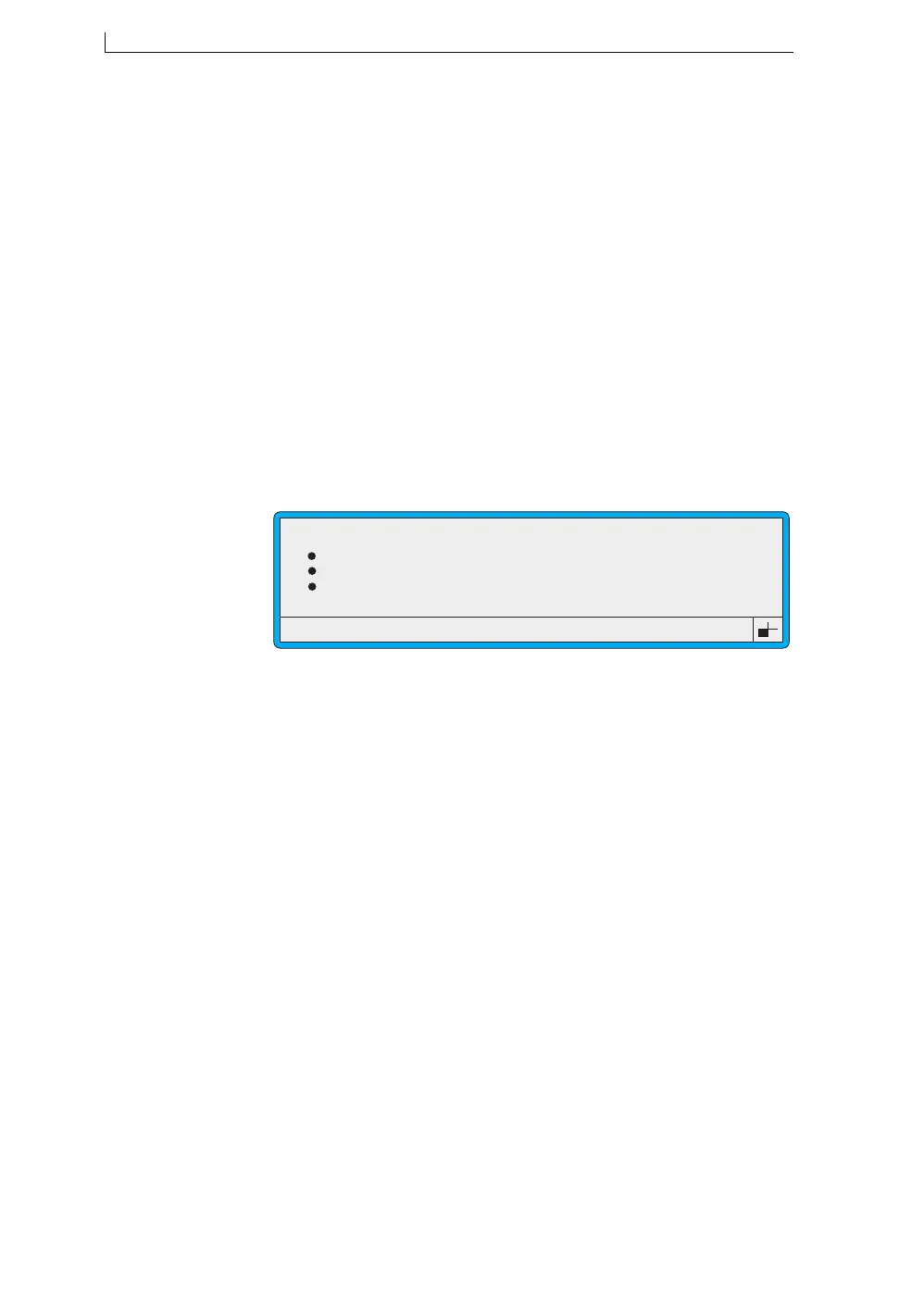
cursor rests at the Generate Test Pattern option, as shown
below:
Figure 7-8 Diagnostics Menu: Generate Test Pattern Option
3. At the Generate Test Pattern option, press the [enter] key. The
message “Test Patterns Generated” is displayed briefly in the status
line.
4. Press the [esc] key to exit.
Once the test patterns have been generated, you can select, print, and edit a
test pattern message. See ‘Editing and Printing a Test Pattern’ on page 139.
>
Ref Pressures
Set Pressure
Set Modulation
Generate Test Pattern
49076
DIAGNOSTICS
: 186
: 90
:
4900 Op Manual.book Page 138 Tuesday, September 9, 2003 12:32 PM



 To Next Page