Chapter 5: Changing the System Setup
MP65492–1 113 Linx 4900 Operating Manual
5.5.5 To Set the System Language
Printing must be stopped to change the language.
1. At the CURRENT MESSAGE screen, press the [F4] function key.
The SETUP menu is displayed.
2. Scroll through the menu options until the cursor rests at the Change
Language option, as shown below:
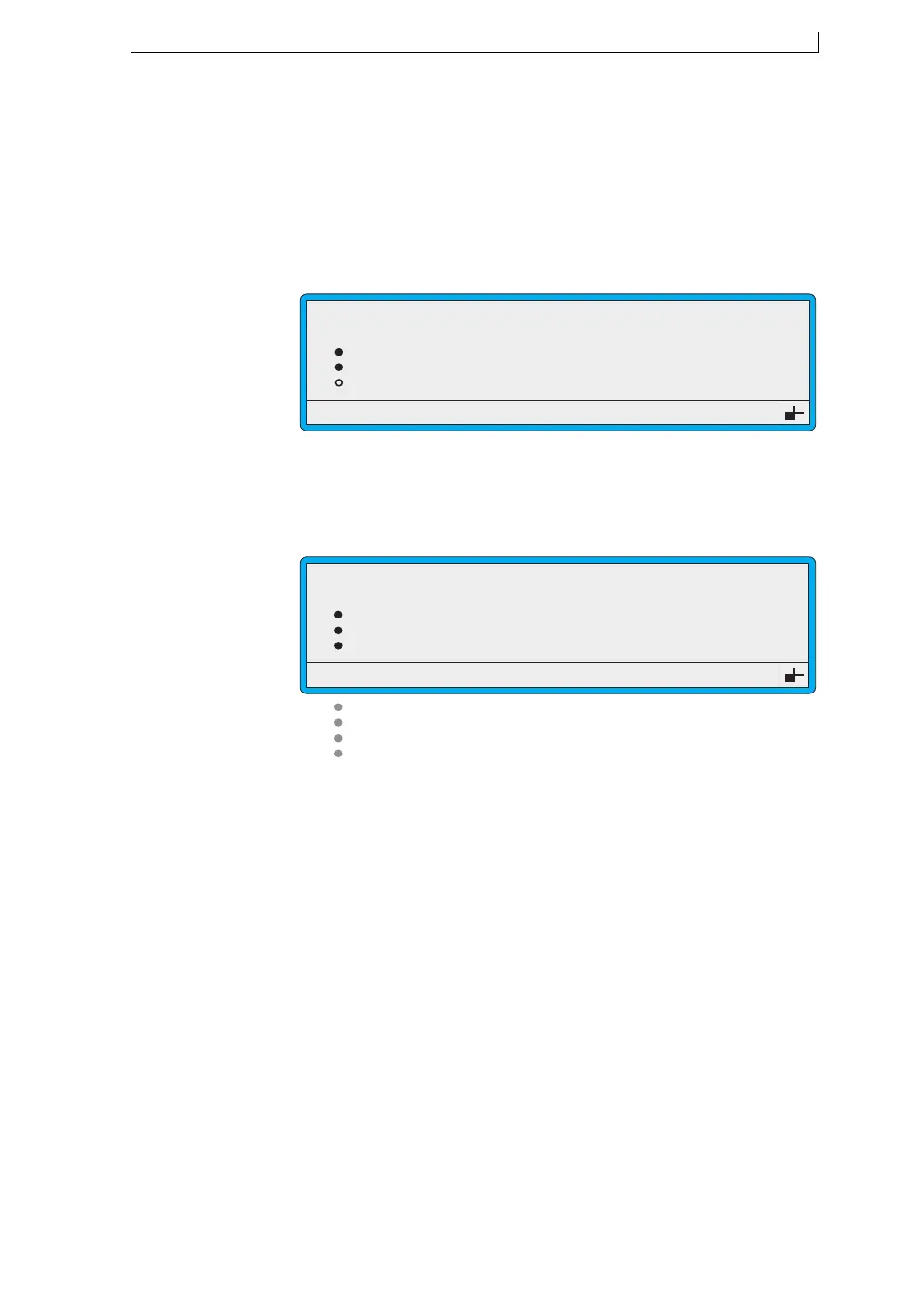
Figure 5-20 Setup Menu: Change Language Option
3. Press the [enter] key.
The CHANGE LANGUAGE menu is displayed:
Figure 5-21 Change Language Menu
This example (Figure 5-21) shows the languages available in the Euro 1
Language Group. See ‘About Language Groups’ on page 114 for further
information.
4. Scroll to the language required and press the [enter] key to select it.
5. Press the [esc] key to exit.
Change Language
Remote Setup Menu
Diagnostic Menu
Solv Add Time
49270
SETUP
: 30
>
>
49188
CHANGE LANGUAGE
English
French
German
Italian
Spanish
Portuguese
Dutch
Indonesian
4900 Op Manual.book Page 113 Tuesday, September 9, 2003 12:32 PM



 To Next Page