Appendix B: Printer Controls and System Menus
MP65492–1 183 Linx 4900 Operating Manual
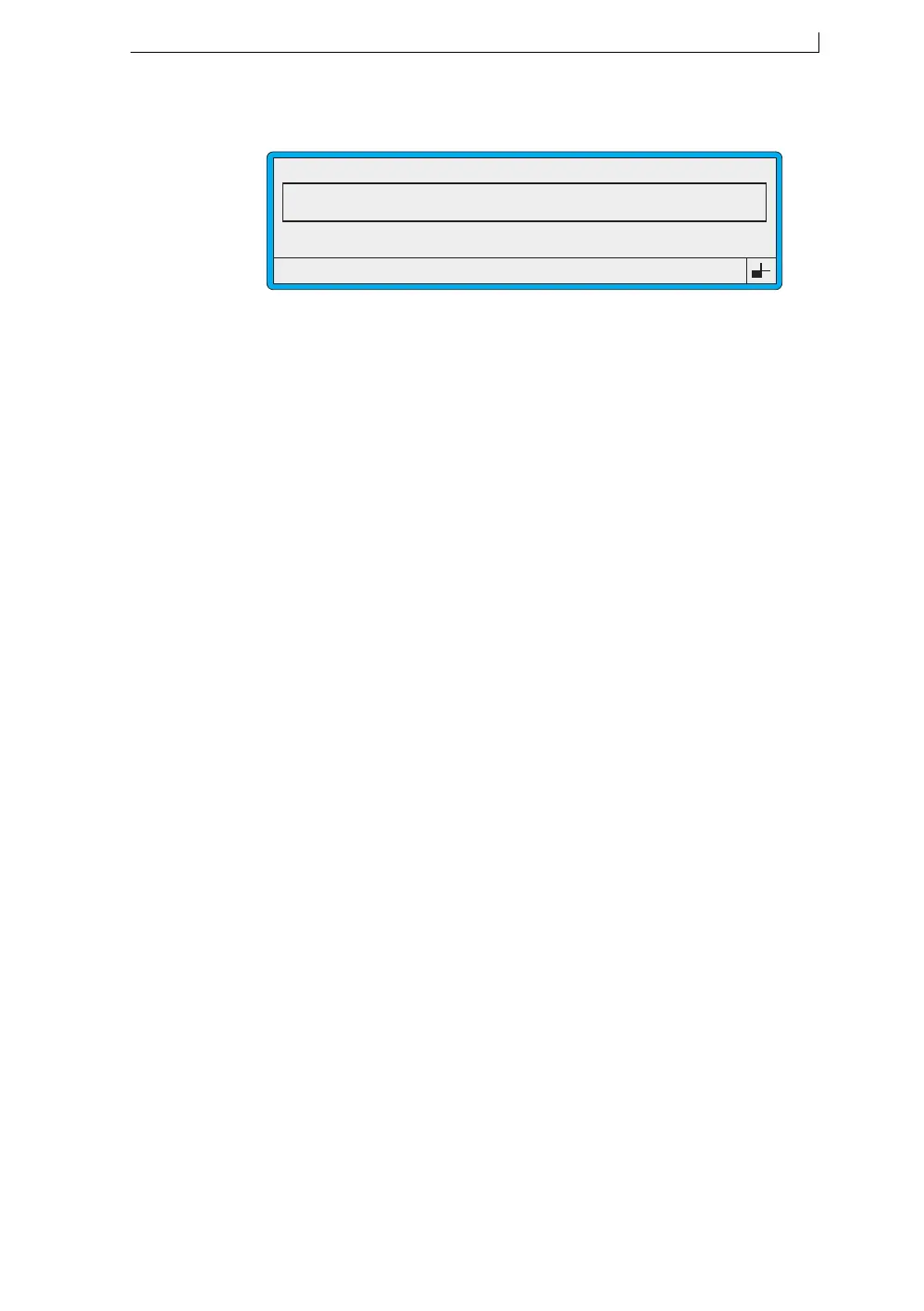
B.2.5 Edit Message Screen
Figure B-8 Edit Message Screen
Select this option… To do this…
F1: Size To select the character size.
F2: Bold Switch the bold ratio on or off.
F3: Field Type Display the SELECT FIELD TYPE screen
where you choose the field type: Time, Timed
Message, Sequential No, Date, Remote or
Logo, then create a field.
F4: Save & Exit Save the message and exit from the screen
back to the CURRENT MESSAGE screen.
49030
F1 : Size 16 FH (Caps)
F3 : Field Type
F2 : Bold Off
F4 : Save & Exit
EDIT MESSAGE : MESSAGE 1
LINX PRINTING
4900 Op Manual.book Page 183 Tuesday, September 9, 2003 12:32 PM



 To Next Page