Chapter 6: Remote Interface Setup
Linx 4900 Operating Manual 118 MP65492–1
6.2 Introducing the Remote Setup
Menu
The REMOTE SETUP menu allows you to access the menu options
necessary to configure the remote settings, and to view certain parameters.
6.2.1 To Access the Remote Setup Menu
1. At the CURRENT MESSAGE screen, press the [F4] function key to
display the SETUP menu.
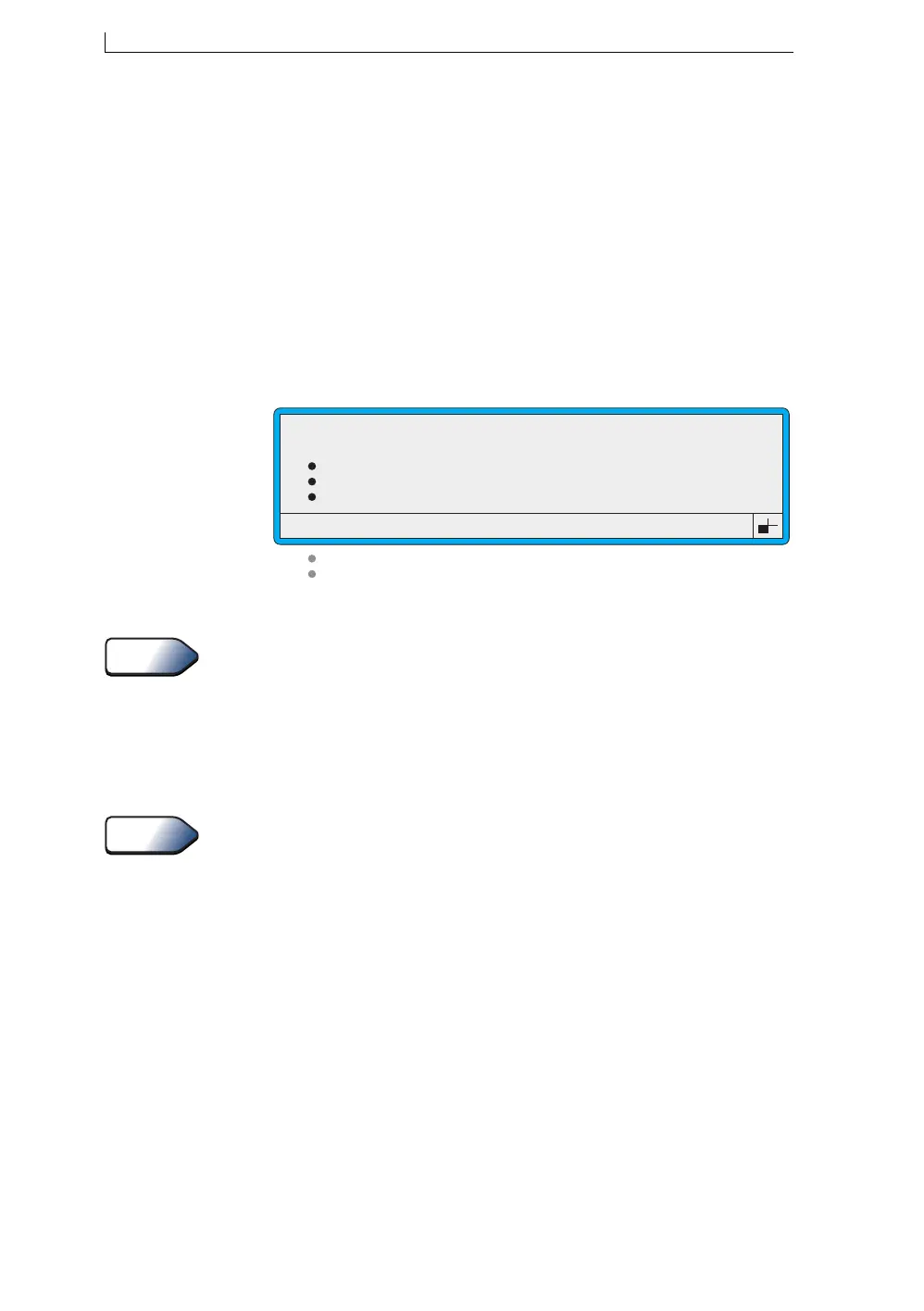
2. Select the Remote Setup Menu option, which displays the REMOTE
SETUP menu:
Figure 6-1 Remote Setup Menu
You can use a shortcut key to access the REMOTE SETUP menu. To do
this, press [R] at the SETUP menu.
6.2.2 Option Availability
The options and sub-options you see when you access the REMOTE
SETUP menu differ according to the current printer status (Jet Off, Jet
Running or Printing), and the user level password (Level B or Level C).
The table on page 93 shows you the validity of the REMOTE SETUP
menu options and sub-options.
>
Transfer Parameters
Serial Parameters
Flow Control
Message Delimiters
Print Control
Print Mode
49316
REMOTE SETUP
Tip
See Also
4900 Op Manual.book Page 118 Tuesday, September 9, 2003 12:32 PM



 To Next Page