Appendix A: Installation and Setup
Linx 4900 Operating Manual 154 MP65492–1
A.1 Locating the Printer
You must locate the printer in a room that has adequate ventilation, and on
a firm base that is close to a clean mains power supply (that is, free from
electrical interference). Ensure that:
• The vents at the base of the printer are free from obstructions, and
there is adequate ventilation around the base of the printer
• There is a gap of at least 150 mm at the rear of the printer to allow
adequate space for the printhead conduit to bend
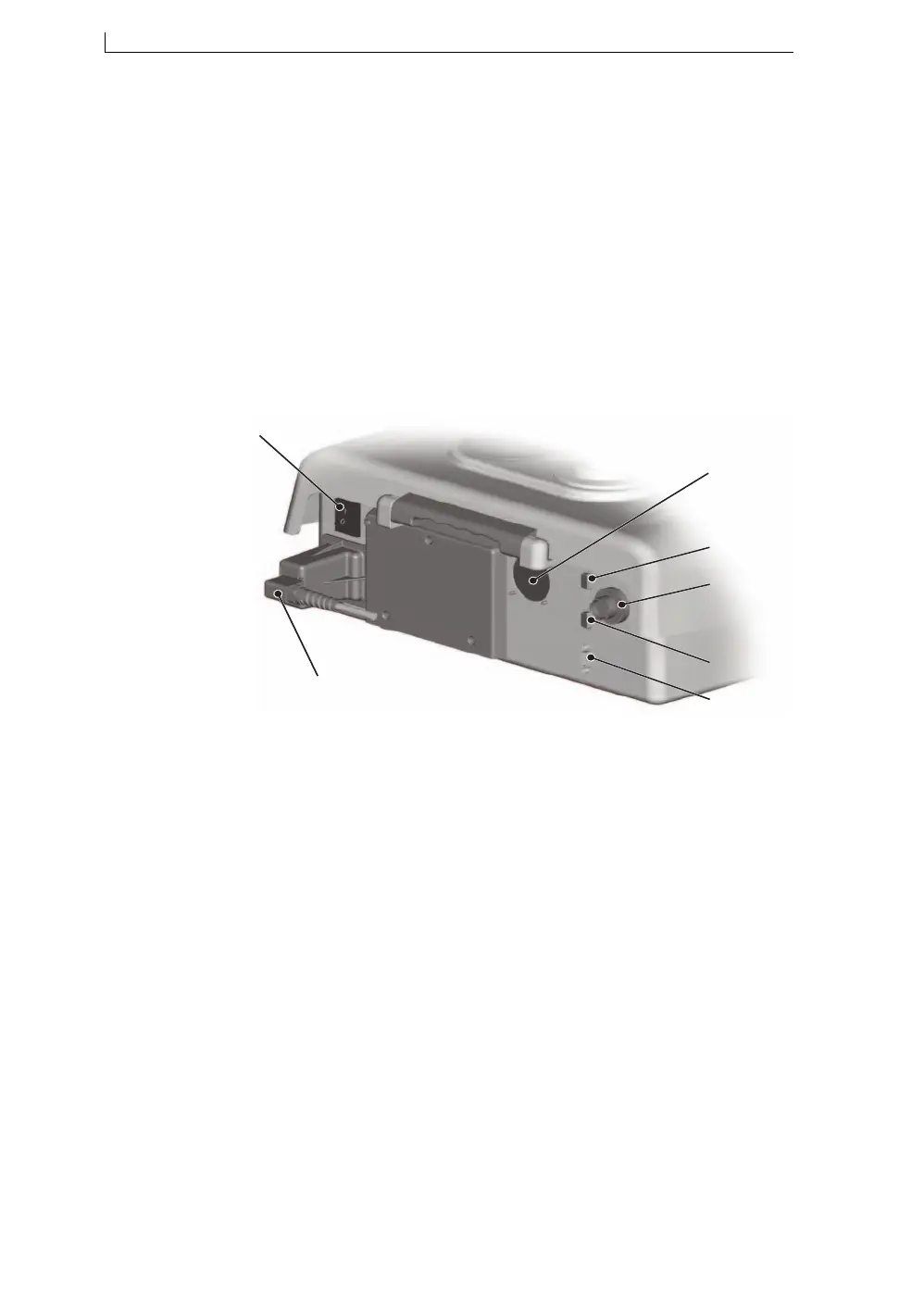
Figure A-1 shows the layout (including cable connections) of the rear
panel of the Linx 4900 printer:
Figure A-1 Linx 4900 Printer Rear Panel
A Mains Power Supply Switch
B Printhead Conduit Entry/Exit
C Trigger/Shaft Encoder Connector
D External Alarm Connector
E Trigger/Shaft Encoder Connector
F RS232 Interface Connector
G External Power Connector
G
F
E
C
D
B
A
49141
4900 Op Manual.book Page 154 Tuesday, September 9, 2003 12:32 PM



 To Next Page