Chapter 4: Creating and Editing Messages
Linx 4900 Operating Manual 76 MP65492–1
4.10.1 To Create a Date Field
1. In the Message Display Area of the EDIT MESSAGE screen, move
the cursor to the required start position of the field.
2. Press the [F3] function key. The SELECT FIELD TYPE menu is
displayed:
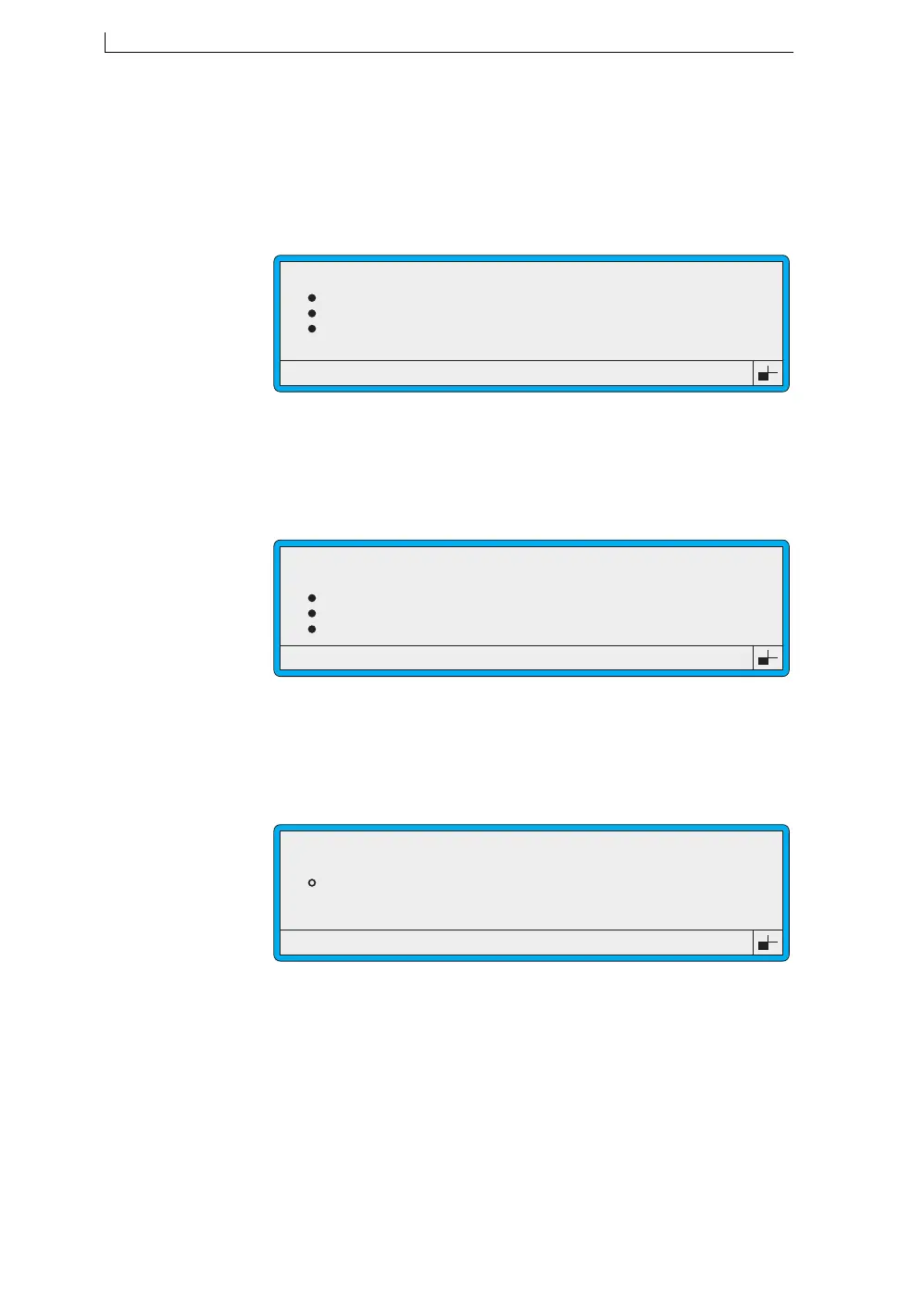
Figure 4-30 Select Field Type Menu: Date Option
3. Scroll to the Date option (as shown in Figure 4-30 above), then press
the [enter] key.
The DATE FORMAT menu is displayed:
Figure 4-31 Date Format Menu
4. At the DATE FORMAT menu, scroll to the format you want, then
press the [enter] key to select it.
The DATE menu is displayed showing the date format selected:
Figure 4-32 Date Menu
>
49302
SELECT FIELD TYPE
Time
Timed Message
Sequential No.
Date
>
49011
DATE FORMAT
dd mmm yy
dd mmm yyyy
mmm dd yy
mmm dd yyyy
>
49304
DATE
Offset
Format
: 0
: dd mmm yy
4900 Op Manual.book Page 76 Tuesday, September 9, 2003 12:32 PM



 To Next Page