Appendix B: Printer Controls and System Menus
Linx 4900 Operating Manual 174 MP65492–1
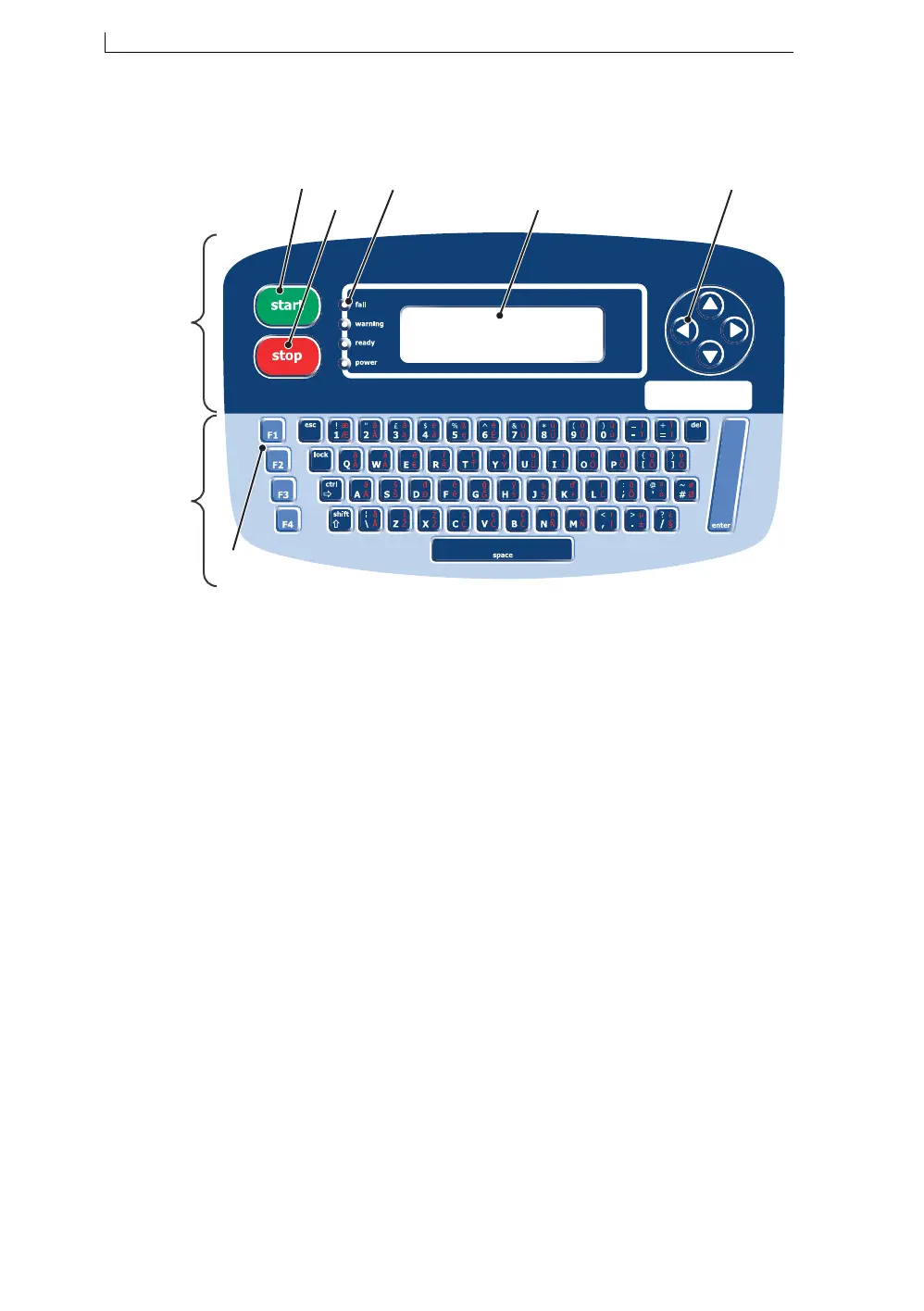
The following illustration illustrates the layout of the Linx 4900 Printer
Control Panel:
Figure B-1 Linx 4900 Printer Control Panel
A General Control keys and Display
Bstart key
C stop key
D LED status indicators
EDisplay
F Cursor Control keys
G Keyboard and Function keys
H Function keys
49046
G
A
B
C
E
D
H
F
4900 Op Manual.book Page 174 Tuesday, September 9, 2003 12:32 PM



 To Next Page