Using this Manual
Linx 4900 Operating Manual (xviii) MP65492–1
Other Conventions
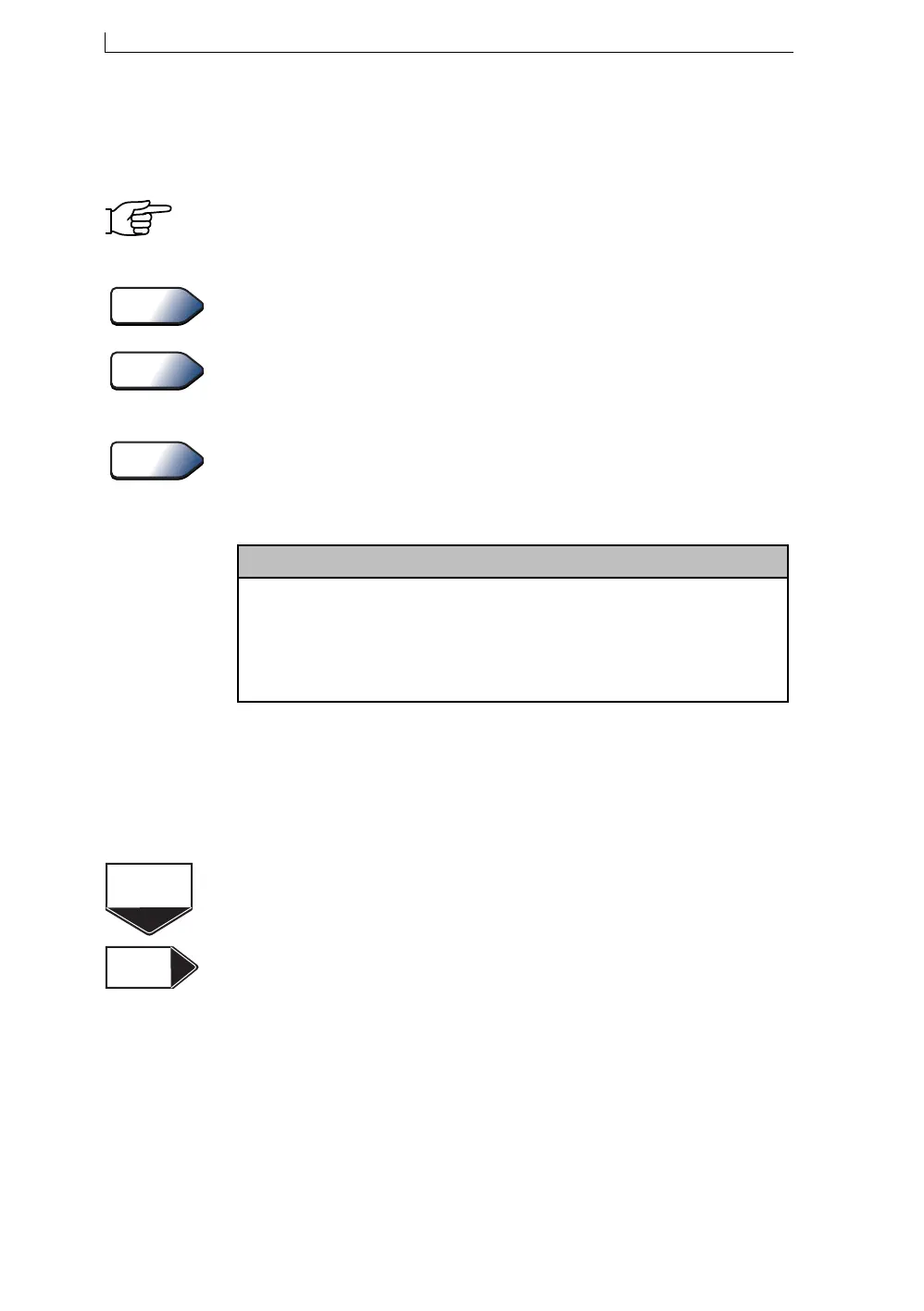
The following symbols and pointer icons are used in this manual to
identify and to draw your attention to particular types of information.
Hand symbol
When the hand symbol accompanies a Note, this indicates you should take
particular notice of the information provided.
Tip pointer icon
This icon indicates that a useful tip or keyboard shortcut is provided.
See Also pointer icon
This icon indicates that a cross-reference to further information is
provided.
About pointer icon
This icon indicates that information about a particular printer feature is
provided in the accompanying box, for example, the menu cursor:
User Level icons
Two icons are used to indicate that the information (contained in the
chapter, appendix, section or paragraph to which the icon refers) is suitable
for the user levels shown. It also means that the functions described therein
are only available for the user levels indicated.
This icon is displayed at the beginning of each chapter and appendix to
indicate that the information is applicable to the user level shown (Level A,
Level B, and/or Level C).
This pointer icon indicates that the information contained in the section or
paragraph to which the icon refers is only applicable to the user level
shown.
Tip
See Also
About
Menu Cursor
The
Menu Cursor
is the ‘greater than’ symbol (
>
) found on system menus and screens. It
indicates the current option by replacing the bullet to the left of the option name.
You move the
Menu Cursor
to the option you want by pressing the ‘up’ and ‘down’ cursor
keys. Once the
Menu Cursor
is positioned at the option you want, press the [enter] key to
select it.
Level B
Level C
Level A
4900 Op Manual.book Page xviii Tuesday, September 9, 2003 12:32 PM



 To Next Page