Chapter 3: Day-to-Day Operations
Linx 4900 Operating Manual 28 MP65492–1
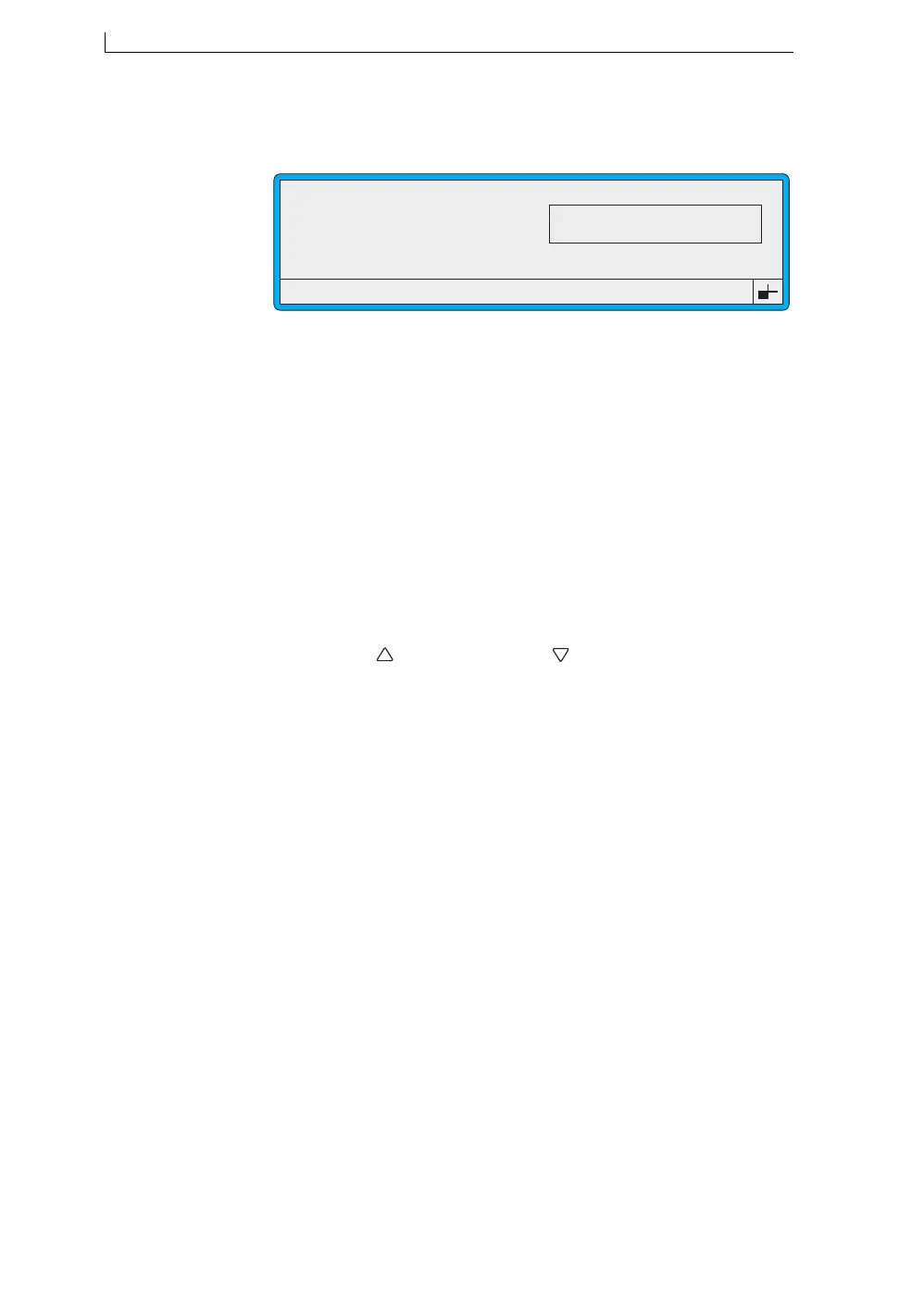
The MESSAGE OPTIONS screen is displayed, showing a preview of
the message you selected:
Figure 3-3 Message Options Screen
Note that in some cases, particularly when large messages are
displayed, only the first part (leftmost) of the message is shown in the
preview window.
5. At the MESSAGE OPTIONS screen, press the [F2] function key to
select the message.
The CURRENT MESSAGE screen is redisplayed, showing the
selected message.
Method 2: Scroll to Select
1. At the CURRENT MESSAGE screen, check that the Message
Selection Cursor Indicators are visible (see Figure 3-1 on page 26),
if not, press the [F1] function key to stop printing.
2. Press the Up [ ] key and the Down [ ] key to scroll through the list
of stored messages. With each key press, the next message is
displayed in the Message Display Area, and the message name
changes accordingly.
F1 : Edit
F2 : Select
F3 : Delete
49016
MESSAGE OPTIONS : MESSAGE 1
LINX PRINT
4900 Op Manual.book Page 28 Tuesday, September 9, 2003 12:32 PM



 To Next Page