Chapter 4: Creating and Editing Messages
MP65492–1 55 Linx 4900 Operating Manual
Refer to the section ‘Choosing the Message Type’ on page 50 for
further information about message types.
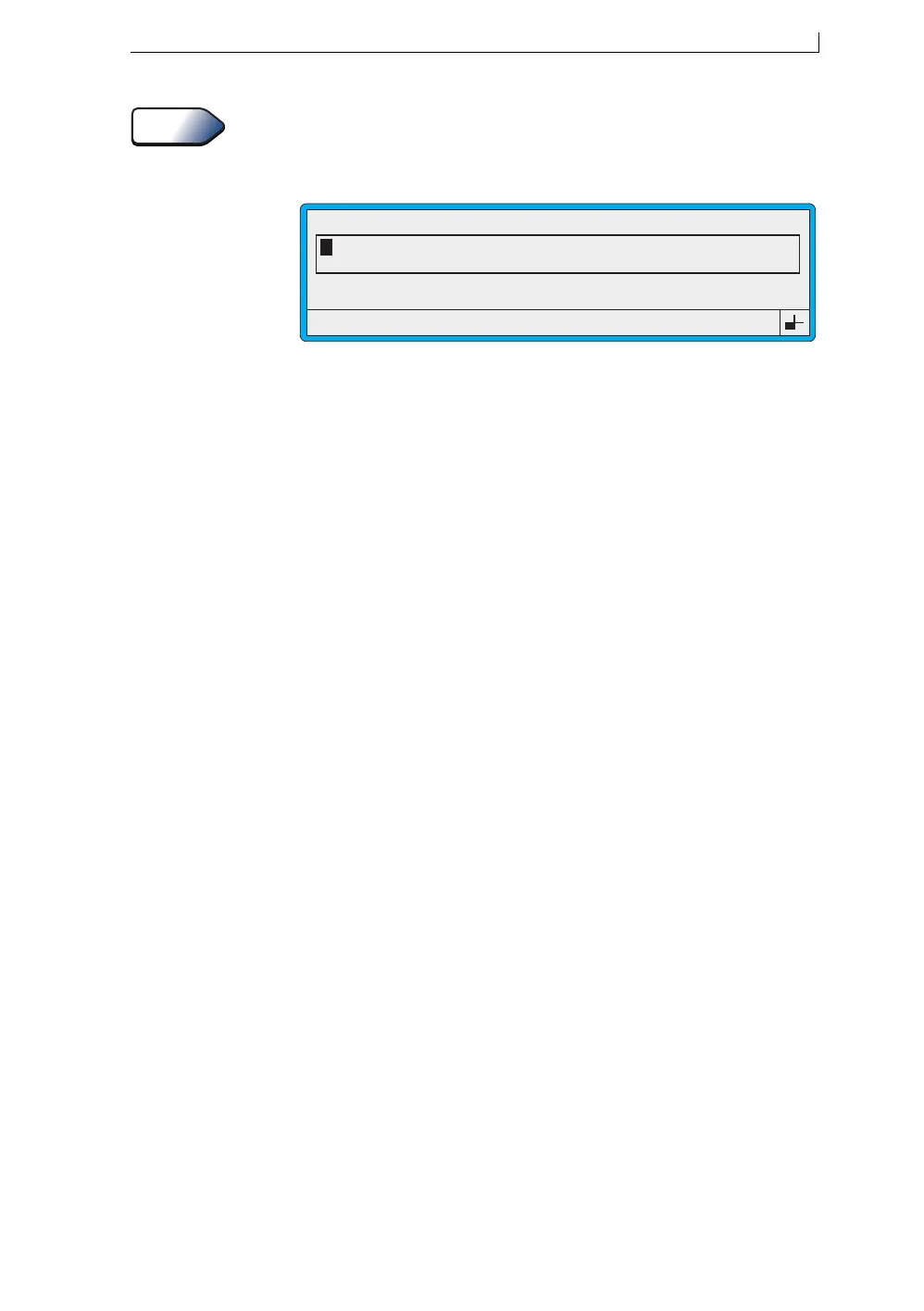
The EDIT MESSAGE screen is displayed:
Figure 4-8 Edit Message Screen: New Message
4. You can now create the content of your message by adding text and/or
other types of fields and then save the message. See the following
sections in this chapter for details.
See Also
49118
F1 : Size 7 FH (Caps)
F3 : Field Type
F2 : Bold Off
F4 : Save & Exit
EDIT MESSAGE : MESSAGE 1
4900 Op Manual.book Page 55 Tuesday, September 9, 2003 12:32 PM



 To Next Page