71
Please note:
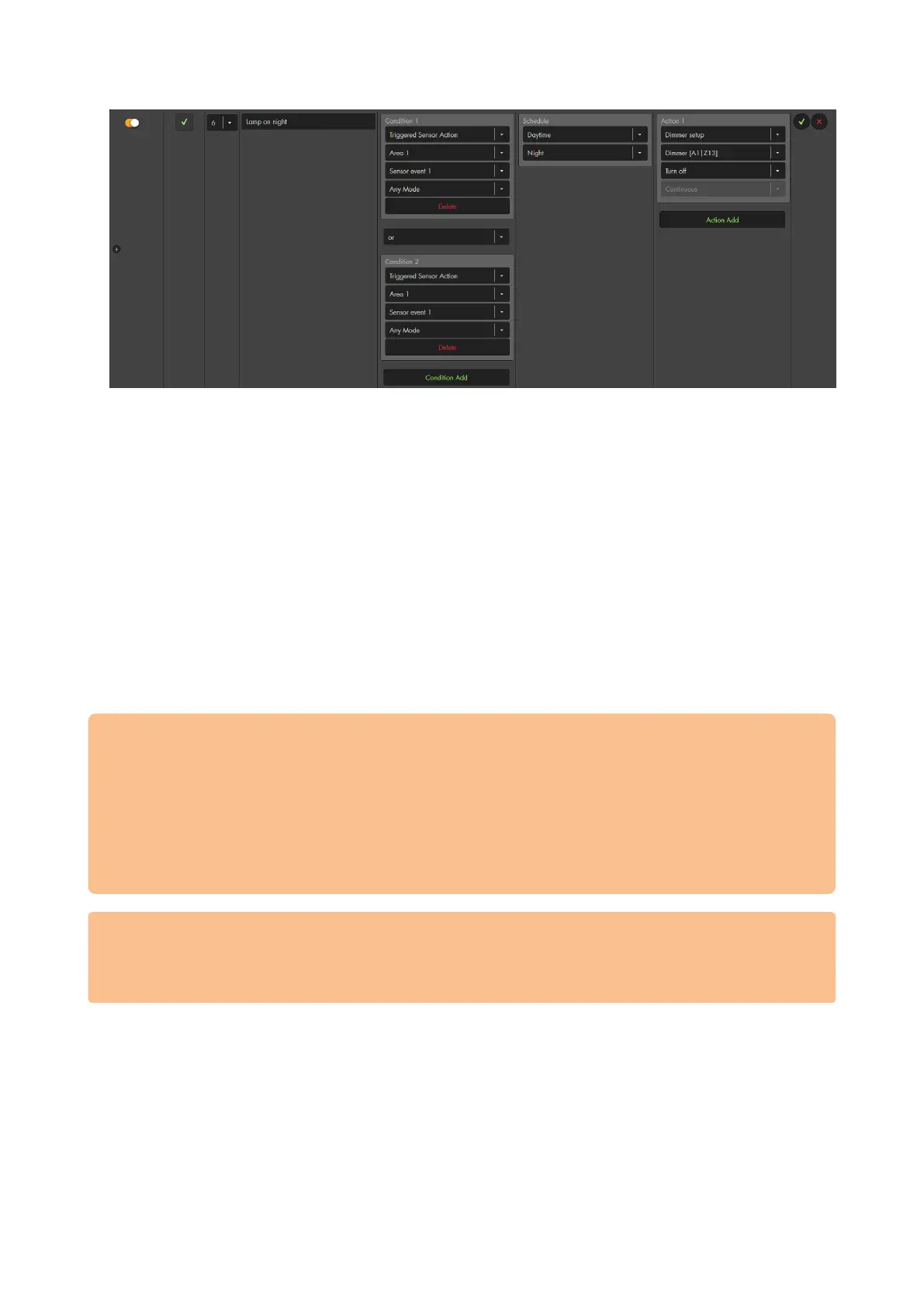
You can use a sensor event (1-16) in multiple sensors.
Several home automation rules can be triggered at the same time by one sensor
event, e.g. to arm the alarm panel and at the same time switch on a wireless
power supply device or relay upon activation of the sensor.
„and“ connections allows you to define when an action should take place. Hence,
you can use a single sensor event for a multitude of different actions.
Example 5 – Action URL
The “Action URL” allows you to send out URL commands via your network. By using the
“Action URL” and CGI commands, you can control all kinds of devices (not limited to
devices by Lupus Electronics).
Please note:
In order to use the “Action URL” function, it is necessary to have a sound
knowledge of coding.
The possible CGI commands for your network devices can be found in the
devices manual or have to be requested from the devices manufacturer.
Before inserting the command in the alarm panel, make sure to test it beforehand
in your web browser (e.g. Firefox).
Make sure that all network devices are using the latest firmware.
In the examples below (5.1 – 5.3) we use the action URL method to control the
cameras. However, these specific commands are already pre-defined in the
alarm panel via the action “IP-Camera”. We show them here what can be done
with this function.
5.1 – Activate/deactivate the e-mail function of a camera (
Aim: The following example shows how to use the “Action URL” in order to activate the
e-mail function of a LUPUSNET HD IP camera (LE 9xx series) when you arm the alarm
panel. The IP address of the camera is 192.168.1.200. Username and password are
“Test”. The corresponding CGI command is “SetMail.cgi?Mail_Enable=1“.
The complete syntax is:
http://username:password@IP-address:Port/SetMail.cgi?Mail_Enable=1
Thus, with our test values:
http://Test:Test@192.168.1.200:80/SetMail.cgi?Mail_Enable=1



 To Next Page