215575 168 Revision B
$
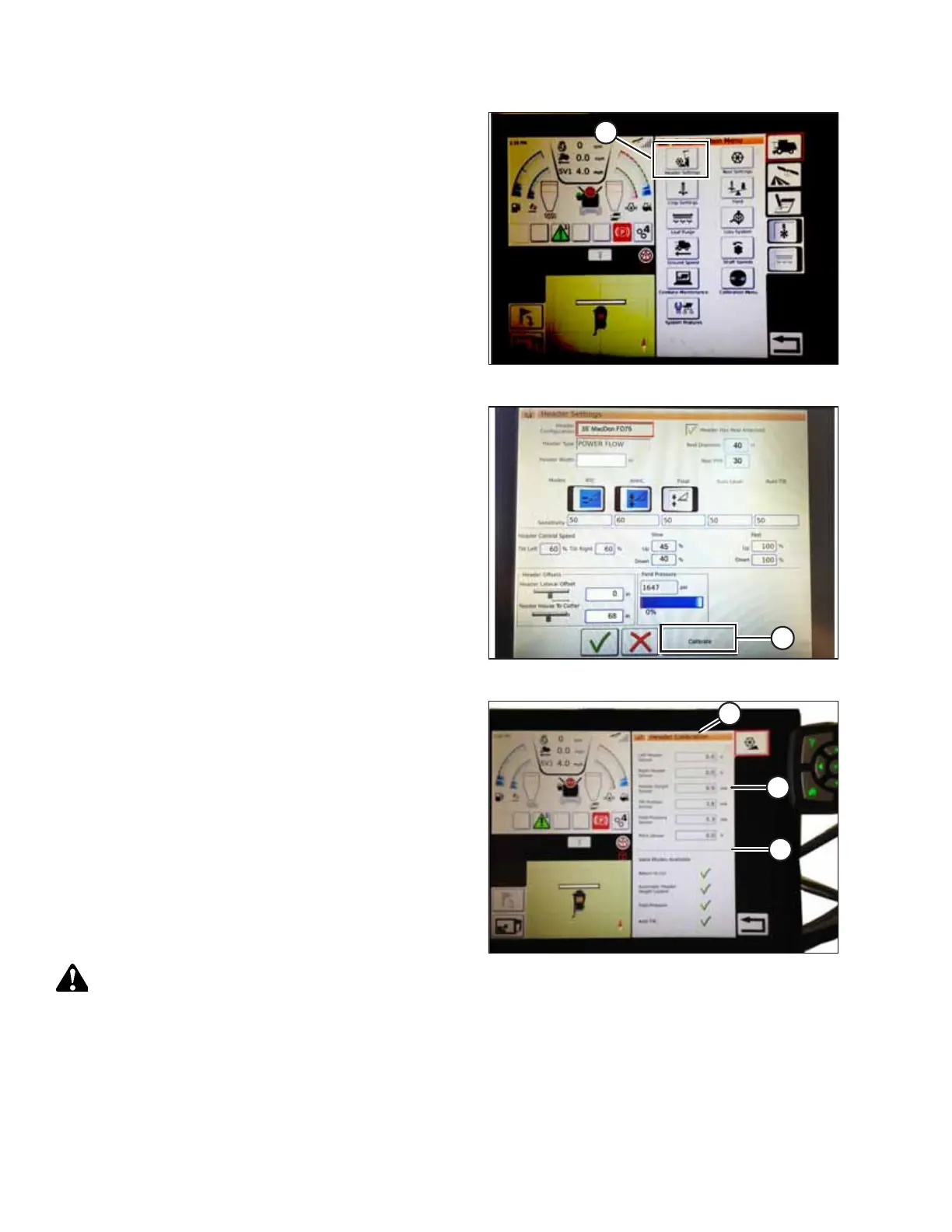
Figure 4.128: Combine Main Menu
1. On the COMBINE MAIN MENU, touch HEADER
SETTINGS (A).
$
Figure 4.129: Calibration
2. Touch CALIBRATE (A) at the bottom right of the page. The
HEADER CALIBRATION page appears.
$
%
&
Figure 4.130: Header Calibration Page
The right of the page shows calibration information (A).
Results are shown for sensors (B) at the top of the list:
• Left and right header sensor outputs (V) (the values
should be identical with MacDon headers)
• Header height sensor (mA)
• Tilt position sensor (mA)
The modes applicable to MacDon headers are shown with
check marks below line (C):
• Return to cut
• Automatic header height control
CAUTION
Clear the area of other persons, pets, etc. Keep children away
from machinery. Walk around the machine to be sure no one is under, on, or close to it.
AUTO HEADER HEIGHT CONTROL



 To Next Page