215575 275 Revision B
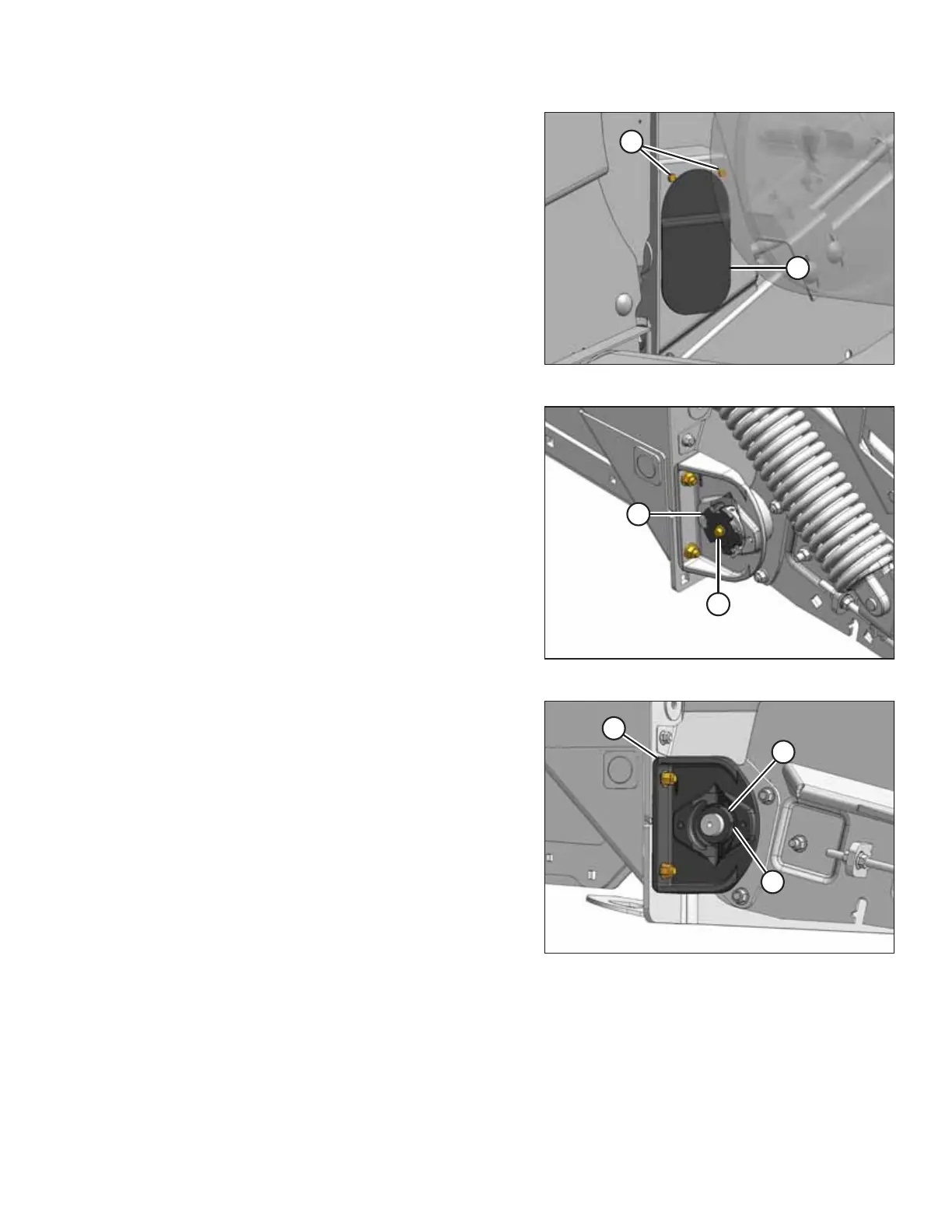
Figure 5.126: Right Rear Deck
9. Remove screws (A), and remove cover (B) from the inboard
side of the right endsheet in order to access the bearing
mounting bolts.
Figure 5.127: Right Rear Deck
10. Remove bolt (A) and remove speed sensor disc (B).
Figure 5.128: Right Rear Deck
11. Turn the roller manually until set screw (A) in lock collar (B)
lines up with the recess in bearing support (C).
12. Loosen set screw (A) in lock collar (B). Rotate the collar
clockwise to loosen it. Remove the collar.
MAINTENANCE AND SERVICING



 To Next Page