1-14 OPERATE WebLCT
GGS-000547-01E iPASOLINK EX Advanced: SET NETWORK AND SYSTEM PROVISIONING
1.8.2 Log Out from NE
Procedure 1-5
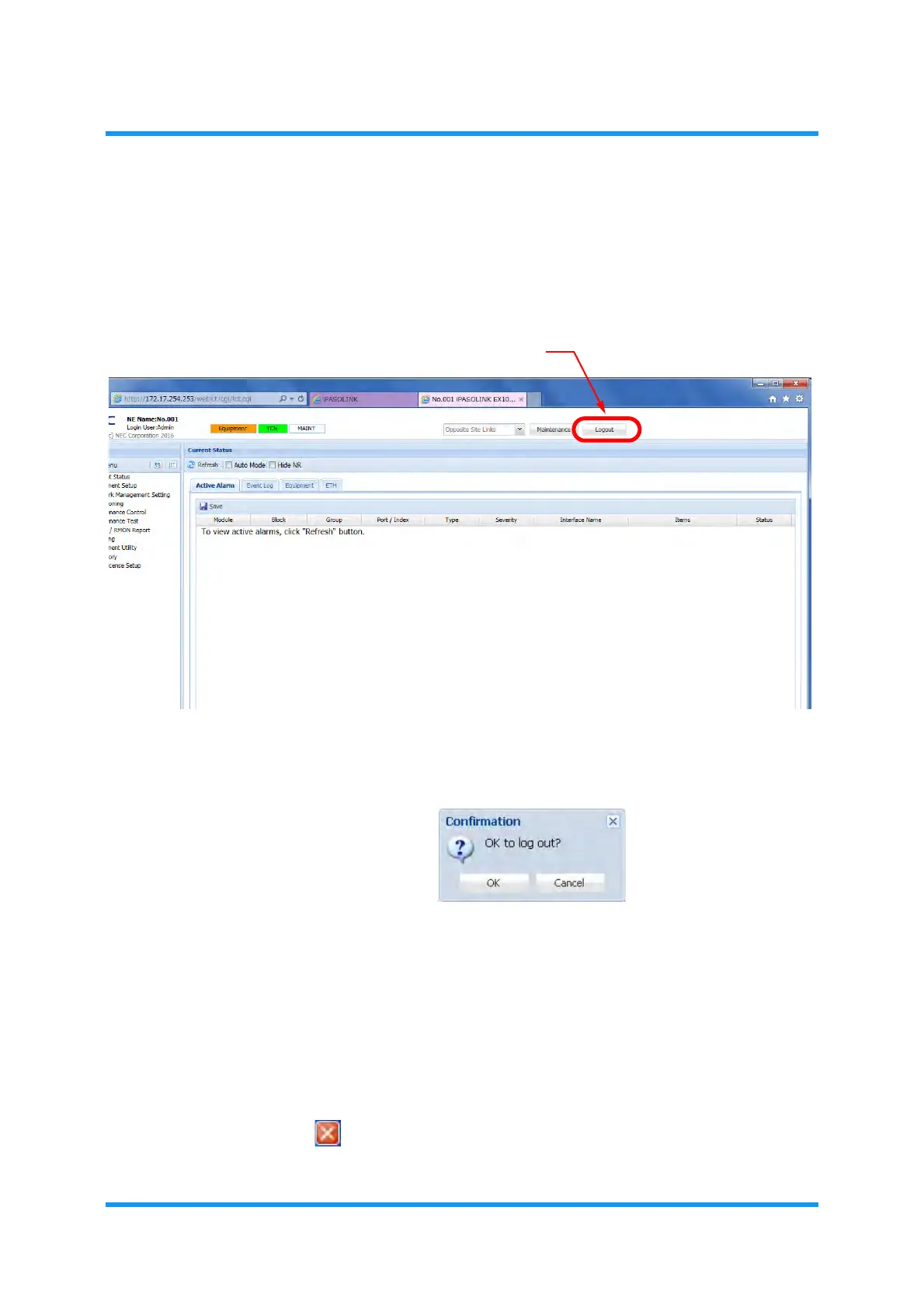
1. Click Logout button in the upper right of WebLCT main window.
Figure 1-19 Logout Button on WebLCT Main Window
2. The Confirmation dialog box appears. Click the OK button to log out.
Figure 1-20 Confirmation Dialog Box
3. The browser returns to WebLCT Login window.
This step ends the procedure.
1.8.3 Exit WebLCT
Following are the methods to exit WebLCT:
Select
File (F) Close (X) from Internet Explorer menu bar.
Click button in the upper right of
Internet Explorer.


 To Next Page
 Loading...

