4-4 EQUIPMENT SETUP
GGS-000547-01E iPASOLINK EX Advanced: SET NETWORK AND SYSTEM PROVISIONING
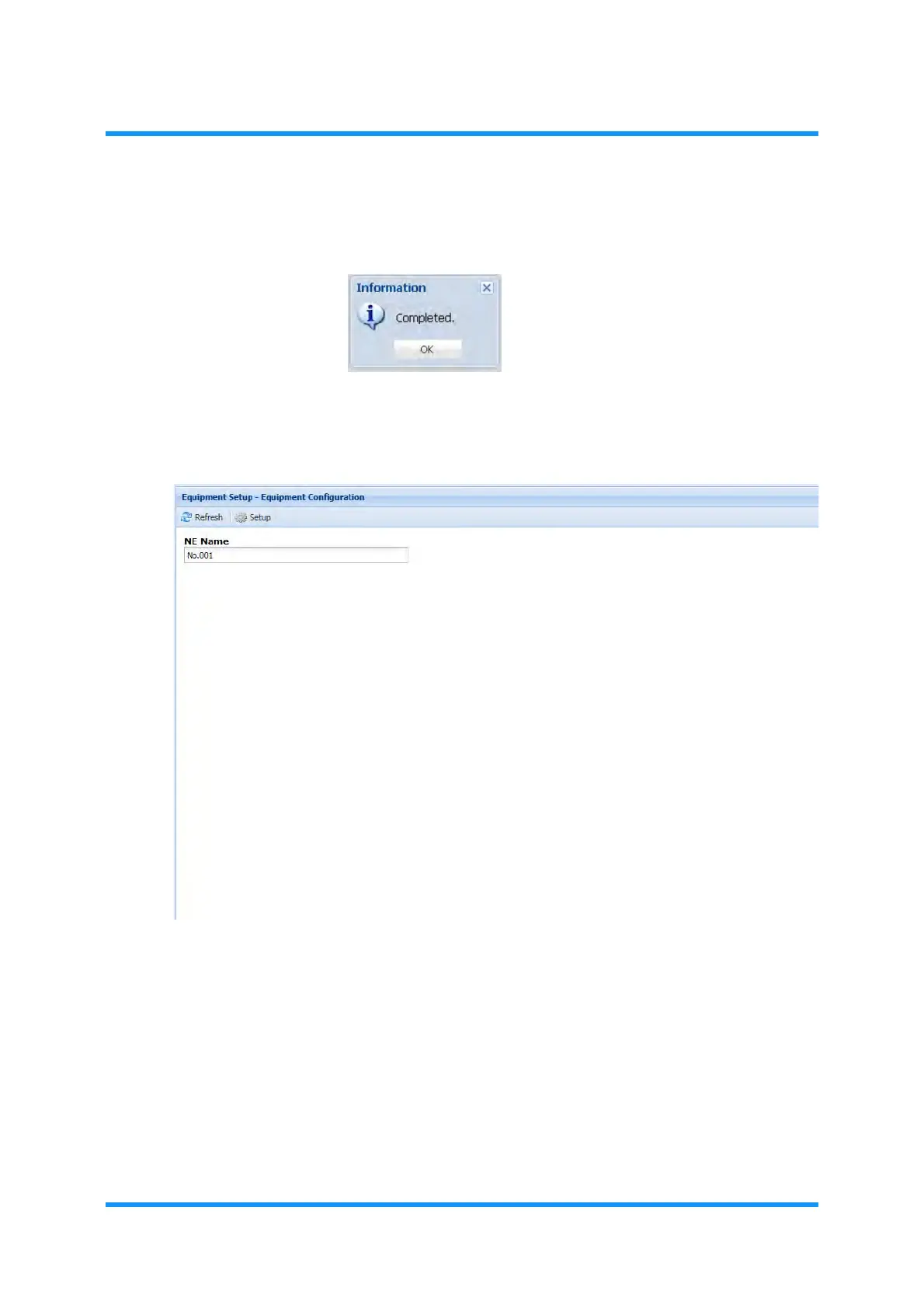
5. When the process is completed, Information dialog box appears. Click the OK
button to proceed.
Figure 4-3 Information Dialog Box
6. The Equipment Setup — Equipment Configuration window updates the
information. Confirm the displayed equipment configuration.
Figure 4-4 Equipment Setup — Equipment Configuration Window (example)
This step ends the procedure.


 To Next Page