NETWORK MANAGEMENT 5-41
iPASOLINK EX Advanced: SET NETWORK AND SYSTEM PROVISIONING GGS-000547-01E
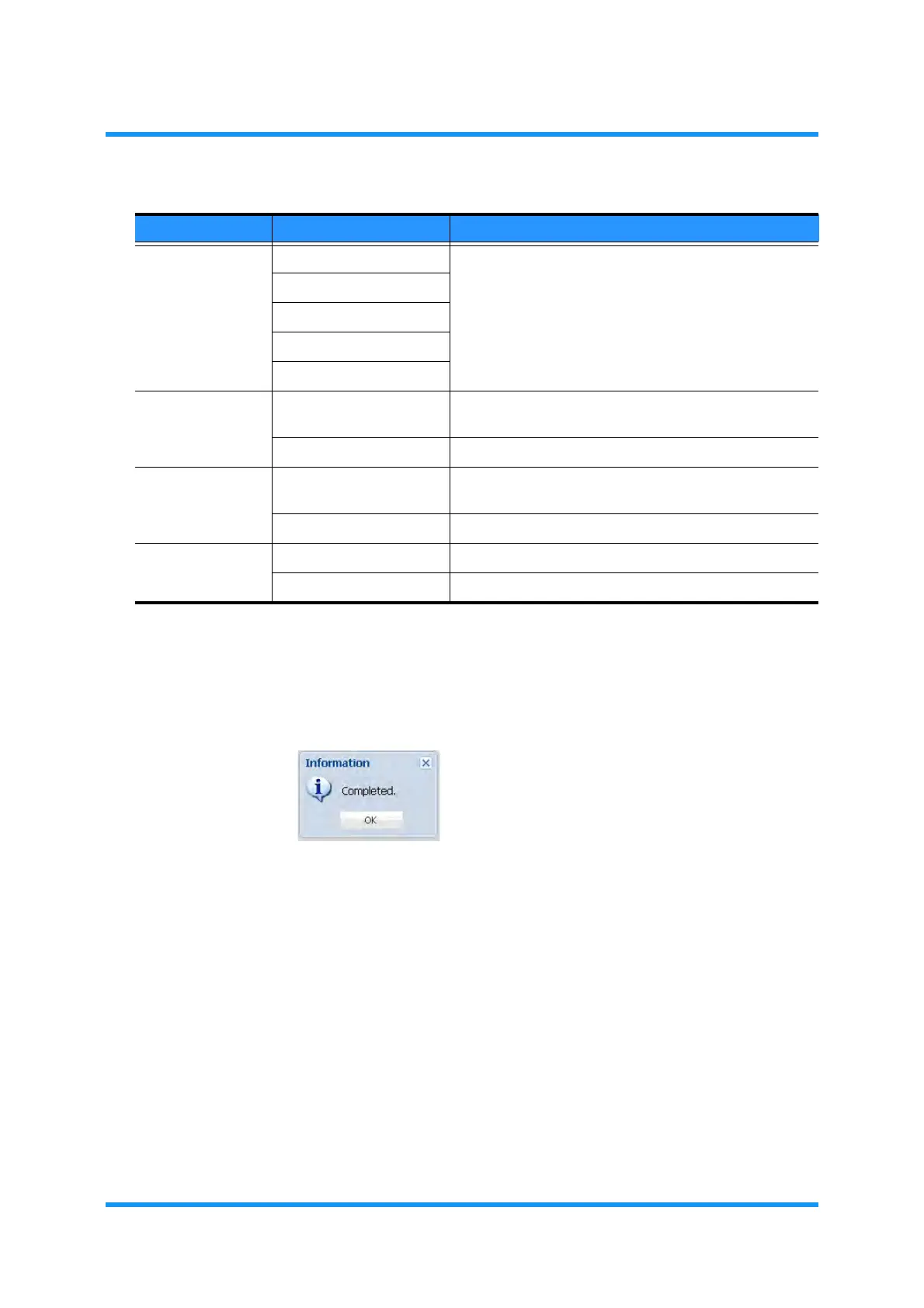
5. When completed, click the OK button. Information dialog box appears.
6. Click the OK button to proceed.
Figure 5-63 Information Dialog Box
The IP Access Control Setting window updates the information.
Protocol Any Select a Protocol for the IP Packets.
• Selecting Other requires to set port numbers.
• Selecting TCP or UDP enables the Source Port and
Destination Port options.
ICMP
TCP
UDP
Other
Source Port Any (check box) Check (leave a tick in) the check box to set no specific
port for the source.
1 to 65535 Select a port for the source.
Destination Port Any (check box) Check (leave a tick in) the check box to set no specific
port for the destination.
1 to 65535 Select a port for the destination.
Action Permit Forwards a packet that meets the conditions above.
Deny Discards a packet that meets the conditions above.
Table 5-12 Forwarding Filter Entry (Add) Parameters (2 of 2)
Parameter Value Description



 To Next Page