8-20 Set ETH Function
GGS-000547-01E iPASOLINK EX Advanced: SET NETWORK AND SYSTEM PROVISIONING
However, for a single entry, the entered VLAN Service Name will be registered
as it is though the name has already been registered.
If (a) VLAN ID(s) within the multiple VLAN IDs to be registered already
exist(s), that/those VLAN ID(s) is/are ignored (in other words, not to overwrite
the existing IDs), but the remaining VLAN IDs will be registered.
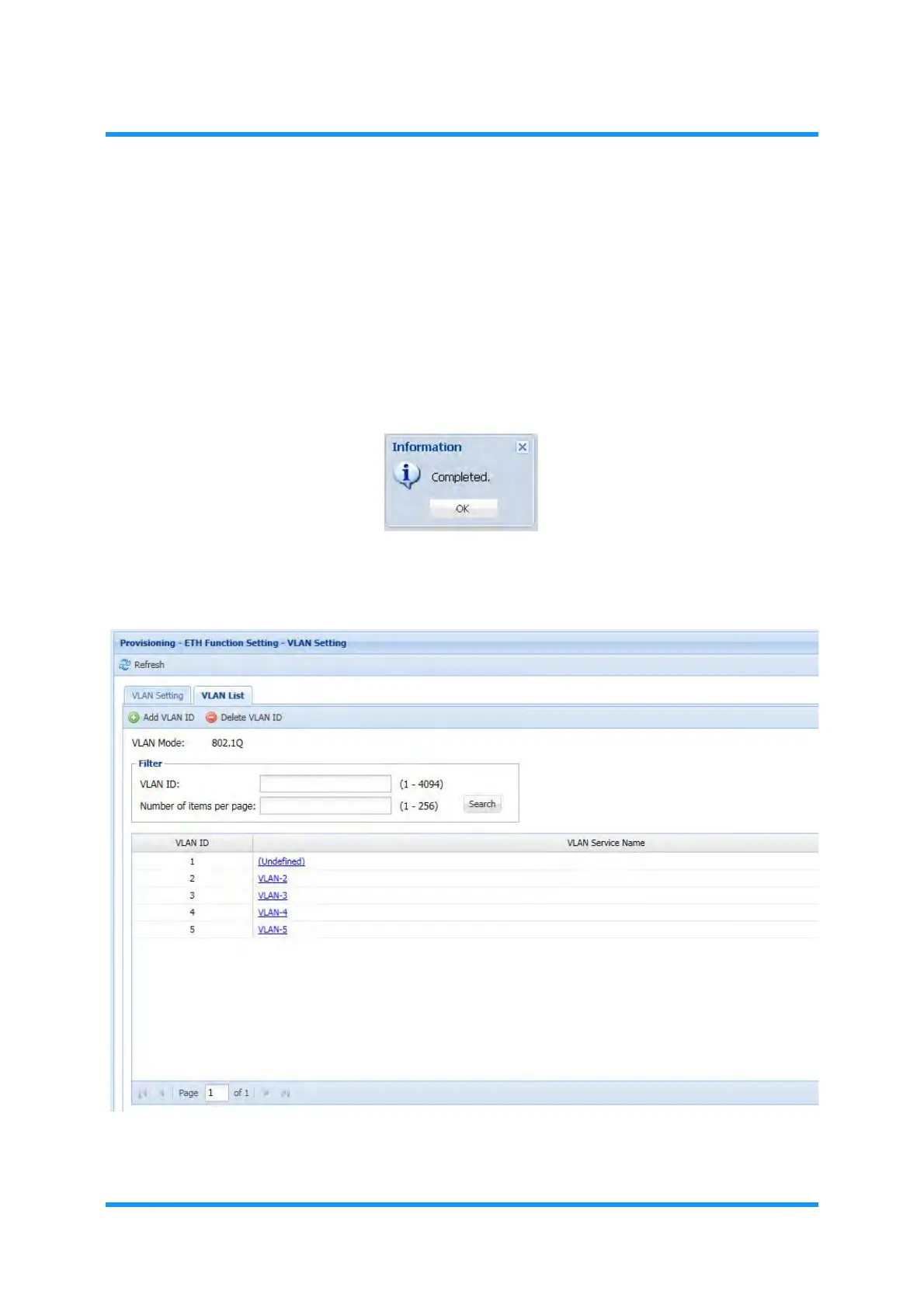
5. When completed, click the OK button. Information dialog box appears.
6. Click the OK button to proceed.
Figure 8-20 Information Dialog Box
7. The VLAN Setting window updates the information. Verify the displayed
parameters.
Figure 8-21 VLAN Setting Window— VLAN List Tab (example: 802.1q)
This step ends the procedure.



 To Next Page