Set ETH Function 8-59
iPASOLINK EX Advanced: SET NETWORK AND SYSTEM PROVISIONING GGS-000547-01E
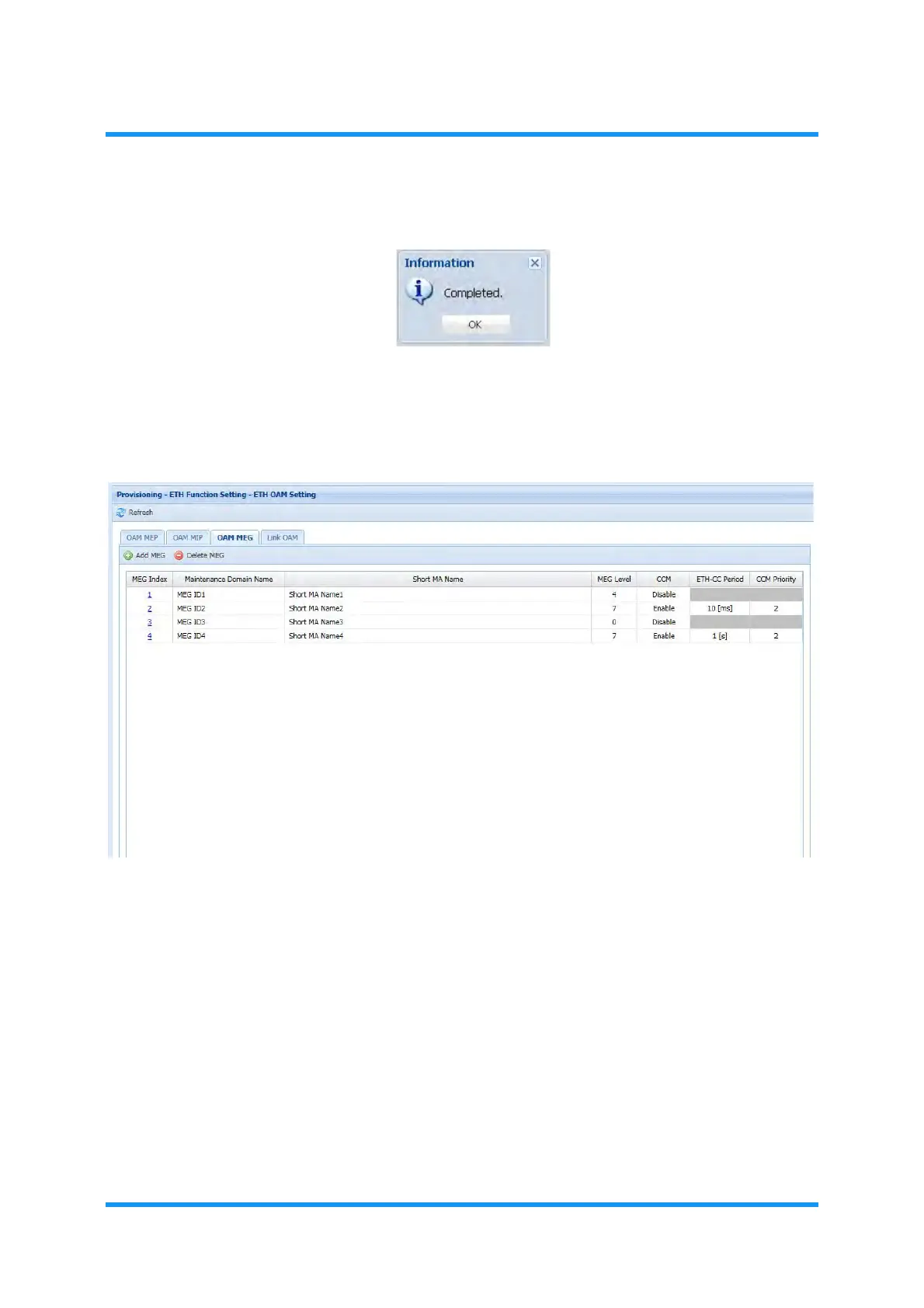
6. Information dialog box appears. Click the OK button to proceed.
Figure 8-76 Information Dialog Box
The ETH OAM Setting window updates the information.
7. Verify the displayed information.
Figure 8-77 ETH OAM Setting Window — OAM MEG Tab
This step ends the procedure.



 To Next Page