CONNECT CABLES 5-11
iPASOLINK EX Advanced: INSTALLATION GGS-000546-01E
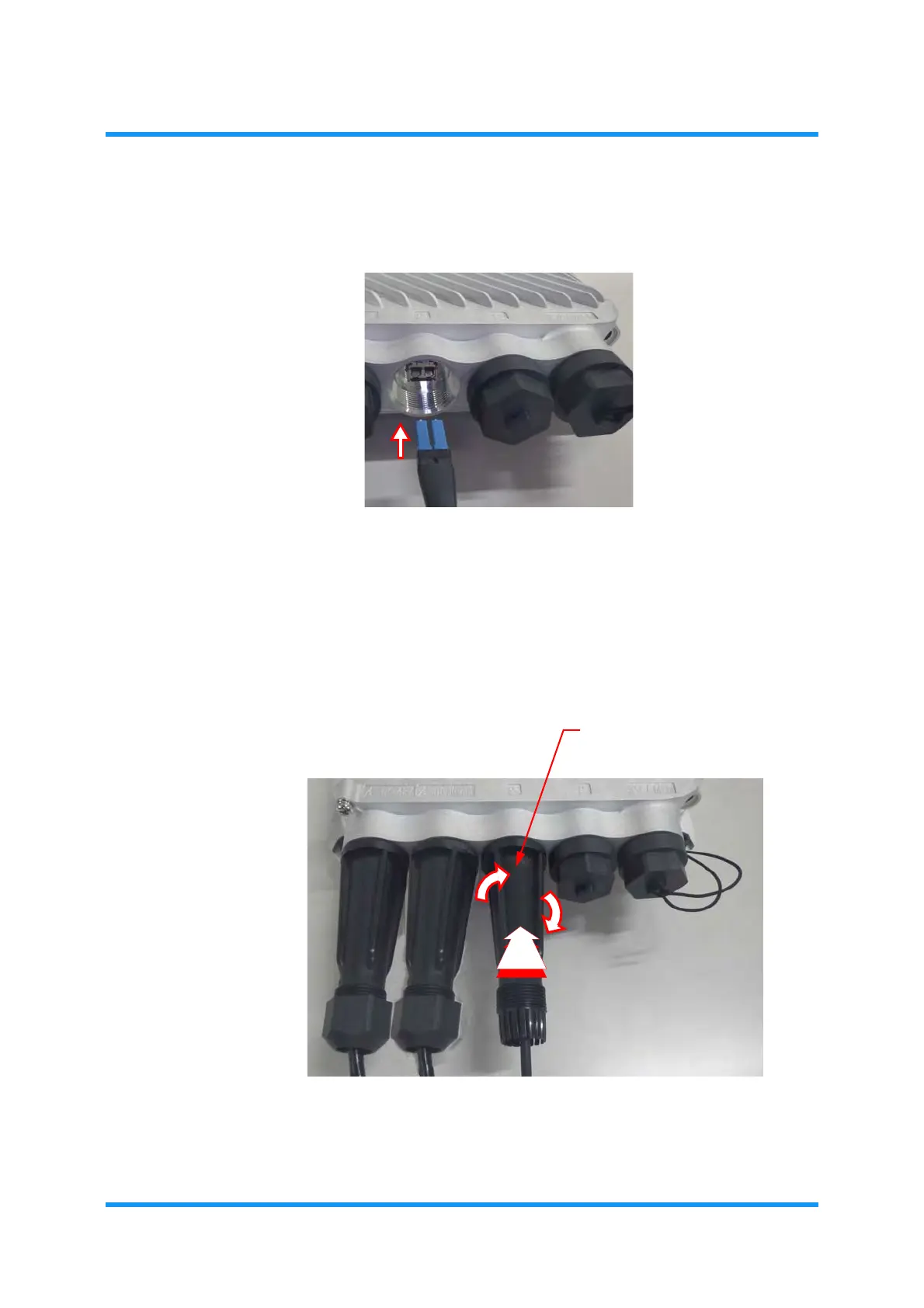
2. Insert the LC Connectors into the SFP+ Port:
Figure 5-16 Connect LAN Cable
3. Place the housing over the LC Connectors, and engage it by turning it
clockwise:Slide the waterproofing cap toward the port fully.
Figure 5-17 Engage Housing



 To Next Page