Set Equipment Clock and Synchronization 9-11
iPASOLINK EX Advanced: SET NETWORK AND SYSTEM PROVISIONING GGS-000547-01E
4. Assign the appropriate value to each parameter:
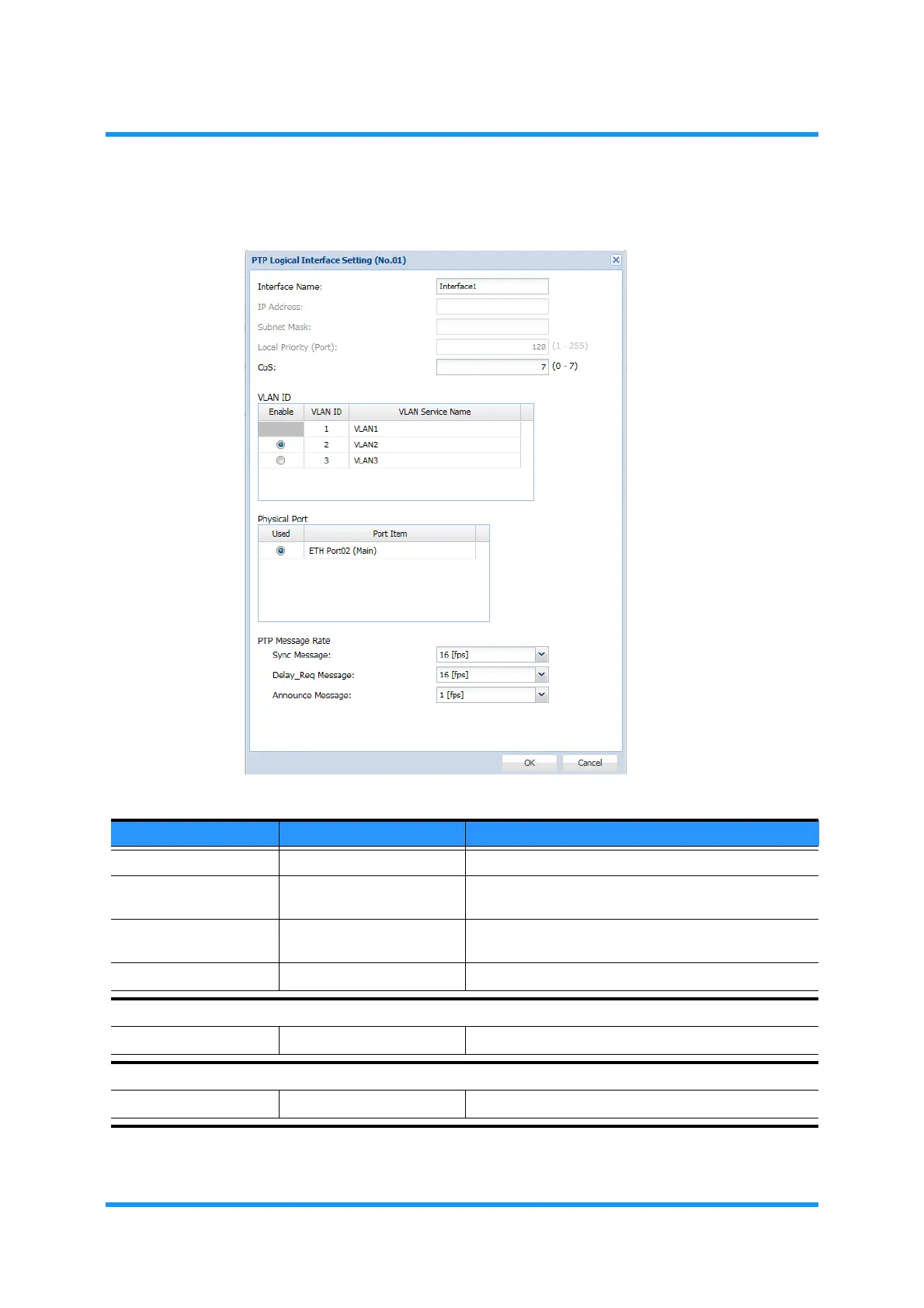
Figure 9-13 PTP Logical Interface Setting Option Window
Table 9-4 PTP Logical Interface Setting Parameters (1 of 2)
Parameter Value Description
Interface Name (text field) Name the interface to register.
IP Address x.x.x.x Enter the IP Address. This option is voided when
Transport Mode selects PTP over Ethernet.
Subnet Mask x.x.x.x Enter the Subnet Mask address. This option is voided
when Transport Mode selects PTP over Ethernet.
CoS 0 to 7 Specify the Class of Service value.
VLAN ID
Enable (radio button) (available VLAN IDs) Select a VLAN ID to enable.
Physical Port
Used (radio button) (available Port items.) Select a n ETH Port number to use.



 To Next Page