CONTROL ITEMS 4-85
iPASOLINK EX Advanced: OPERATION & MAINTENANCE GGS-000548-01E
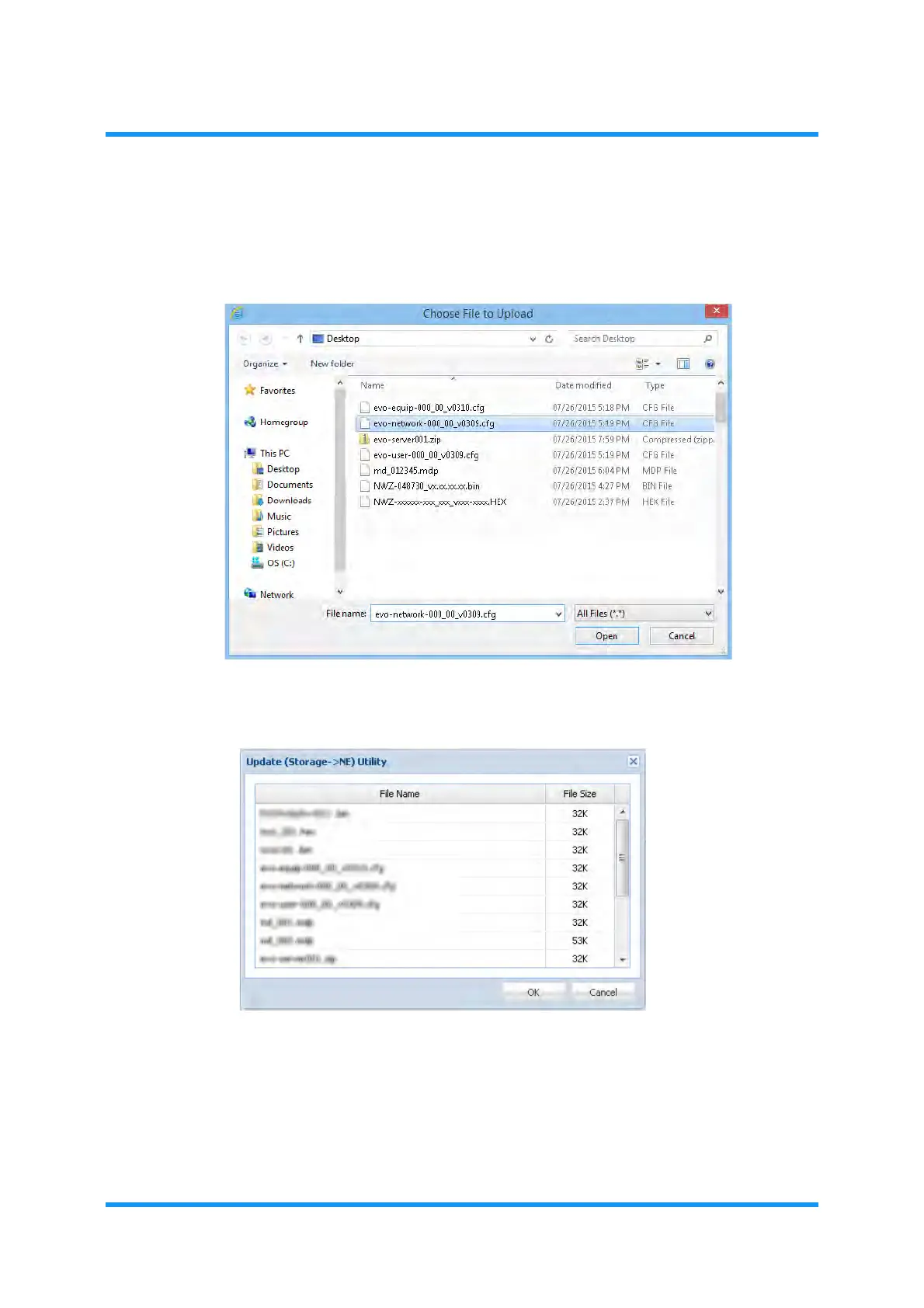
6. Select the Config Data file.
Option Window for Local PC
Figure 4-137 Choose File to Upload Option Window
Option Window for USB Memory Device
Figure 4-138 Update (Storage -> NE) Utility Option Window
7. Click the Open (or OK) button.The Config Data option window displays the
selected directory.



 To Next Page