4-86 CONTROL ITEMS
GGS-000548-01E iPASOLINK EX Advanced: Operation & Maintenance
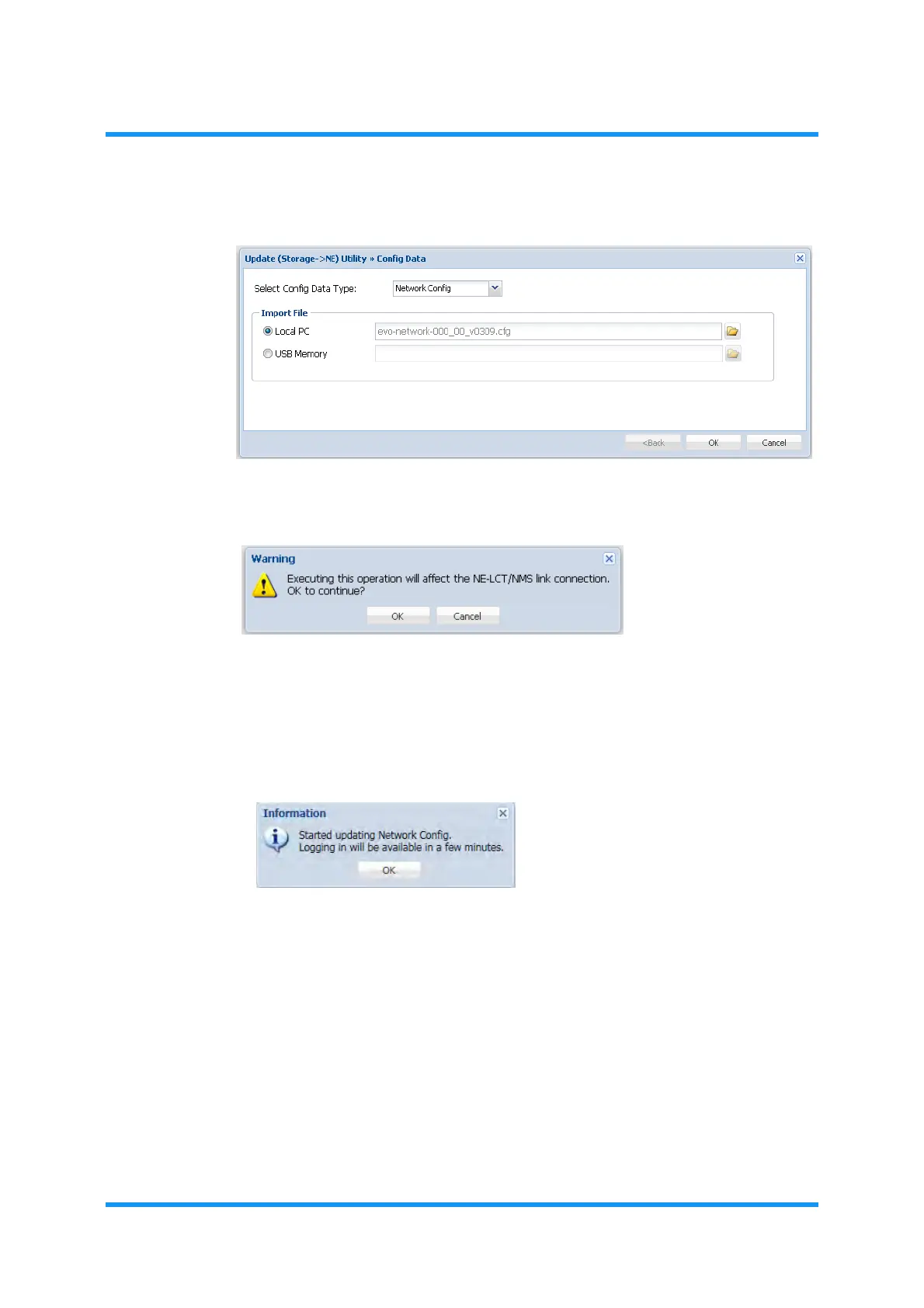
8. Click the OK button.
Figure 4-139 Config Data Option Window
9. Warning message dialog box appears. Click the OK button to proceed.
Figure 4-140 Warning Message Dialog Box
File downloading starts. During the downloading process, the progress bar
shows up.
10.
Information dialog box appears. Click OK button. The WebLCT will shut down
automatically.
Figure 4-141 Information Dialog Box
11. When the iPASOLINK EX/A restarts, log in to the iPASOLINK EX/A again.
12. Upload the Configuration Data File again, then acquire the Configuration
Data.
13. Check the Configuration Data by comparing the latest Configuration Data
with the previous data.
14. Confirm that the
MAINT indicator on the tool bar changes from orange to
white.
This step ends the procedure.



 To Next Page