4-88 CONTROL ITEMS
GGS-000548-01E iPASOLINK EX Advanced: Operation & Maintenance
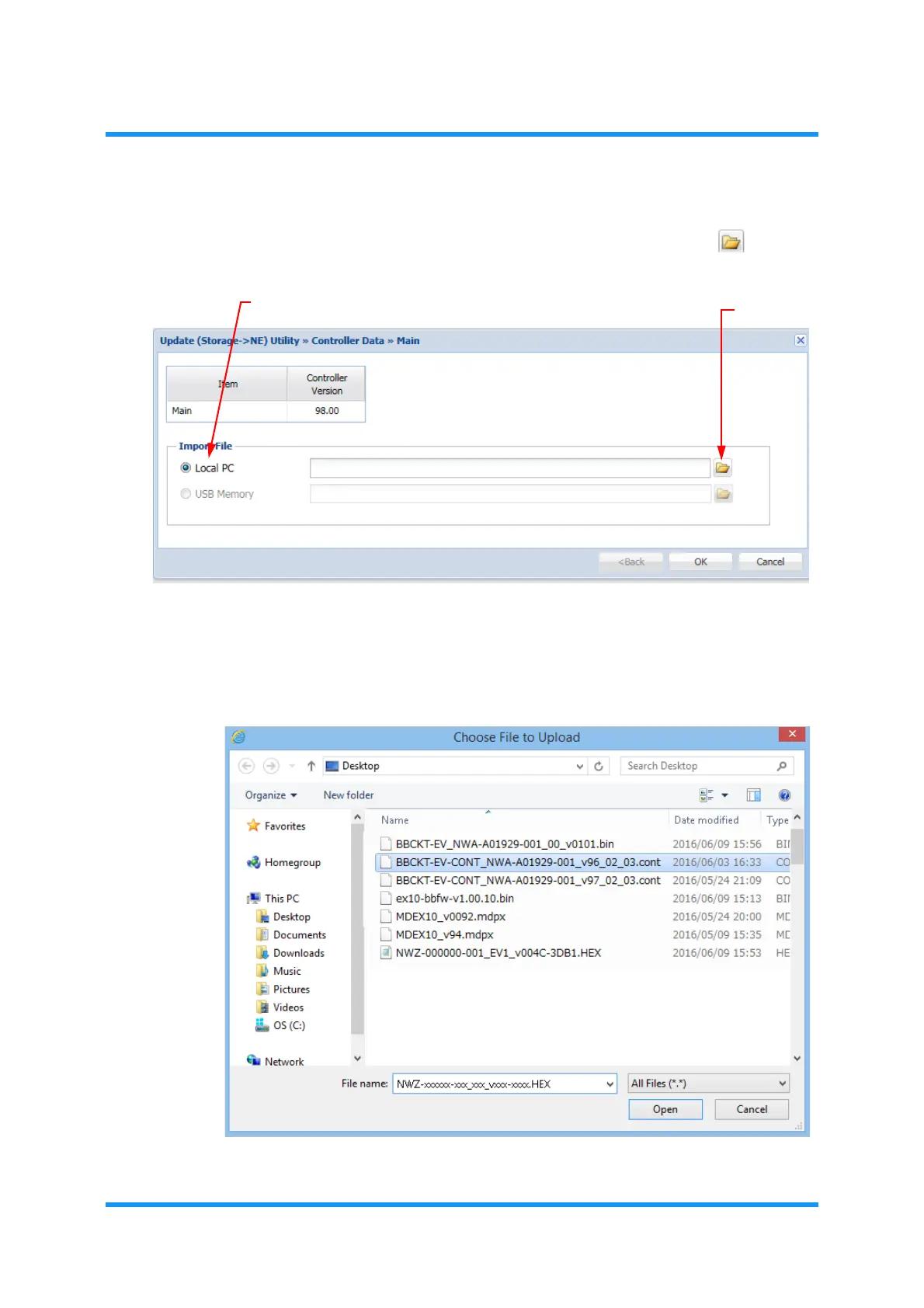
4. The Controller Data option window for selecting a source appears. In the
Import File option box, select the media (Local PC or USB Memory) from
which the file is transferred, and then click the file icon button ( ).
Figure 4-143 Controller Data Option Window
5. An option window for selecting a file appears. Select the Controller Data file
(see below for the file name), and click the
Open (or OK) button.
File Name: BBCKT-EV-CONT_NWA-A01929-001_v**.cont
Figure 4-144 Choose File to Upload Option Window
Import File option box
file icon



 To Next Page