4-90 CONTROL ITEMS
GGS-000548-01E iPASOLINK EX Advanced: Operation & Maintenance
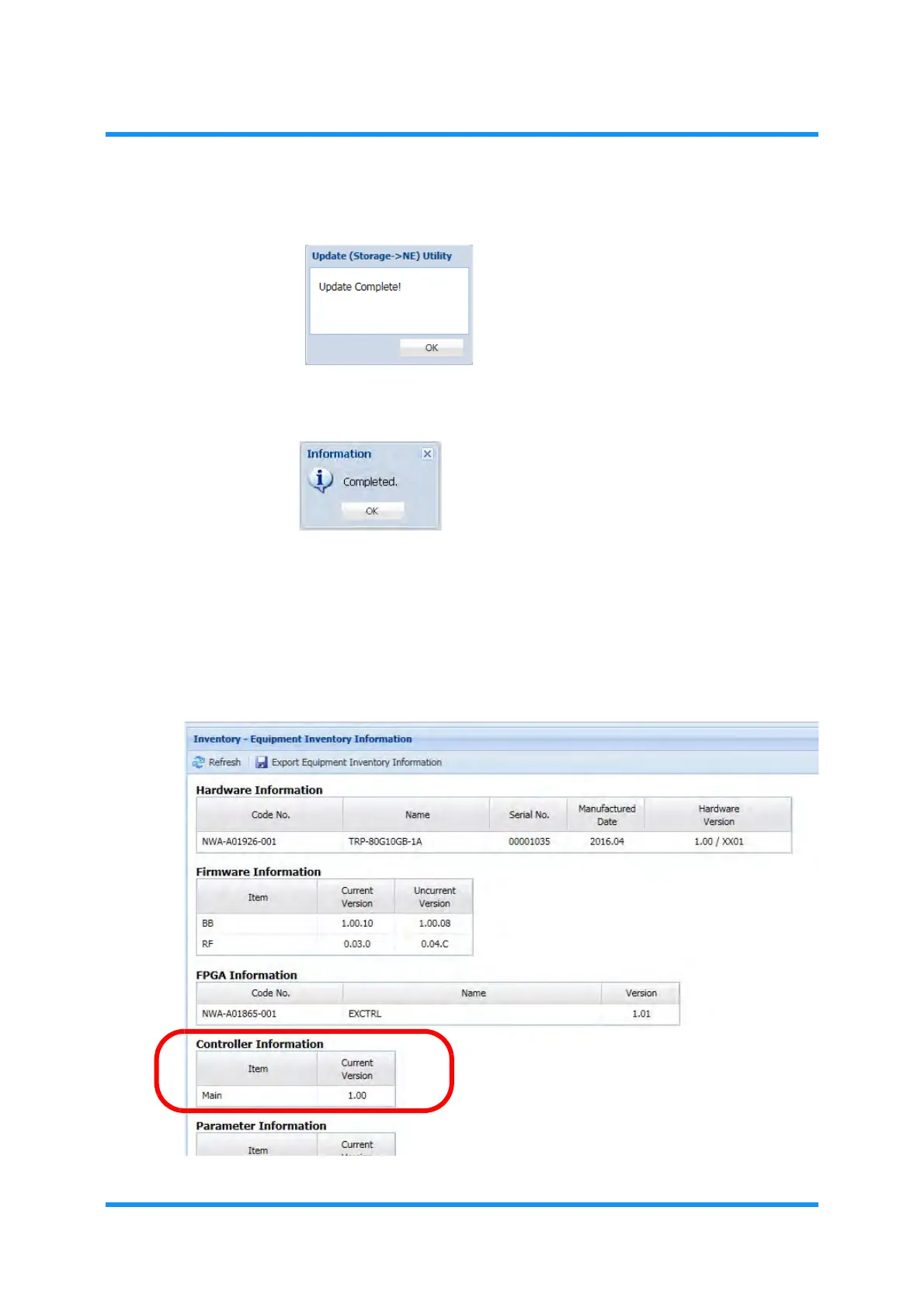
8. Click the OK button to execute the auto-revert process.
Figure 4-148 Update Complete! Dialog Box
9. Information dialog box appears. Click the OK button to proceed.
Figure 4-149 Information Dialog Box
i) Launch the WebLCT, and log in to the iPASOLINK EX/A again.
ii) Select the
Inventory Equipment Inventory Information from the WebLCT
menu.
10. In the Equipment Inventory Information window, verify the information of
newly running program.
Figure 4-150 Equipment Inventory Information Window



 To Next Page