CORRECTIVE MAINTENANCE 5-5
iPASOLINK EX Advanced: OPERATION & MAINTENANCE GGS-000548-01E
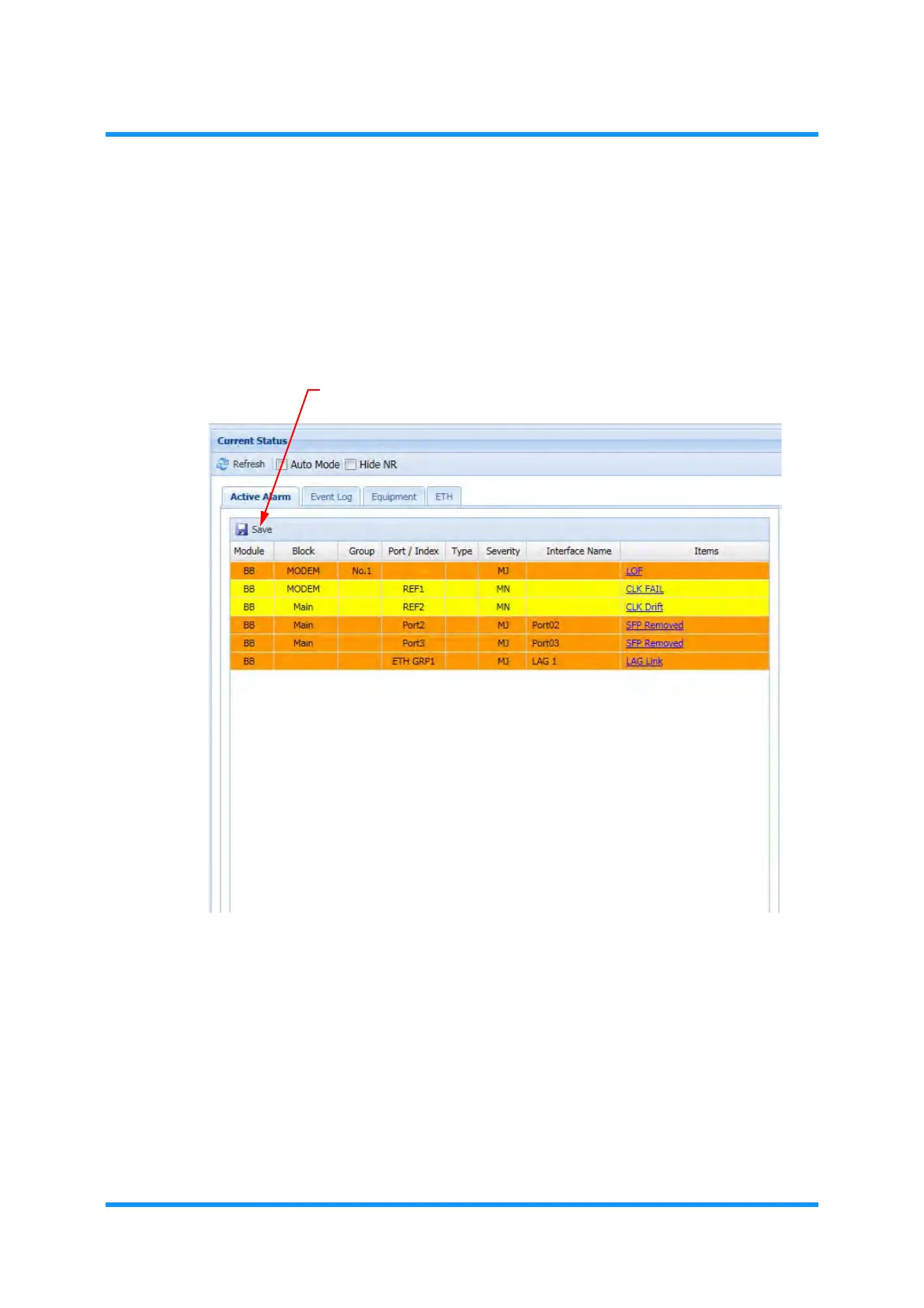
Save Active Alarms
The displayed information can be saved onto the storage area of
WebLCT PC. To
save the information, click the
Save button located within the Active Alarm list. See
5.2.3 Save the Displayed Information for an example.
Figure 5-4 Current Status Window — Active Alarm Tab
NOTE: To save the alarm list, refer to the procedure provided in 5.2.3 Save the
Displayed Information
.



 To Next Page