Tungsten™ E2 Handheld 80
CHAPTER 5 Moving Info Between Your Handheld and Your Computer
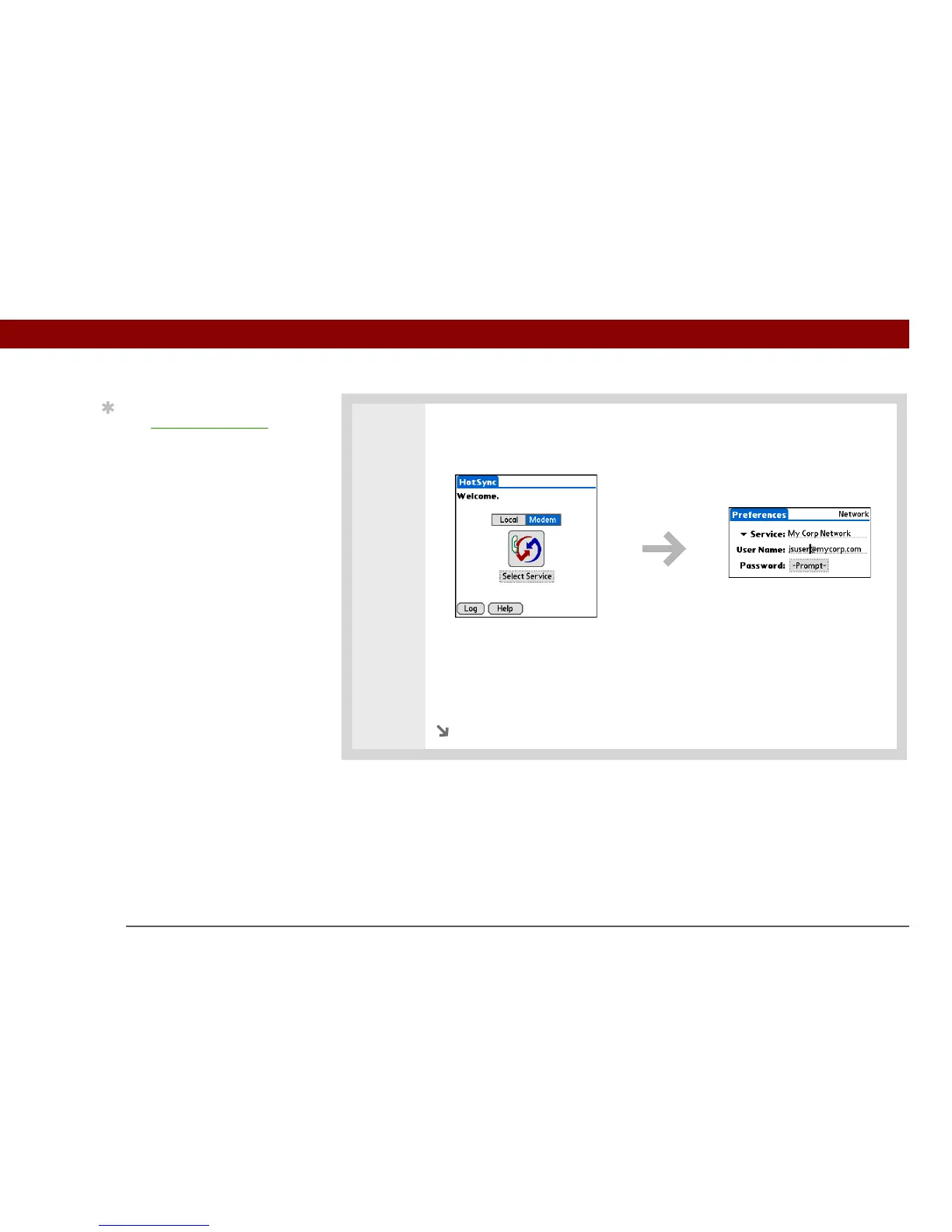
3 Select a service:
a. Select Modem, and then tap Select Service.
b. Tap the Service pick list and select the service you use to connect to your
corporate network. Check with your system administrator if you do not know
which service to use.
c. Select Done.
Continued
Tip
Use Network Preferences
to set up a service if you
have not done so already.
Check with your system
administrator to obtain
network service
information.



 To Next Page