Tungsten™ E2 Handheld 81
CHAPTER 5 Moving Info Between Your Handheld and Your Computer
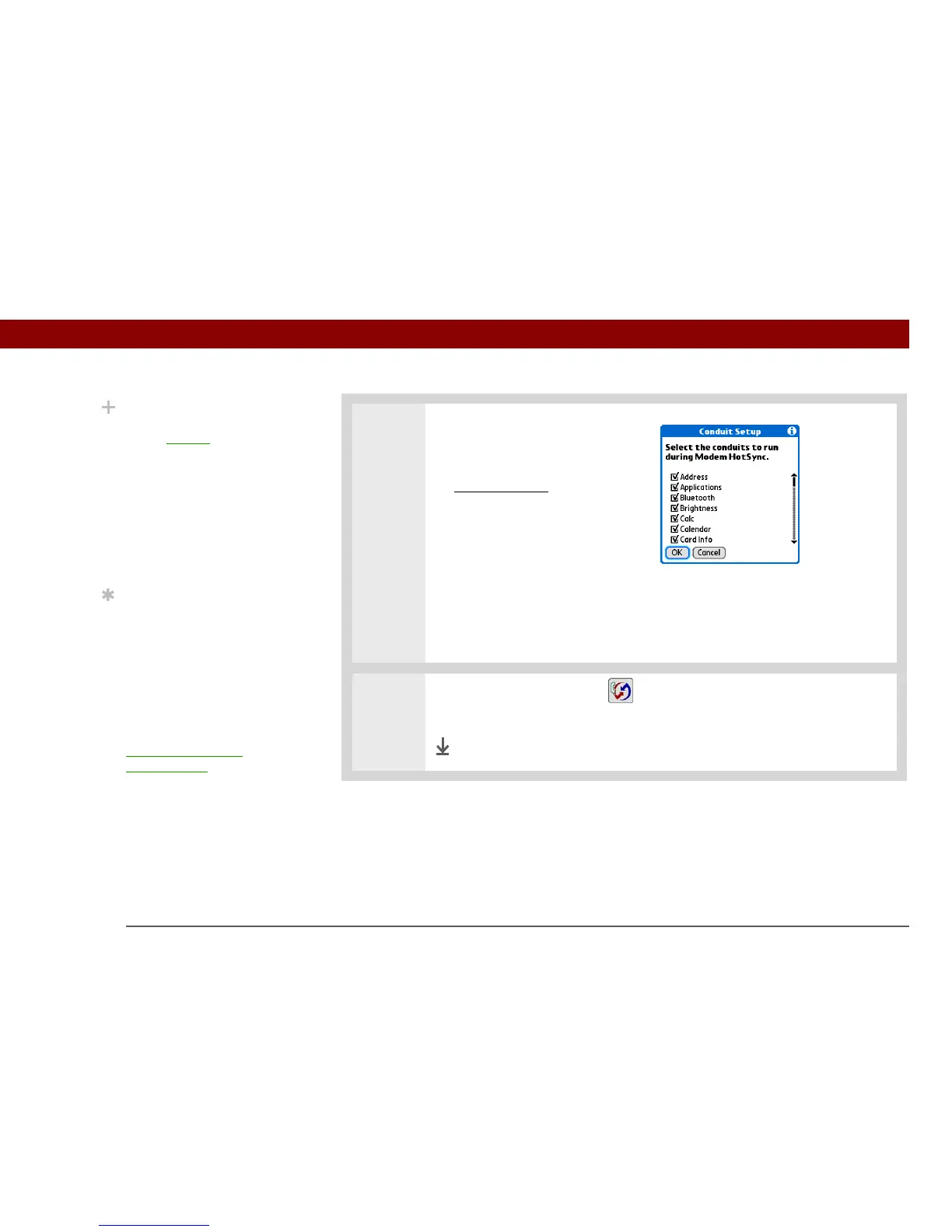
4 [ & ] OPTIONAL Select which
applications to include during
synchronization:
a. Open the menus
.
b. Select Options, and then
select Conduit Setup.
c. Uncheck the boxes for the
files and applications that you
do not want to synchronize
during a modem HotSync
operation.
d. Select OK.
5 Tap the Modem HotSync icon to synchronize your handheld with your
computer.
Done
Did You Know?
Only applications that
have a conduit
are
included in
synchronization. Other
applications are not
included, even if they
appear on the Conduit
Setup screen with a
checkmark next to their
name.
Tip
You can deselect
applications, for example,
to include a smaller
number of applications
during synchronization
and thus make
synchronization go faster.
To synchronize the preset
applications described in
What information is
synchronized?, skip
step 4.



 To Next Page