Tungsten™ E2 Handheld 361
CHAPTER 15 Sending and Receiving Email Messages
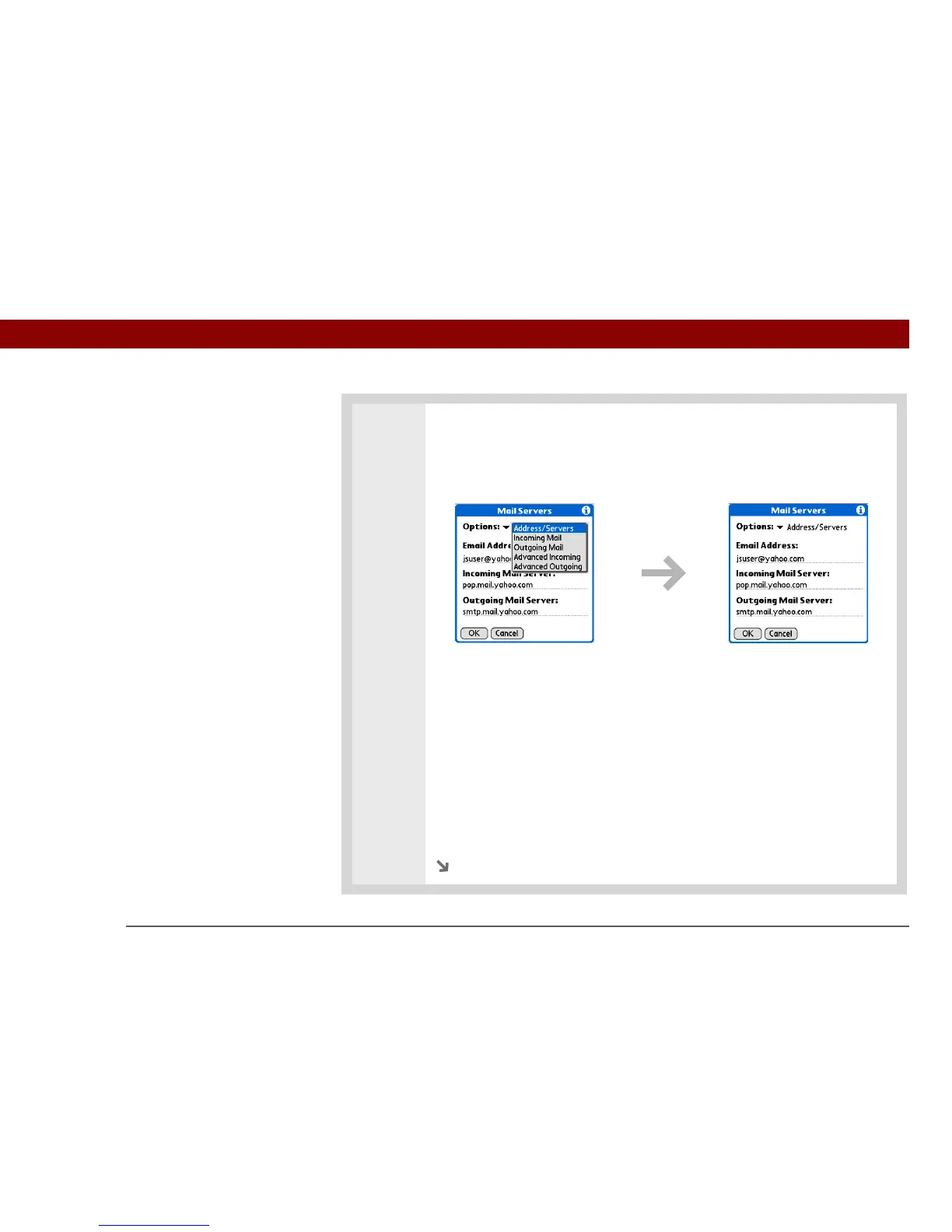
3 Manage address and server settings:
a. On the Mail Servers screen, select Details.
b. Select the Options pick list, and then select Address/Servers.
c. Do any of the following:
Email Address Enter the email address of the account you are accessing, such
as examplename@yahoo.com.
Incoming Mail Server Enter the name of your incoming (POP) mail server,
such as pop.mail.yahoo.com.
Outgoing Mail Server Enter the name of your outgoing (SMTP) mail server,
such as smtp.mail.yahoo.com.
d. Select OK.
Continued



 To Next Page