Tungsten™ E2 Handheld 362
CHAPTER 15 Sending and Receiving Email Messages
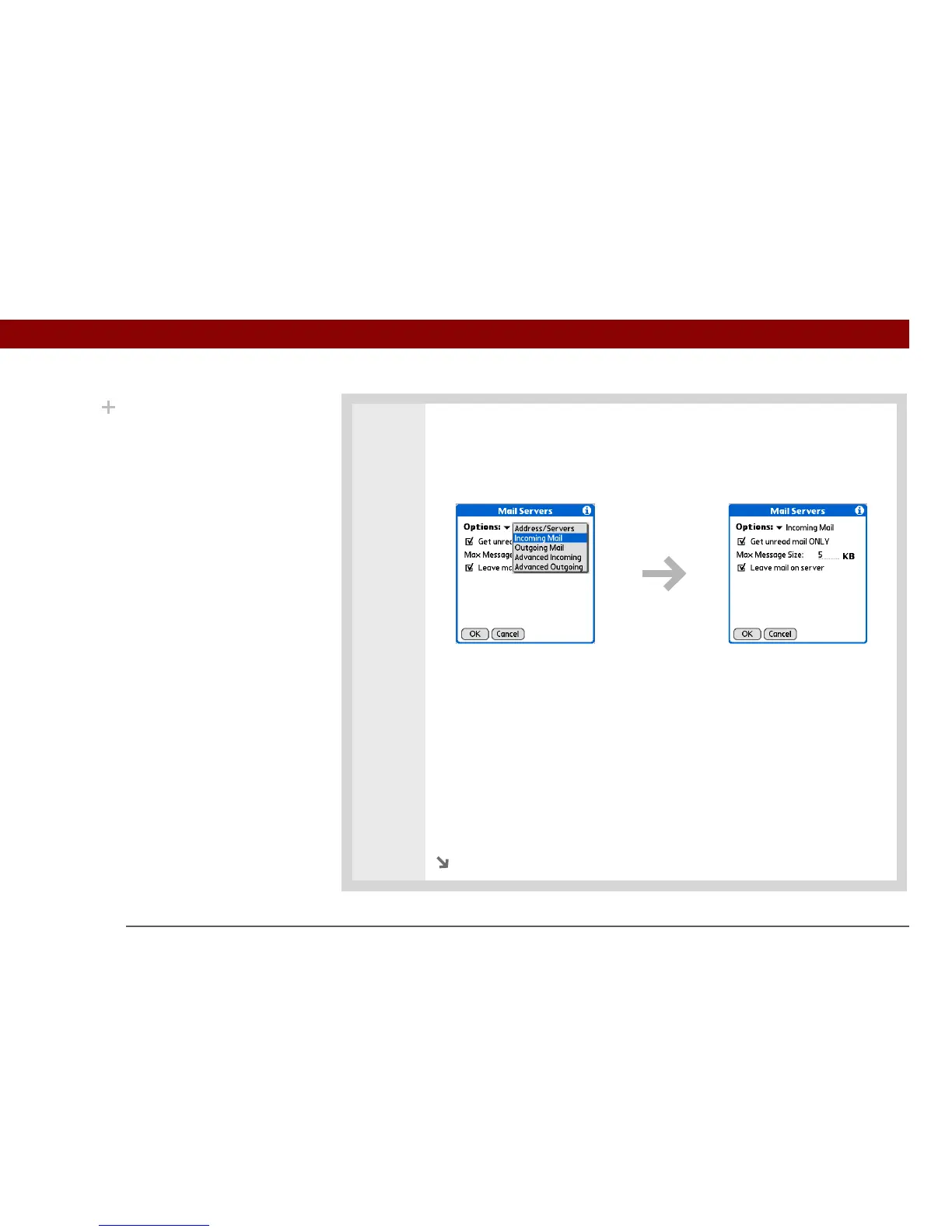
4 Manage incoming mail server settings:
a. On the Mail Servers screen, select Details.
b. Select the Options pick list, and then select Incoming Mail.
c. Do any of the following:
Get unread mail ONLY For IMAP accounts, retrieves unread email only. To get
all email and not just unread email, deselect Get unread mail ONLY.
Maximum Message Size Enter the maximum message size that you can
receive.
Leave mail on server (POP only) Leaves email that you receive on the
handheld on the server also.
d. Select OK.
Continued
.
Did You Know?
The POP protocol does
not support retrieval of
unread mail only from the
server. If you have a POP
email account, the
VersaMail application
downloads all messages
from the server
regardless of whether
you have read them (for
example, on your desktop
or on the web), and
regardless of whether
this box is checked.



 To Next Page