Tungsten™ E2 Handheld 478
CHAPTER 22 Keeping Your Information Private
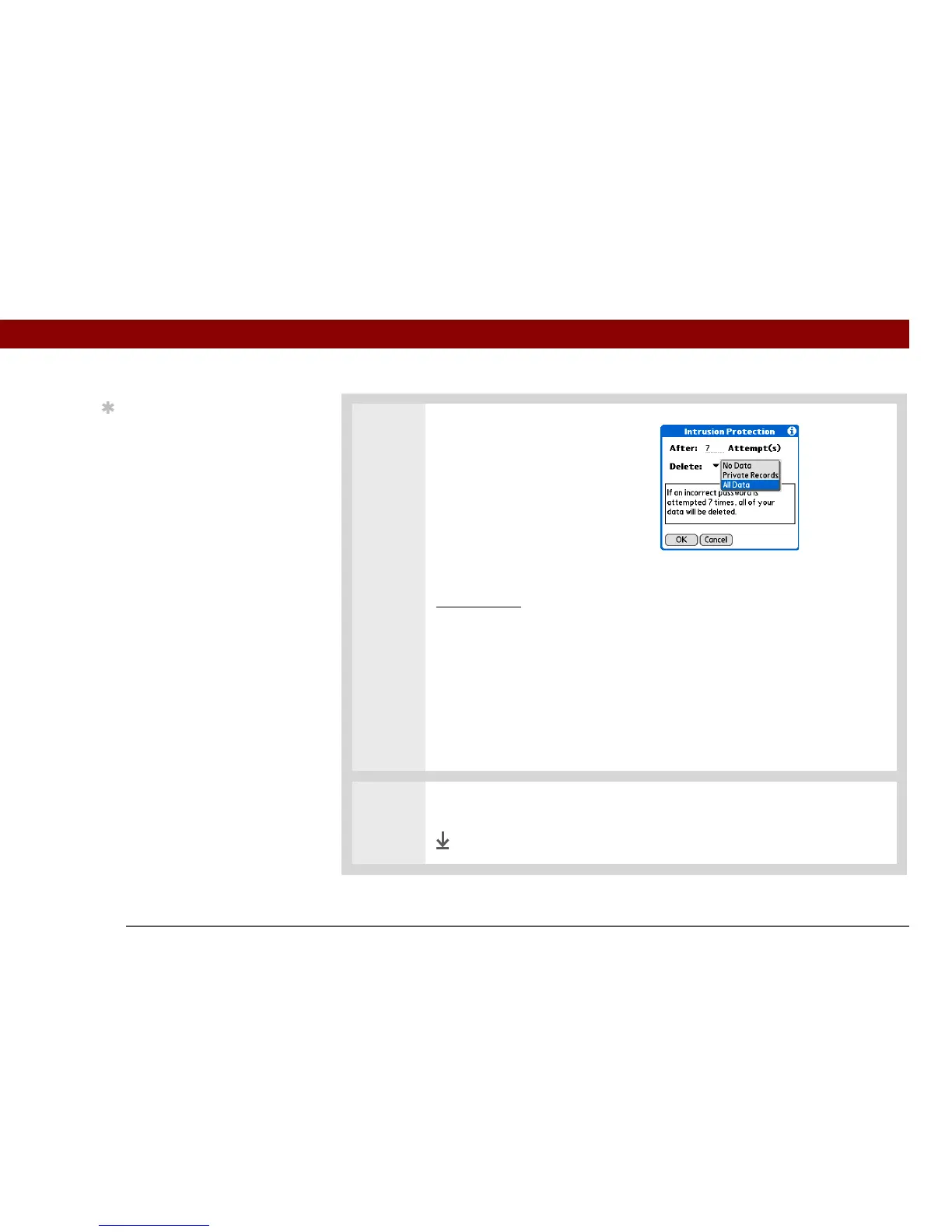
3 Select the information that is
deleted after the set number of
failed attempts:
a. Select the Delete pick list and
select one of these options:
No Data No information is
deleted after the set number of
failed attempts.
Private Records All entries
marked private
are deleted after
the set number of failed
attempts.
All Data All information you
entered and all applications you
installed on your handheld are
deleted after the set number of
failed attempts.
b. Select OK.
4 Select OK two more times, and then select Done.
Done
Tip
The number of password
attempts must be
between 5 and 99.



 To Next Page