Tungsten™ E2 Handheld 75
CHAPTER 5 Moving Info Between Your Handheld and Your Computer
MAC ONLY
0
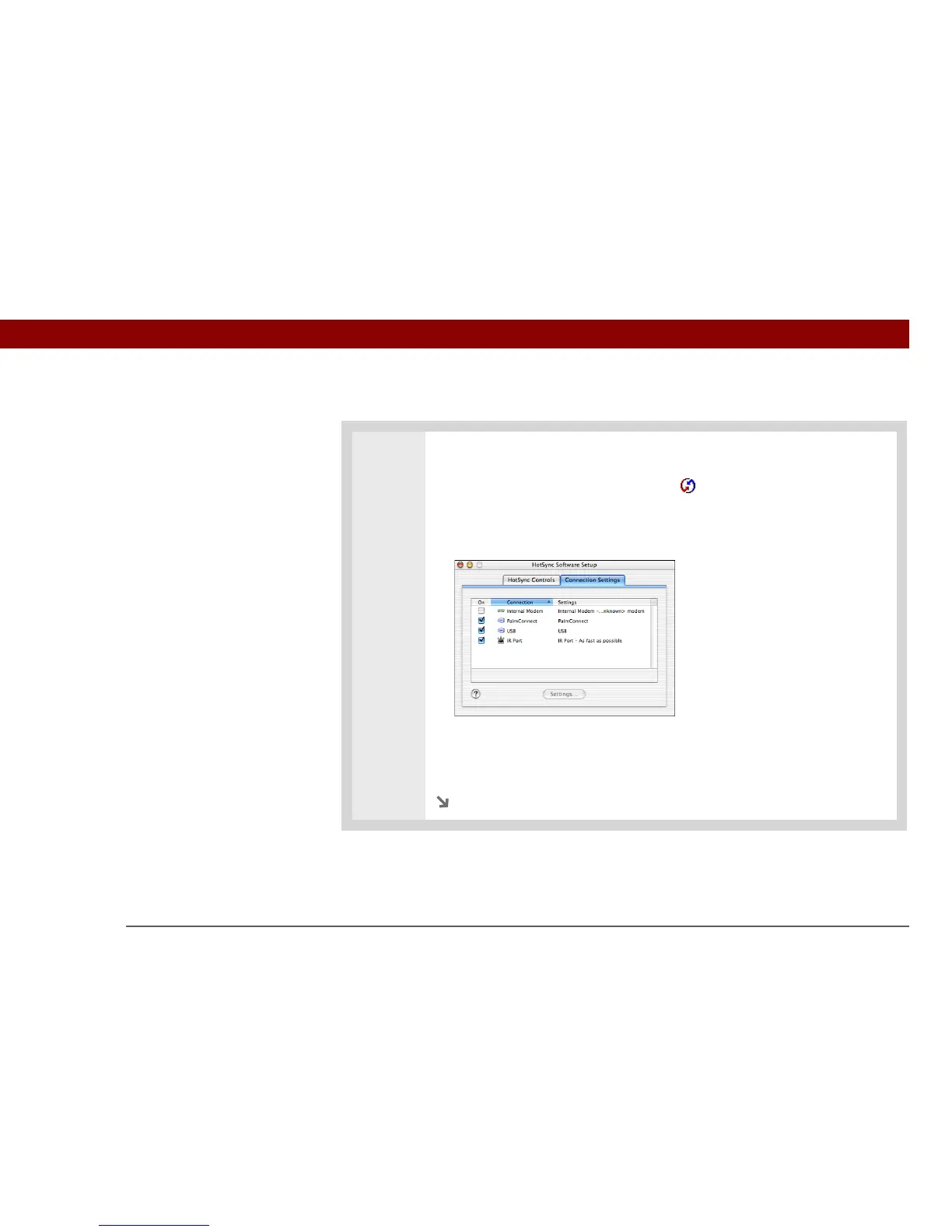
1 Prepare your computer for IR synchronization:
a. Double-click the HotSync Manager icon in the Palm folder.
b. In the HotSync Controls tab, select Enabled.
c. Click the Connection Settings tab.
d. Select the On check box next to IR port.
e. Close the HotSync Software Setup window.
Continued



 To Next Page