4535 612 10261 HD11 Service Manual Page 115
CSIP: Level 2 Installation: Physical Installation Procedures
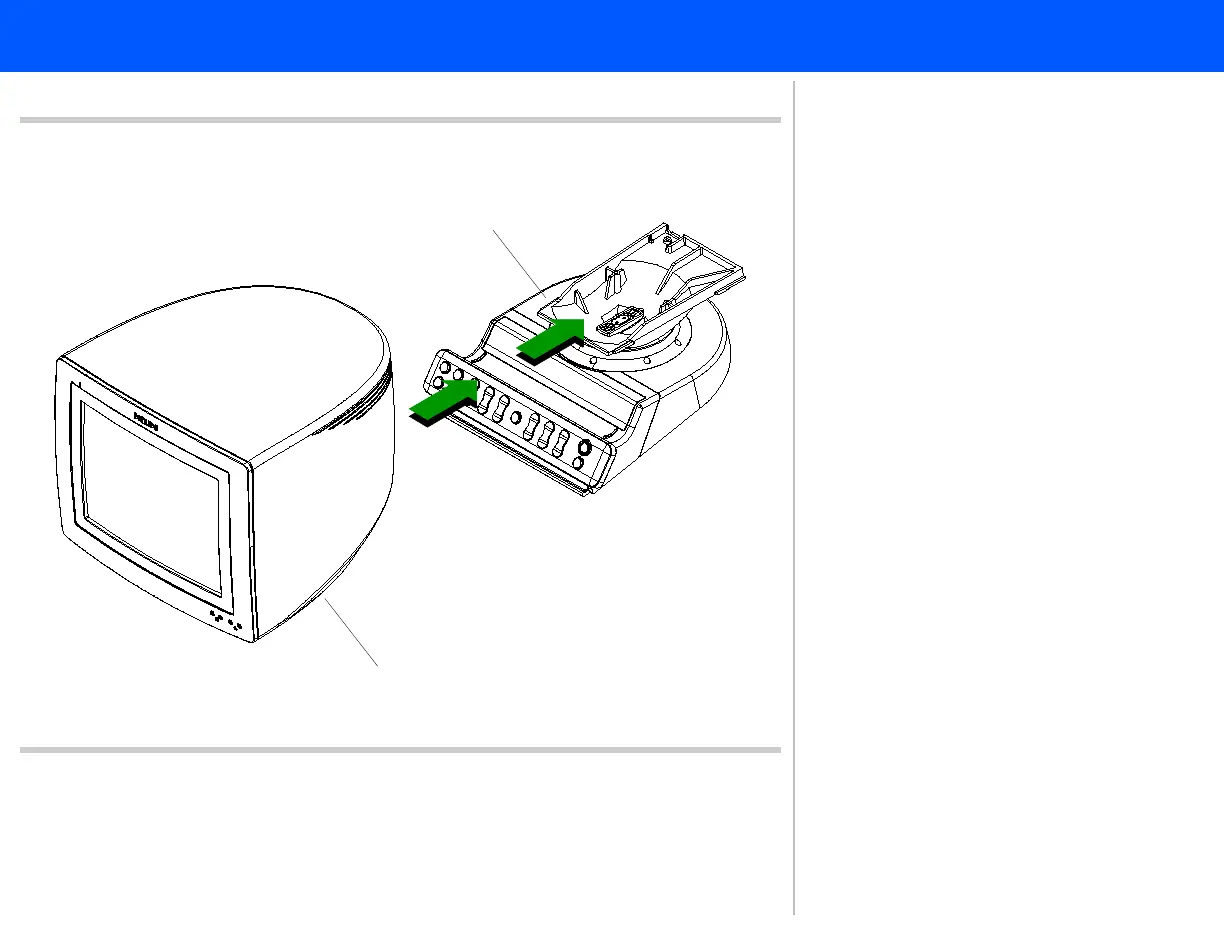
Figure 5-23 Attaching the Monitor to the Monitor Base
3
Monitor base edge
Monitor bracket
4
3. Starting from the front of the system,
slide the monitor onto the monitor
base. Line up the slots of the moni-
tor bracket with the edges of the
monitor base.
4. Push the monitor until it locks
(clicks) in place on the base. Proceed
to step 5.



 To Next Page