4535 612 10261 HD11 Service Manual Page 212
CSIP Level 1 Disassembly and Reassembly: Disassembly Procedures
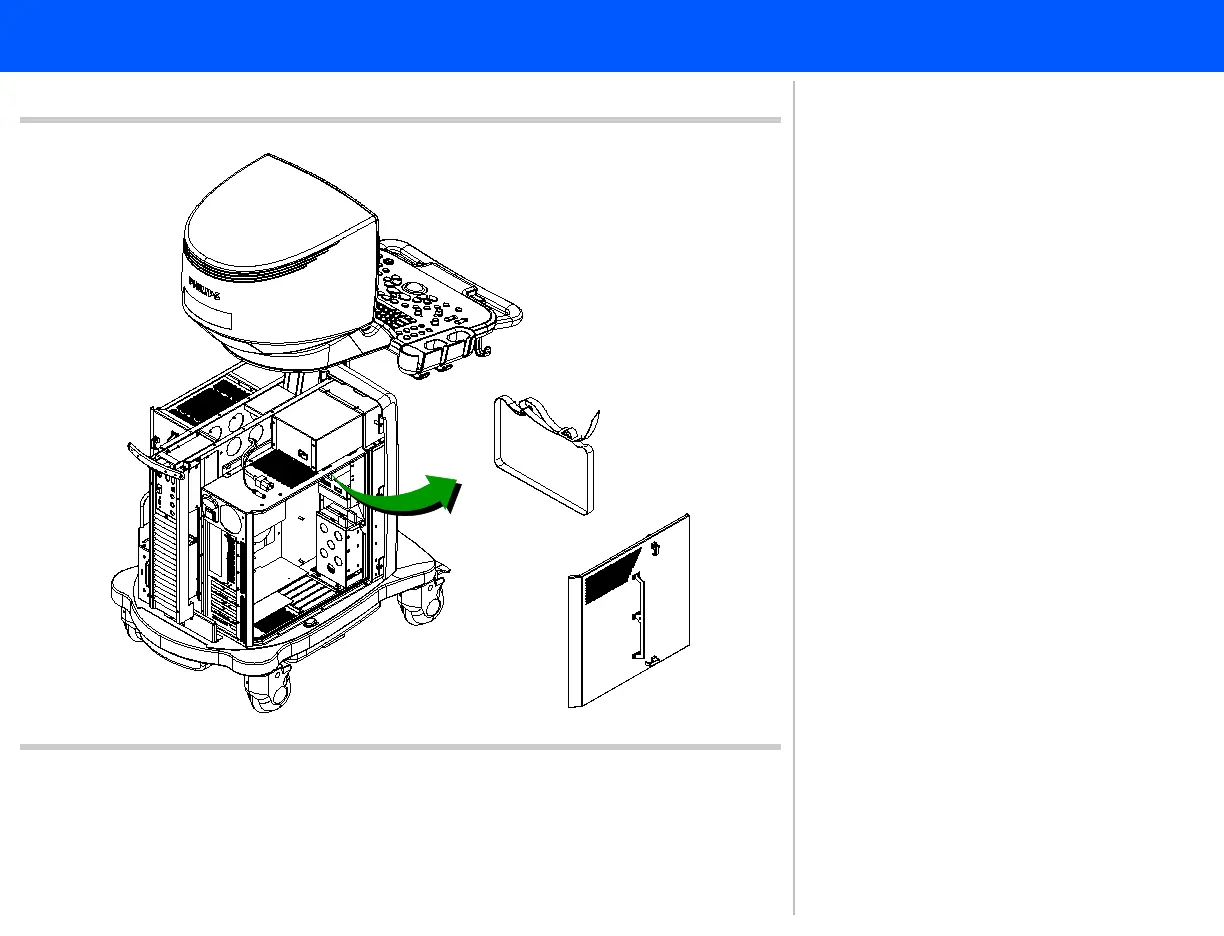
Figure 10-25 Removing the OEM Strap
8
PC access
panel
OEM strap
8. Carefully pull the OEM strap through
the slots in the top of the PC hous-
ing, ensuring that the strap doesn’t
catch on any of the inside PC com-
ponents. Proceed to step 9.



 To Next Page