4535 612 10261 HD11 Service Manual Page 270
CSIP Level 1 Disassembly and Reassembly: Disassembly Procedures
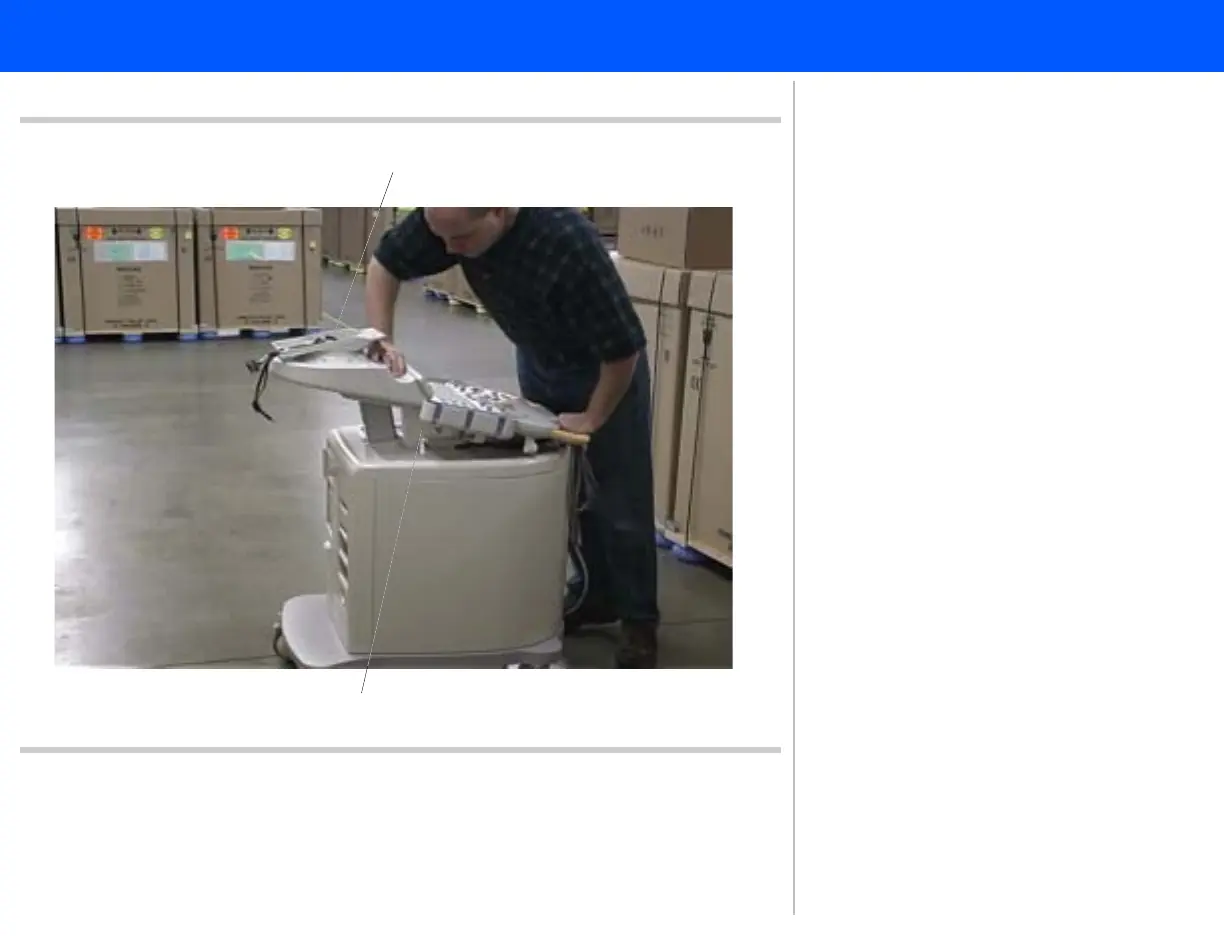
Figure 10-83 Supporting the Control Panel
Monitor mount
Spacer
10
9
9. Press both of the control panel trig-
gers and lower the control panel so
it rests on the control panel spacer.
10. Ensure that the monitor mount is
oriented so that the cables are lead-
ing away from the control panel. Pro-
ceed to step 11.



 To Next Page