4535 612 10261 HD11 Service Manual Page 268
CSIP Level 1 Disassembly and Reassembly: Disassembly Procedures
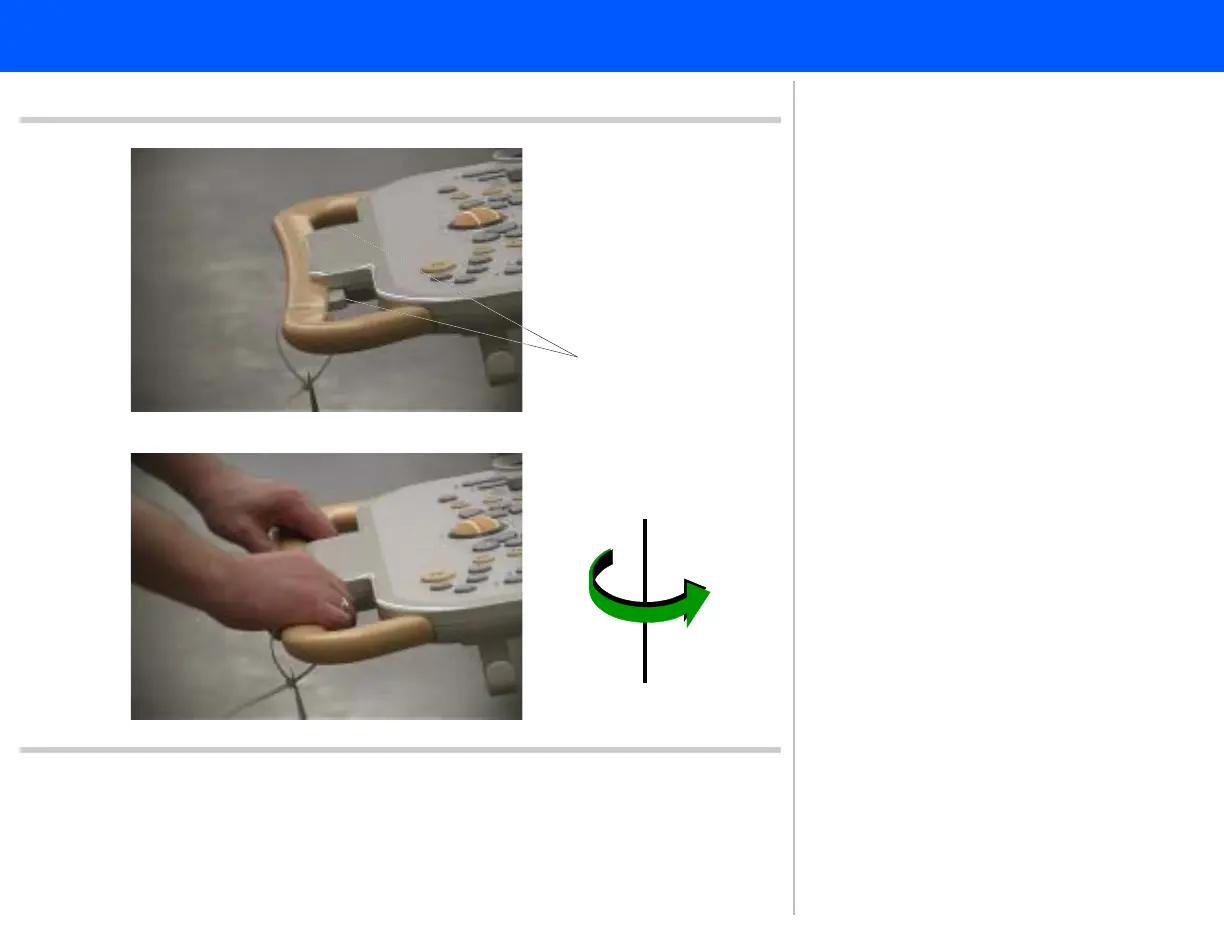
Figure 10-81 Rotating the Control Panel
Tr i gg er s
Rotate 180 degrees
5
5
5. Press both of the control panel trig-
gers and rotate the control panel
180 degrees. The control panel han-
dle should be at the rear of the sys-
tem.
6. Release the triggers and move the
control panel slightly until you feel it
lock in place. Proceed to step 7.



 To Next Page