4535 612 10261 HD11 Service Manual Page 225
CSIP Level 1 Disassembly and Reassembly: Disassembly Procedures
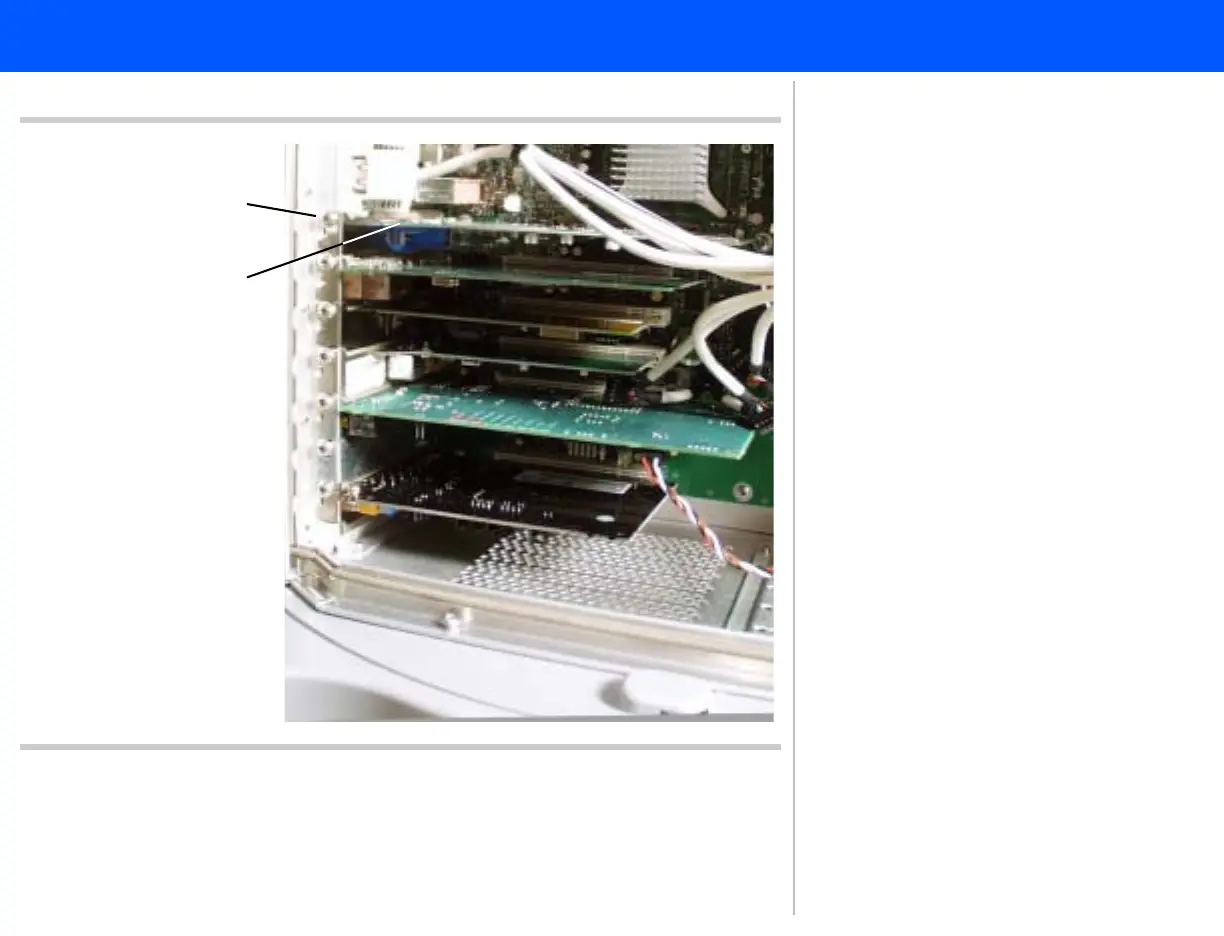
Figure 10-38 Removing the Graphics Board
2
Graphics board
1
➤ To remove the Graphics board
1. The Graphics board is in the top
slot (AGP connector). Disconnect
the one cable connected to the
Graphics board on the PC rear
panel.
2. Remove the one panhead screw
securing the board to the PC con-
nection slot. Proceed to step 3.



 To Next Page