Configuration with the web interface
98-137654-A Chapter 6: Configuration 6-33
6666
Configuration
6.3.12 Upload
For uploading new software to the SAILOR 100 Satellite TV see
Software update on page 8-5.
6.3.13 Administration
In this section of the web interface you can configure the following
administrative settings:
• Accessing the administration settings (user name, password)
• Setting up user permissions
• Importing and exporting a system configuration
• Resetting to factory default
6.3.13.1 Accessing the administration settings (user name,
password)
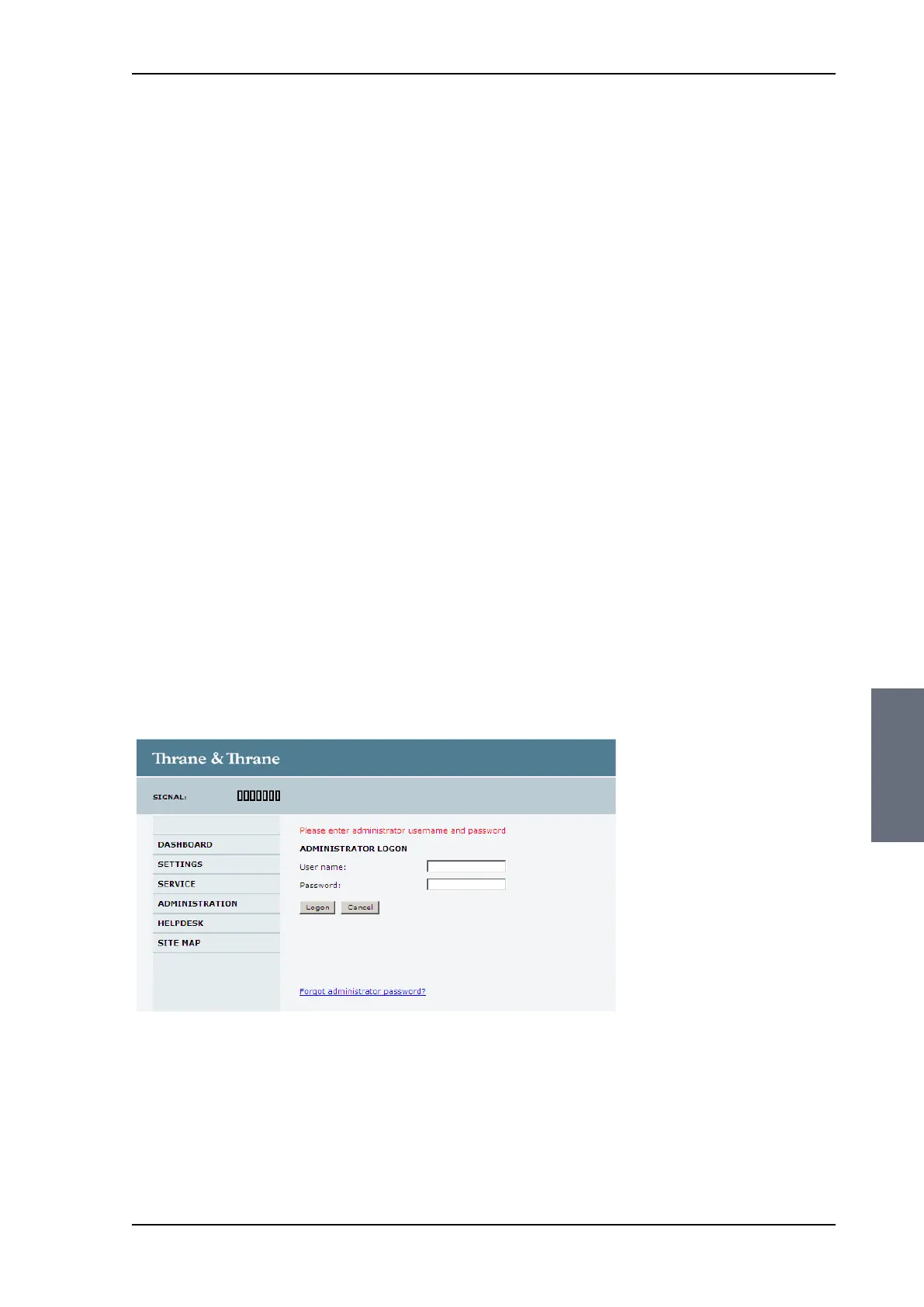
The Administration settings require an Administration user name
and password. To log on as administrator, do as follows:
1. Select ADMINISTRATION from the left navigation pane.
2. Enter the Administration user name and password.
The default user name is admin and the default password is
1234.
If you have forgotten the administrator password, you can reset
the password. For further information, see the next section.
3. Click Logon.
Figure 6-25: Web interface: Administration
SAILOR100TM.book Page 33 Tuesday, January 29, 2013 2:44 PM



 To Next Page