Configuration with the web interface
98-137654-A Chapter 6: Configuration 6-35
6666
Configuration
6.3.13.2 Logging off administration
If you have not entered anything for 30 minutes under
ADMINISTRATION, you are logged off automatically. To log off
manually, click Logoff under administrator logoff in the
ADMINISTRATION page.
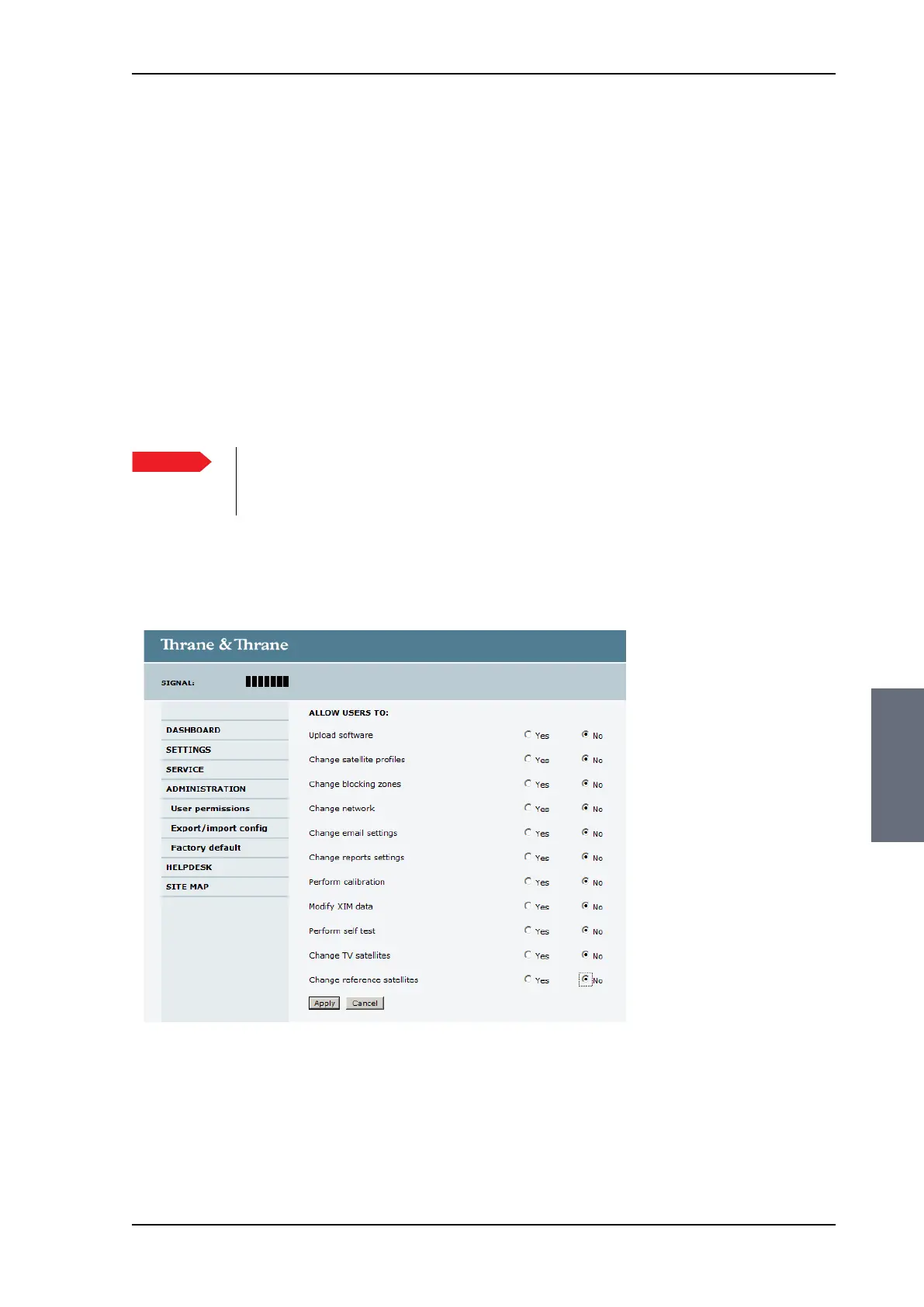
6.3.13.3 Setting up user permissions
You can manage user access to certain functions of the SAILOR 100
Satellite TV system. You can allow or deny users that are not
administrators access to certain functions and make these pages
read-only. This is useful if you want to protect the system against
unintended changes or tampering of the system.
To set up the user permissions, do as follows:
1. From the left navigation pane, select ADMINISTRATION > User
permissions.
2. For each item under ALLOW USERS TO: select
• Yes to allow access
• No to block access to the settings. Then the pages are read-
only, changes cannot be made by non-administrator users.
Important
Study this screen thoroughly and decide which areas
of the SAILOR 100 Satellite TV system you want to
give non-administrator users access to.
Figure 6-28: Web interface: ADMINISTRATION, User permissions
SAILOR100TM.book Page 35 Tuesday, January 29, 2013 2:44 PM



 To Next Page