Removal and replacement of ADU modules
98-137654-A Chapter 8: Service & maintenance 8-23
8888
Service & maintenance
8.5.3 Replacing the DC-Motor Driver Module
(DDM)
The ADU is equipped with three (3) DDMs for the axes:
• Cross Elevation DDM
• Elevation DDM
• Azimuth DDM
By the input from the PCM the DDM controls the power delivered to
the DC-motors to control the orientation of the ADU.
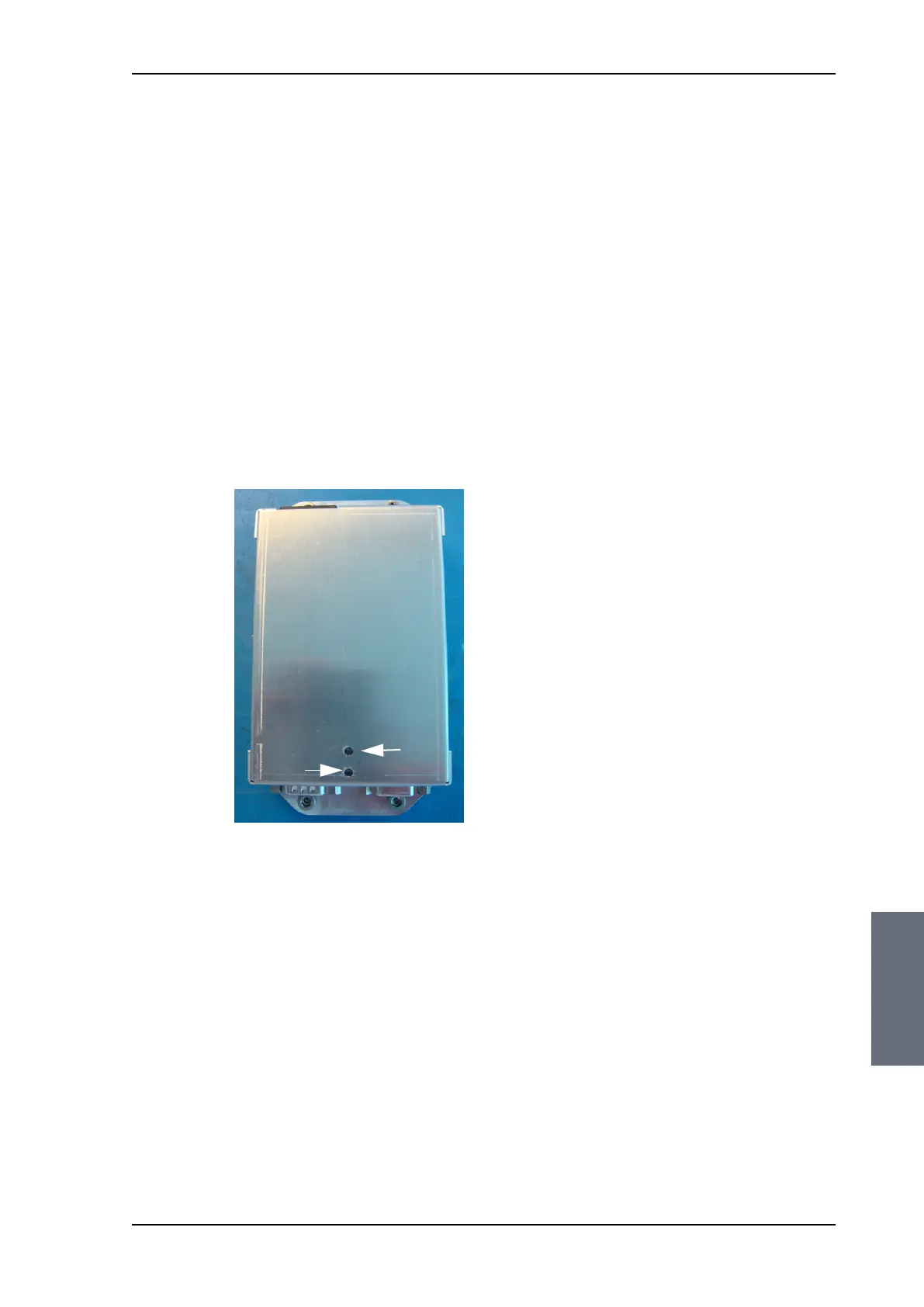
The DDM has two LEDs for status and troubleshooting:
• Power LED: green or Off
• Service LED: green or red
For step-by-step instructions see:
• Removing the Azimuth DDM on page 8-26
• Inserting a new Azimuth DDM on page 8-27
• Removing the Azimuth DDM on page 8-26
• Inserting a new Azimuth DDM on page 8-27
• Removing the Azimuth DDM on page 8-26
• Inserting a new Azimuth DDM on page 8-27
Figure 8-19: DC-Motor Driver Module (DDM) for Cross Elevation
Service LED
Power LED
(green or red)
(green)
SAILOR100TM.book Page 23 Tuesday, January 29, 2013 2:44 PM



 To Next Page