Removal and replacement of ADU modules
8-48 Chapter 8: Service & maintenance 98-137654-A
8.5.6.9 Removing the Polarisation Motor
To remove the Polarisation Motor, do as follows:
1. Open the service hatch by releasing the two latches with Torx
screws.
2. Switch off the power to the antenna on the service switch.
3. Rotate the antenna dish to 0 degree position.
4. Press in and turn the elevation locking pin (available in some
antennas) to locked position.
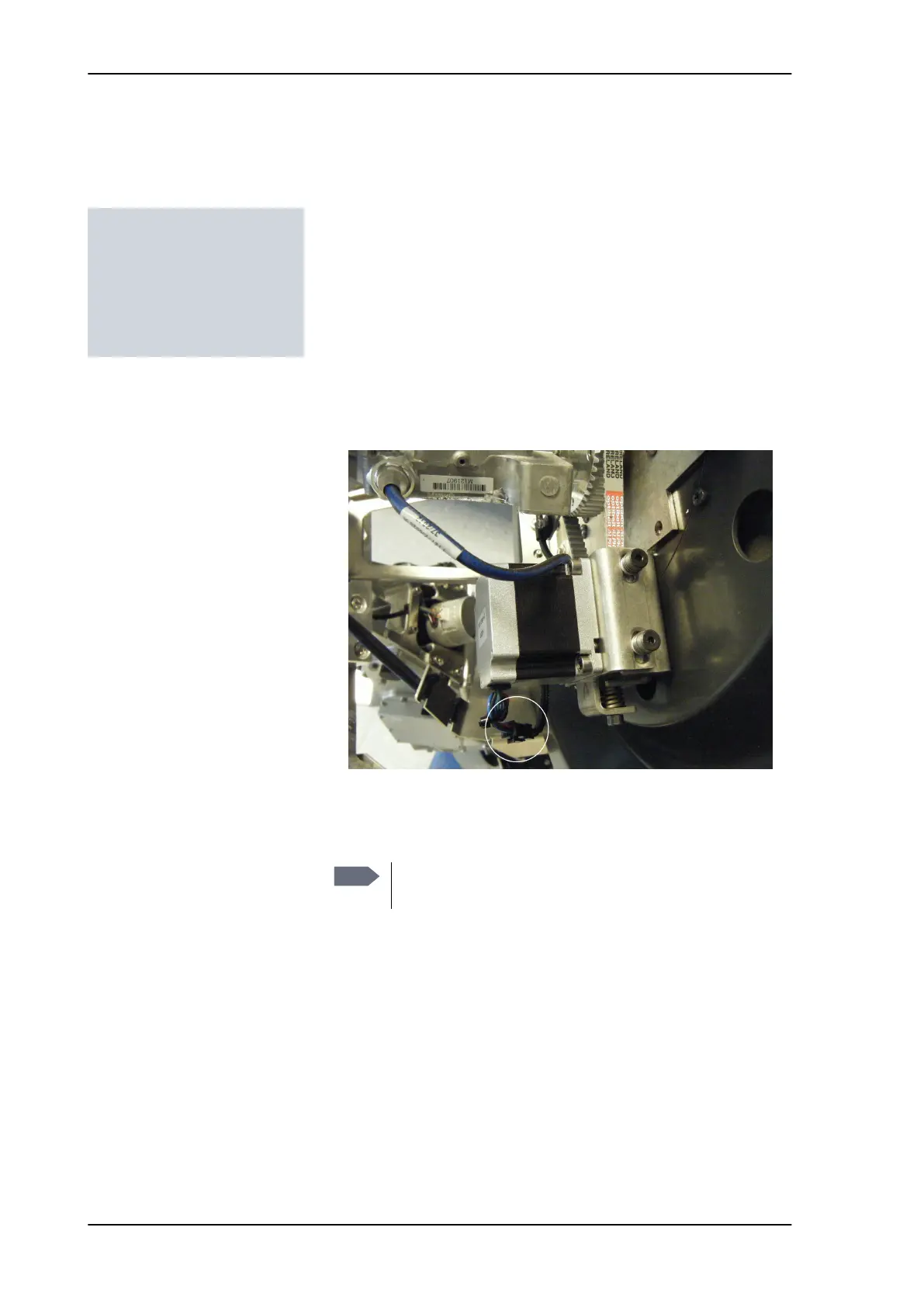
5. Disconnect the power connector of the Polarisation Motor.
6. Slide the polarisation belt off the LNB belt wheel by pulling the
belt while turning the LNB back and forth.
Tools needed:
• 4 x 150 mm Allen key
(located inside the
service door of the ADU)
• Flat head screw driver
Figure 8-56: Polarisation Motor — disconnecting power
Note
Do not adjust the spring-tension screw. Leave it as it
is.
SAILOR100TM.book Page 48 Tuesday, January 29, 2013 2:44 PM



 To Next Page