Removal and replacement of the ACU
8-10 Chapter 8: Service & maintenance 98-137654-A
8.4 Removal and replacement of the
ACU
There are no parts in the ACU that you can remove or replace.
Contact your Cobham SATCOM service partner for further repair or
replacement.
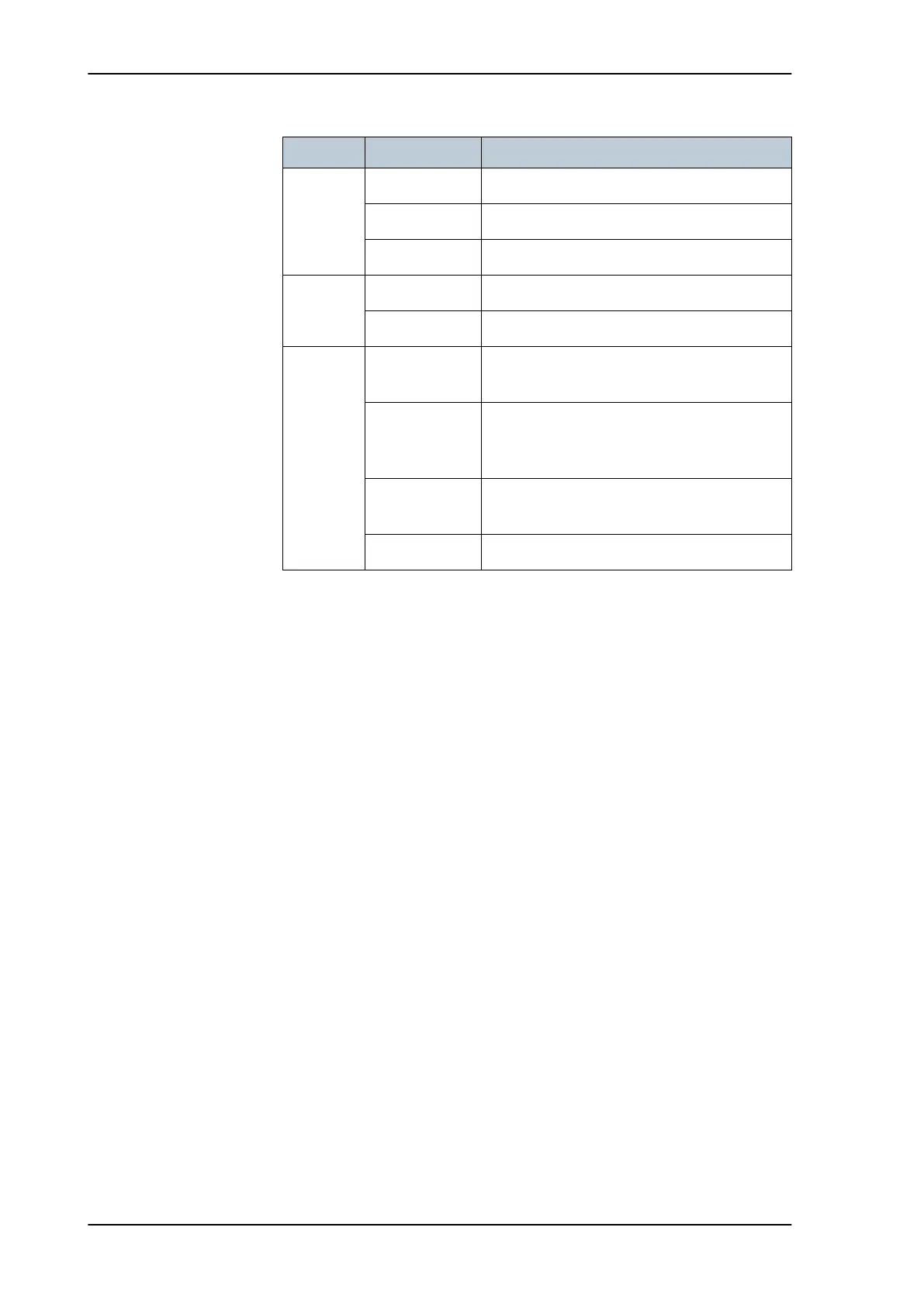
LED Behavior Description
Power Steady green Power supply OK
Steady red Power supply failure
Off No power
TV Ready Steady green Tracking satellite.
Off Not tracking satellite.
Fail/Pass
LED
Steady red A fault which prevents operation is present in
the system (ACU, ADU).
Flashing green A Power On Self Test (POST) or Person
Activated Self Test (PAST) in progress. The
current status is displayed.
Flashing red Active BITE failure or warning. The event is
shown in the ACU display.
Steady green No faults.
Table 8-2: LEDs on the ACU
SAILOR100TM.book Page 10 Tuesday, January 29, 2013 2:44 PM



 To Next Page