Configuration with the web interface
6-28 Chapter 6: Configuration 98-137654-A
6.3.9 E-mail setup
To be able to send diagnostics and statistics reports through an
external Internet connection using e-mail you must set up a couple
of parameters. Contact your IT department for the specific data.
To configure the e-mail setup, do the following:
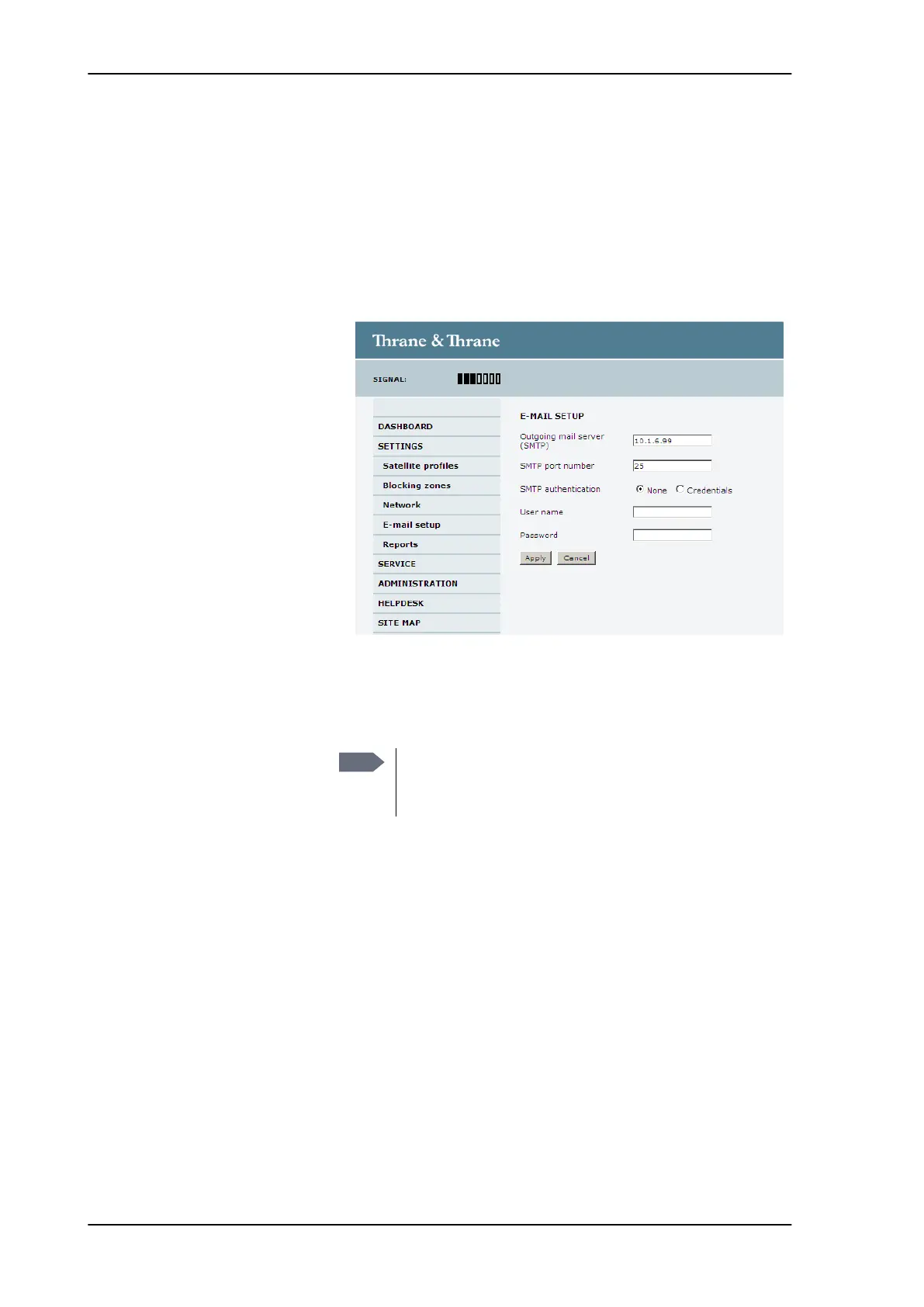
1. Go to SETTINGS > E-mail setup.
2. Enter the data for Outgoing mail server (SMTP), SMTP port
number, SMTP authentication, User name and password. This
data is typically provided by your IT department.
Figure 6-21: Web interface: SETTINGS, E-mail setup (example)
Note
You must set Outgoing mail server to an IP address if
DNS has not been set up in DNS setup in Configuring
the LAN network on page 6-25.
SAILOR100TM.book Page 28 Tuesday, January 29, 2013 2:44 PM



 To Next Page