Removal and replacement of ADU modules
98-137654-A Chapter 8: Service & maintenance 8-75
8888
Service & maintenance
5. Press in and turn the elevation locking pin (available in some
antennas) to locked position.
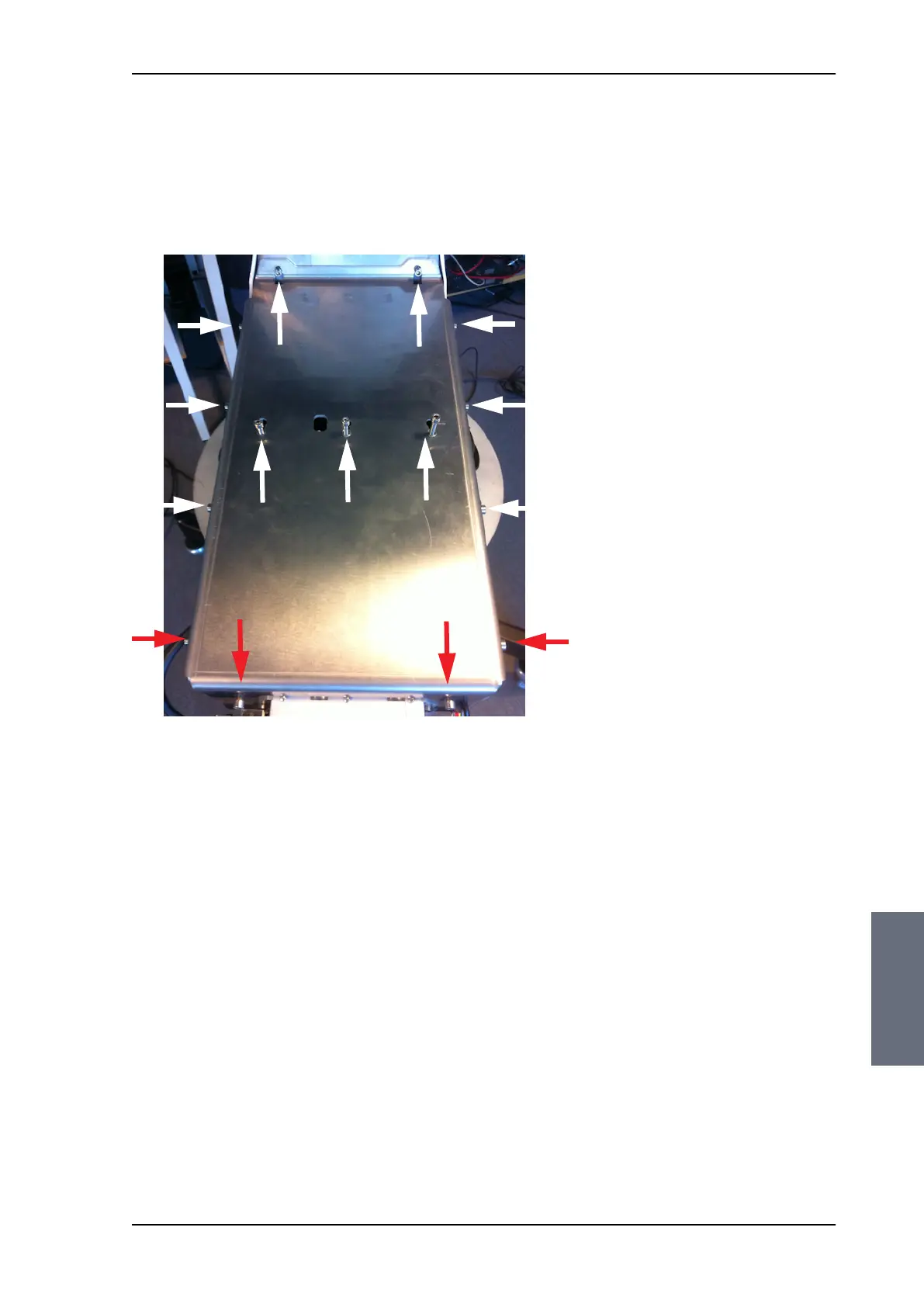
6. Loosen the 15x4 mm Allen screws (the 3 Allen screws on top are
longer than the rest) on the cover over the azimuth drive
modules, and remove the cover (lift and slide).
Figure 8-97: Azimuth motor, remove cover
L=35 mm L=35 mm L=35 mm
SAILOR100TM.book Page 75 Tuesday, January 29, 2013 2:44 PM



 To Next Page